
- Updated
- Khurram Shahzad
- Security Alerts
- 6752
- 0
Updated: November 11, 2026. This is a developing story, and we will update this guide as new details are confirmed.
Latest update, October 31: Cursor has confirmed the compromise happened in its own marketplace, and says the attacker could not log in through the tunnel on machines where SSH could not be switched on. Cleanup is still required, and how the attacker got access is still unknown. See what is confirmed and what is not.
For about 11 hours on October 29, 2026, a tampered copy of the Claude Code extension, version 2.1.313, was served to developers through Cursor's extension marketplace. It looked and worked like the real thing, but hidden inside was code that tried to plant an SSH backdoor on the developer's computer. This Claude Code extension backdoor spread quietly through auto-updates, which is exactly what makes supply chain attacks so dangerous.
Cursor says at most 5,000 users were affected. You may have seen much bigger numbers on social media, such as "29 million installs". That figure is the install count of a different marketplace listing, not the number of victims.
In this guide, you will learn what happened, what is fact and what is still unclear, and exactly how to check and clean your machine on macOS, Windows and Linux.
Used Claude Code in Cursor on October 29? Skip straight to How to Check Your Machine and run the checks now.
Claude Code Extension Backdoor at a Glance
| Detail | Information |
|---|---|
| Affected package | Anthropic.claude-code version 2.1.313 |
| Where | Cursor's own VS Code extension marketplace, confirmed by Cursor |
| When | About 2:27 am to 1:35 pm PT, October 29, 2026 |
| Users affected | At most 5,000, according to Cursor |
| What it did | Tried to install a persistent SSH backdoor and send host details to the attacker |
| Platforms | macOS and Windows builds confirmed by Cursor; Linux persistence via crontab also reported |
| Clean version | 2.1.314, released October 30 on Open VSX, the VS Code Marketplace and npm |
| First detected by | Phorion, a macOS security firm |
| Attacker server | Now offline, according to Cursor |
What Happened: The 11-Hour Timeline
Here is how the incident unfolded, based on public statements and security research.
- October 29, about 2:27 am PT. A malicious version 2.1.313 appears in Cursor's VS Code extension marketplace. It is listed under Anthropic's real extension ID,
anthropic.claude-code, rather than as a lookalike. Anyone with auto-update turned on could receive it without doing anything. - October 29. Phorion detects the backdoor and publishes an advisory. Its first report said the package came from Open VSX, the open extension registry used by VSCodium and other editors. Later reporting corrected this to Cursor's own marketplace.
- October 29, about 1:35 pm PT. Cursor removes the malicious version and blocks further distribution. As a precaution, it shuts down its entire VS Code marketplace, audits access, confirms no other extensions were tampered with, rotates its keys, and restores the marketplace.
- October 29. Cursor publishes a security notice with indicators and cleanup scripts, and says it will contact affected users directly. It also works with the hosting provider to take the attacker's server offline.
- October 29 to 30. Security researcher Kevin Beaumont publishes a post headlined "Anthropic hacked...", which spreads quickly on social media.
- October 30. Anthropic responds that this was not a compromise of its own systems. A clean version, 2.1.314, is published to Open VSX, the Visual Studio Marketplace and npm within about an hour of each other.
- October 30 to 31. Cursor tells researchers at OpenSourceMalware, in its updated report, that the extension in its marketplace "experienced some form of compromise", and that the malicious package came from its own marketplace, not Open VSX. The Hacker News adds an editor's note tracing the incident to a compromise of the Cursor VS Code Marketplace. Cursor also clarifies that on most machines the attacker could not log in through the tunnel.
Was Anthropic Hacked? Facts vs Claims
This is the question most people are asking, and the answer depends on separating what has been confirmed from what has been claimed.
What Cursor says: the malicious version "was not developed by Anthropic". Cursor says it has no evidence that other versions of the extension or the official distribution were affected, and that no other extensions in its marketplace were tampered with.
What Anthropic says: in Anthropic's response to the compromise claims, Felix Rieseberg of Anthropic's technical staff said it was not a compromise of Anthropic's systems or employee laptops. Instead, a malicious actor used access to Cursor's marketplace to publish a tampered copy of the extension, which Anthropic did not build or publish. He added that Anthropic's official channels were not affected.
What critics say: Kevin Beaumont argues that Cursor's wording sidesteps an important point. The package appeared under Anthropic's real extension ID and publisher name, not as an obvious fake. Security reporters have made the same observation.
What Cursor has confirmed since: Cursor has confirmed that the compromise happened in its own marketplace, telling researchers the extension there "experienced some form of compromise". It has not yet said how the attacker gained that access.
One conflicting report: StepSecurity's analysis says 2.1.313 was published to Open VSX first and reached Cursor through Cursor's mirror of it. However, Open VSX, the VS Code Marketplace and npm all jump straight from version 2.1.312 to 2.1.314, with no 2.1.313 listed, and most sources, including Cursor, point to Cursor's own marketplace.
What is still unknown:
- How the attacker got publish access to Cursor's marketplace under Anthropic's name.
- Whether any affected machine was actually accessed through the backdoor.
- Linux-specific indicators from Cursor, whose notice covers macOS and Windows only.
The bottom line: based on the public evidence so far, this was a supply chain compromise of the extension as distributed through Cursor's marketplace. According to OpenSourceMalware, as reported by Rescana, the npm package, the Open VSX extension and the Microsoft Marketplace extension are not malicious. Headlines saying "Anthropic was hacked" go further than the evidence currently shows. If new facts emerge about how the package was published, we will update this section.
How the Claude Code Extension Backdoor Worked
The attack was simple, but well disguised.
A small loader hidden inside a real extension
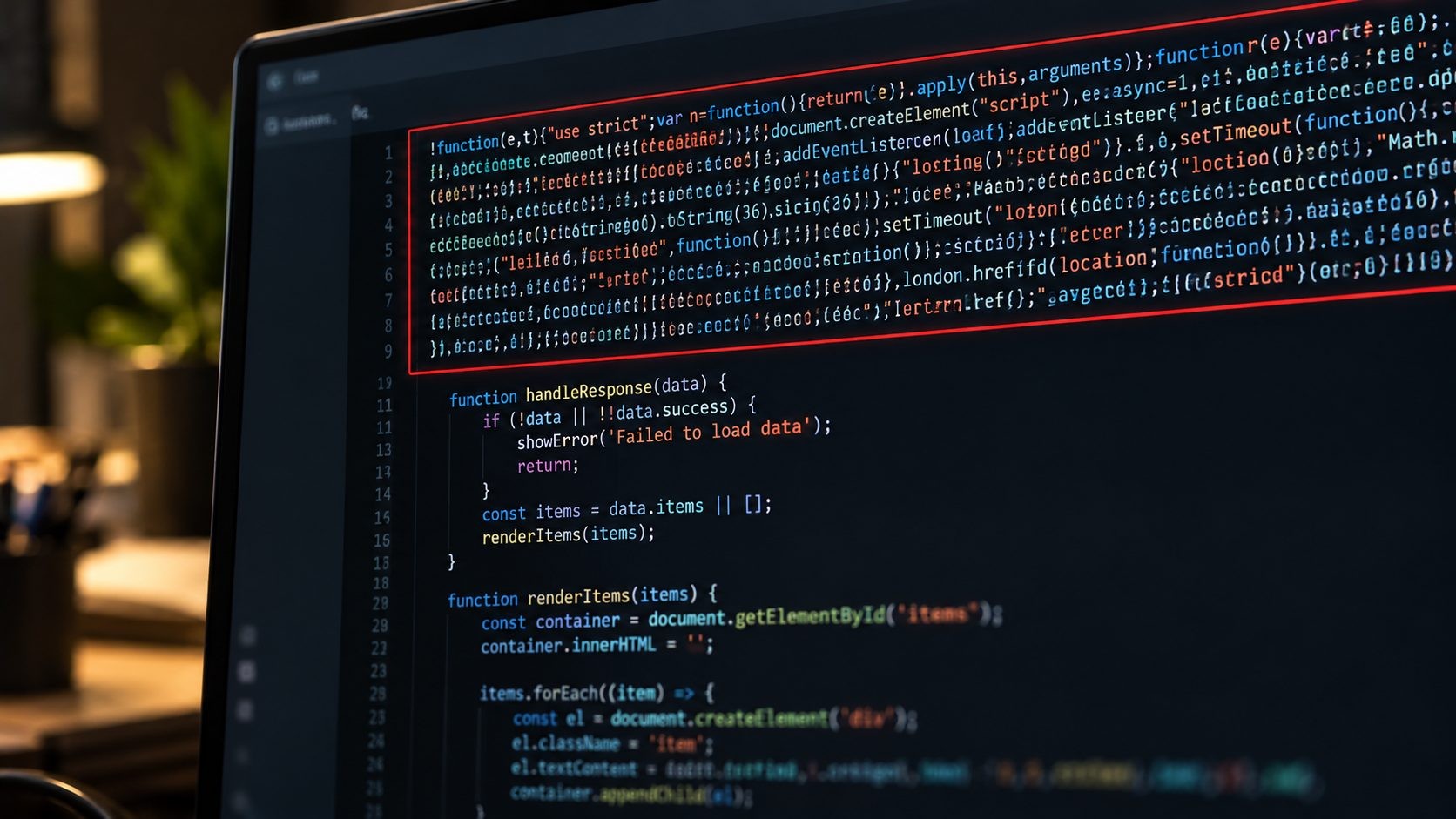
According to The Hacker News analysis of the trojanized extension, the package was the genuine Claude Code extension with a malicious 66-line loader inserted at the top of its main JavaScript file. Everything else looked normal, so the extension worked as expected and gave users no reason to suspect anything.
It ran as soon as the extension loaded
The malicious code ran when the extension loaded in the editor. You did not need to open Claude Code or type a prompt for it to start.
What it did, step by step
- Collected information about your machine: hostname, username, operating system, processor architecture, home and working directories, your Git email, your public IP address, and the names (not the values) of up to 40 environment variables containing words like KEY, TOKEN, SECRET, PASS, AWS or GCP.
- Added an attacker's SSH key, labeled
svc-telemetry, to yourauthorized_keysfile. This is the key that would let the attacker log in. - Tried to turn on the SSH service on your computer so it could accept remote logins.
- Tried to open a reverse SSH tunnel to the attacker's server, which lets the attacker reach your machine even from behind a router or firewall.
- Set up persistence so it would survive restarts: a LaunchAgent on macOS, a scheduled task or Startup script on Windows, and a crontab entry on Linux. Background scripts retried the tunnel about every 60 seconds.
- Reported back to the attacker by sending your machine details over HTTP to port 8099.
Why a failed step is not a reason to relax
Cursor notes that turning on the SSH service normally needs administrator rights, so that step usually failed on macOS and Windows unless the editor was running as an administrator. That is good news, but it is not the end of the story.
According to Help Net Security's report on Cursor's clarification, Cursor says that on machines where SSH could not be enabled, the attacker could not log in through the tunnel. Still, the key, the persistence scripts and the data sent to the attacker remain, so cleanup is still required.
Are You Affected?
Use this table to see where you stand.
| Where you installed Claude Code | Affected? |
|---|---|
| Cursor, and the extension installed or updated to 2.1.313 between 2:27 am and 1:35 pm PT on October 29 | Possibly. Check your machine now. |
| Cursor, but the extension was not updated during that window | Very unlikely, but the quick check takes one minute |
| VS Code, from Microsoft's Visual Studio Marketplace | No. Listed as not malicious, and no 2.1.313 was published there |
| Open VSX (VSCodium and other editors) | No, according to Cursor and OpenSourceMalware; one report disagrees (see above) |
| Claude Code command-line tool (installed with npm) | No. No version 2.1.313 was published there |
The Hacker News reports that the malicious update was distributed only through Cursor's marketplace, with no evidence it reached Open VSX or Microsoft's VS Code Marketplace. Anthropic also says its official channels were not affected.
The biggest risk factor was auto-update. If Cursor updated your extensions automatically on October 29, you could have received the malicious version without clicking anything.
How to Check Your Machine
The key test is simple: look for an SSH key labeled svc-telemetry. If you find it, treat the machine as compromised and move on to the cleanup section. The other checks help confirm what else was installed.

macOS
Open Terminal and run these checks:
- Look for the attacker's SSH key:
grep -n "svc-telemetry" ~/.ssh/authorized_keys
- Look for the persistence files:
ls -la ~/Library/LaunchAgents/com.apple.sysmond.plist ~/.config/.smt ~/.config/.smtk 2>/dev/null
launchctl list | grep sysmond
- Check whether the bad version is installed in Cursor:
ls ~/.cursor/extensions | grep claude-code
If any of these return a result that mentions svc-telemetry, com.apple.sysmond, .smt or claude-code-2.1.313, your machine was affected.
Windows
Open PowerShell and run these checks:
- Look for the attacker's SSH key in both possible locations:
Select-String -Path "$env:USERPROFILE\.ssh\authorized_keys","C:\ProgramData\ssh\administrators_authorized_keys" -Pattern "svc-telemetry" -ErrorAction SilentlyContinue
- Look for the scheduled task and Startup script:
Get-ScheduledTask -TaskName "SysMon" -ErrorAction SilentlyContinue
Test-Path "$env:APPDATA\Microsoft\Windows\Start Menu\Programs\Startup\sysmon.cmd"
Test-Path "$env:USERPROFILE\.config\smt.cmd"
- Check whether the bad version is installed in Cursor:
Get-ChildItem "$env:USERPROFILE\.cursor\extensions" | Where-Object Name -like "*claude-code*"
A result for the key, a task named SysMon, or a True from either Test-Path line means the machine was affected.
Linux
Cursor's notice covers macOS and Windows, but researchers report that the payload also used crontab for persistence on Linux. Check carefully:
grep -n "svc-telemetry" ~/.ssh/authorized_keys
crontab -l
ls ~/.cursor/extensions | grep claude-code
In the crontab -l output, look for any entry you do not recognize, especially ones that start SSH or run scripts from hidden folders such as ~/.config.
Check for an active tunnel
On any system, look for running SSH tunnel processes:
ps aux | grep -E "autossh|ssh -N -R" | grep -v grep
On Windows, use:
Get-CimInstance Win32_Process | Where-Object { $_.CommandLine -match "autossh|ssh -N -R" } | Select-Object ProcessId, CommandLine
If your company has network logs, also look for connections to 134.209.82.225 on ports 22 or 8099.
How to Clean Up: Why Uninstalling Is Not Enough
It is natural to think that removing the extension removes the problem. It does not. The malware installs standalone persistence scripts that keep running on their own, even after the extension is gone. Updating to version 2.1.314 does not remove them either.

If your checks found anything, follow these steps:
- Isolate the machine. Disconnect it from the network, or at least from company VPNs, until cleanup is done.
- Run Cursor's official cleanup scripts. Cursor's official security notice and remediation scripts include one script for macOS and one for Windows. On macOS, run the script as the affected user, not as root. On Windows, run it from an elevated PowerShell window (Run as Administrator). Always download the scripts directly from Cursor's notice.
- Confirm the result. The scripts remove the extension, the persistence items, any running tunnel processes and the SSH key. They exit with an error if anything is left behind, so read the output carefully.
- Clean Linux machines manually. Open
~/.ssh/authorized_keysin a text editor and delete the line that ends withsvc-telemetry. Then runcrontab -eand remove any entry you do not recognize. Check for and stop any runningssh -N -Rorautosshprocesses. - Re-run the checks from the previous section to make sure nothing remains.
- Update the extension to version 2.1.314 or later.
- Decide whether to rebuild. If the machine has access to production systems, customer data or signing keys, rebuilding it from a clean image is the safest option. You cannot be sure what an attacker did through an open backdoor.
What to Rotate Afterwards
The malware sent the names of your environment variables to the attacker, not their values. But names alone reveal a lot: which cloud providers, CI systems and services you use. And a working SSH backdoor could have allowed the attacker to read the values directly.
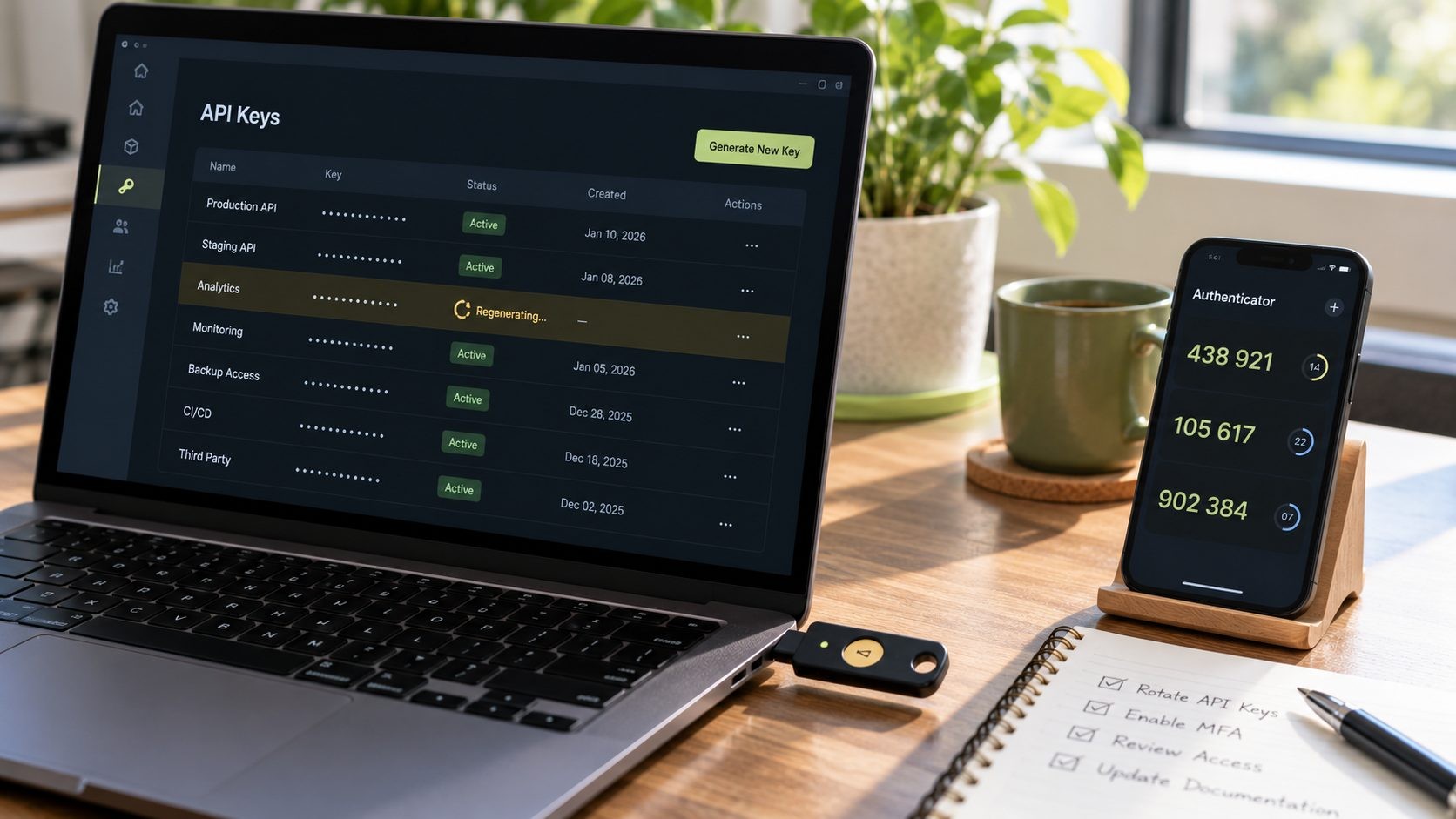
From a trusted, clean machine, rotate:
- Cloud provider keys (AWS, Google Cloud, Azure)
- API tokens and secrets, especially those whose names include KEY, TOKEN, SECRET or PASS
- GitHub, GitLab and other Git credentials and personal access tokens
- CI/CD secrets and deployment keys
- Your own SSH keys
- Active sessions in tools you were signed in to on that machine
If your team needs help working through this, a developer workstation security review can map which credentials each machine could reach.
Lessons for Developers and Teams
The Claude Code extension backdoor is a reminder that the tools developers trust most are now prime targets. It is part of a wider pattern this month, from the UpdraftCentral backdoor attack on WordPress sites to the AuthMask vulnerability in Microsoft Authenticator, where a malicious app could pose as a trusted one. Attackers are also moving faster than ever, as AI-automated attacks like CyberStrikeAI show.

Here is what teams can do:
- Treat extensions like production dependencies. They run with your full user permissions and can read your files, keys and code.
- Delay auto-updates on critical machines. A short delay gives the community time to spot a bad release before it reaches you. VS Code already waits before installing some extension updates by default, which helped protect its users here.
- Pin and approve extension versions for your team, and keep an allowlist of approved extensions.
- Know your marketplace. VS Code forks such as Cursor, Windsurf and VSCodium can use different extension marketplaces, each with its own security controls.
- Monitor for SSH key changes. An alert on any change to
authorized_keyswould have caught this attack immediately. - Build security into your workflow. Good secure software development practices cover the tools you build with, not just the code you ship.
For the full set of controls, from extensions and SSH keys to secrets and AI coding tools, see our checklist for securing developer laptops.
Indicators of Compromise (IOCs)
Security teams can use these indicators, taken from Cursor's security notice and researcher reports, to search endpoint and network logs. IP addresses are defanged.
| Type | Indicator |
|---|---|
| Extension | anthropic.claude-code version 2.1.313 |
| SHA-256 (macOS, darwin-arm64) | fcbb327e38e61c4fec795e0d0591f52cd1014b813d20a5912104953c3a17c364 |
| SHA-256 (Windows, win32-x64) | 3de1722901165769893bef57c72594e9a54459faa23f3091b136b79966edd081 |
| Attacker IP | 134[.]209[.]82[.]225 |
| Ports | TCP 22 (reverse tunnel), TCP 8099 (/beacon) |
| SSH key label | svc-telemetry |
| Unauthorized key fingerprint | SHA256:0Z6R+DF64Do2nwQic8a7kkfDLNNk4IiK+2U2Rci4htk |
| macOS files | ~/Library/LaunchAgents/com.apple.sysmond.plist, ~/.config/.smt, ~/.config/.smtk |
| Windows files and tasks | Scheduled task SysMon, Startup\sysmon.cmd, %USERPROFILE%\.config\smt.cmd, %USERPROFILE%\.config\smtk |
| Linux | Unfamiliar crontab entries (reported by researchers; Cursor has not published Linux indicators yet) |
| Command lines | ssh -N -R '*:0:localhost:22', autossh -M 0, schtasks /create /tn SysMon |
Note that com.apple.sysmond imitates a real Apple naming style. Do not trust a file because its name looks official.
This alert is part of our website security for small business guide, which puts every 2026 incident into a layer-by-layer plan you can follow.
Not sure if this affects you? I've recovered 50+ attacked websites. Request a security review.
Frequently Asked Questions
Conclusion
The Claude Code extension backdoor was short-lived and limited to Cursor's marketplace, but it was well hidden and it does not clean itself up. If you used Claude Code in Cursor on October 29, check for the svc-telemetry key, run the official cleanup, and rotate your credentials from a clean machine.
For more practical security breakdowns, read more cybersecurity guides on the blog. And if your team needs a hand checking its machines, get help auditing your developer machines.
Get new posts by email
New guides and alerts, sent when they are published. No spam. Unsubscribe anytime.


Comments (0)