PHP, Laravel and Node.js
REST APIs, queues, integrations and data layers on MySQL and PostgreSQL.
Custom web application development services cover everything between an idea and a system your team relies on every day: architecture, backend, interface, integrations, deployment and the support after launch. I'm Khurram Shahzad, a technical lead with 100+ Laravel projects behind me, from SaaS platforms to AI-connected systems. You work with the person who designs the system and writes the code, so decisions don't get lost between a salesperson, a project manager and a developer.
REST APIs, queues, integrations and data layers on MySQL and PostgreSQL.
Fast, responsive interfaces built with performance and SEO in mind.
VPS, AWS and DigitalOcean deployments with Cloudflare, caching and Git-based releases.
Eight kinds of work I take on, from a first prototype to a platform that has to scale.
Subscription products where every customer gets their own workspace, data and settings. I design the tenancy model, billing hooks, roles and onboarding so the platform can grow without a rewrite.
Internal tools that replace spreadsheets and email threads: reporting, approvals, role-based access and audit trails, built around how your team actually works.
REST APIs, webhooks and connections to payment gateways, CRMs, ERPs and third-party services, with clear contracts, retries and monitoring so integrations keep working.
Secure logins where customers, vendors or partners track orders, documents and requests, with the permissions and notifications each role needs.
When a content platform or a store is the right answer, I build custom themes, plugins and modules that fit your workflow instead of fighting it.
Assistants, summaries, content drafting and workflow automation connected to your own data, with permissions that stop an AI tool from touching what it should not.
Old PHP code, outdated frameworks and fragile releases brought up to date step by step. I have migrated a live platform from Laravel 9 to Laravel 13 in production.
Queues, caching, database tuning and hardening against the OWASP Top 10, so the application stays fast and safe as traffic and data grow.
The honest answer is sometimes neither. Pick the path that matches how unique your process really is.
If your workflows are unique, you need deep integrations or software is the product itself, a custom build avoids bending your business around someone else's limits.
Approvals, pricing rules and reporting that no template supports.
Your systems talk to each other through APIs you control.
You decide the roadmap, the data model and the pace of change.
A marketing site, blog or standard store can launch faster on WordPress or Shopify. I still customize themes, plugins and checkout flows when the defaults fall short.
Editors publish without a developer, with SEO built in.
Catalogs, checkout and payments on proven platforms.
Weeks instead of months when requirements are standard.
A mature SaaS tool is often the sensible answer for payroll, email or helpdesk work. I'll tell you when buying beats building, and connect it to your other systems if needed.
Accounting, HR and support follow common patterns.
Updates, hosting and security are someone else's job.
A small custom layer can connect it to the rest of your stack.
We map the problem, the users and the constraints. You leave with a written scope, a prioritized feature list and the first risks named, before any code is written.
I choose the stack, design the data model and API contracts and sketch the key screens, so the build starts from decisions instead of guesses.
Work ships in short cycles. You see running software every week or two, test it with real data and steer the next cycle.
Automated tests, code review and a security pass against the OWASP Top 10 run before every release, not just at the end.
Deployment is scripted and repeatable on your server or cloud, with backups, monitoring and a rollback plan ready on day one.
After launch I fix bugs, upgrade dependencies and ship the next features, so the application keeps earning its place.
Four projects, four different stacks. Each one links to the full case study with the numbers behind it.
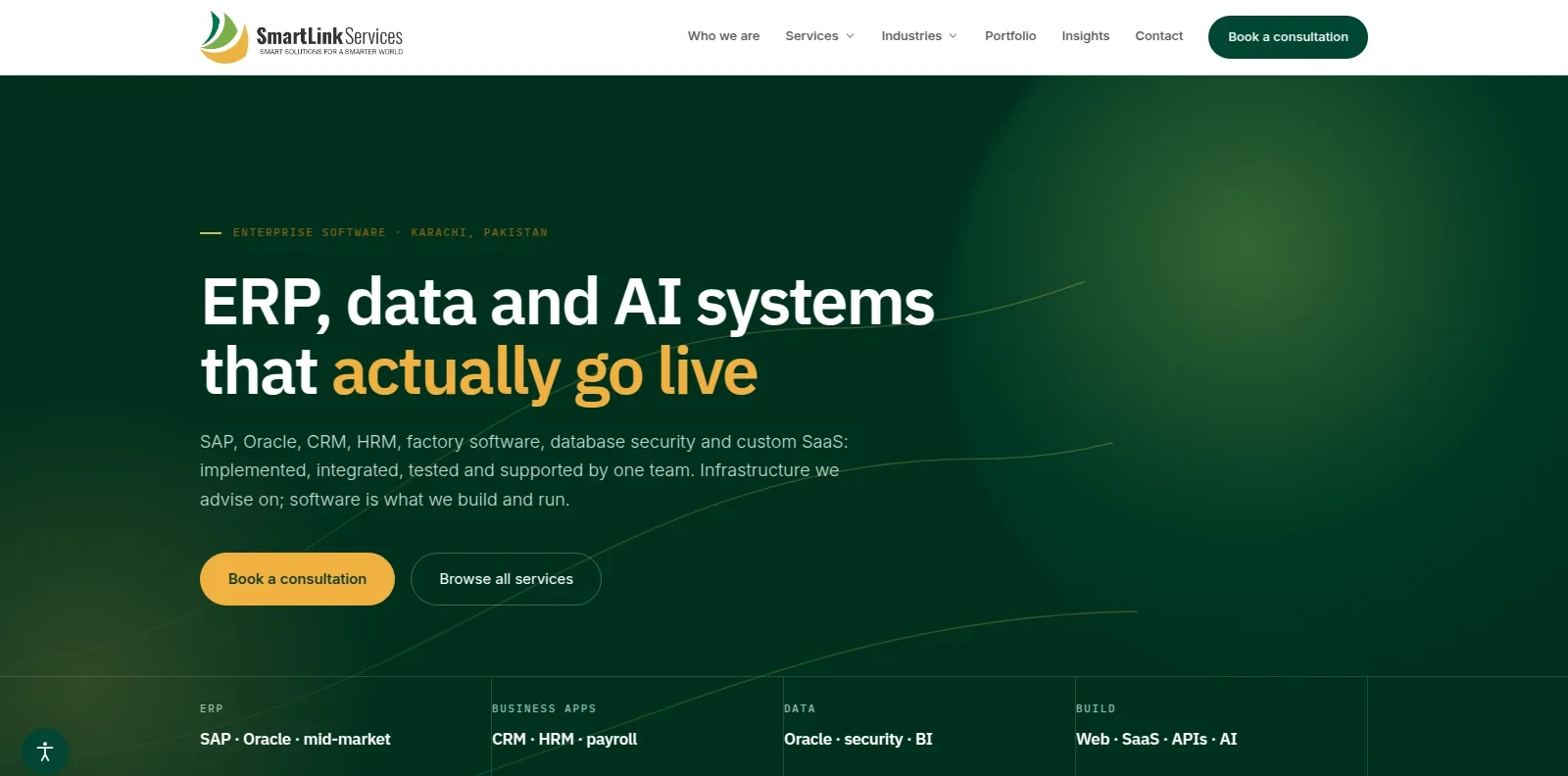
A modular Laravel 12 CMS and company website, extended with an MCP server and OAuth 2.1 so Claude, ChatGPT and other assistants can read content, run SEO checks and write drafts, but never publish or delete.
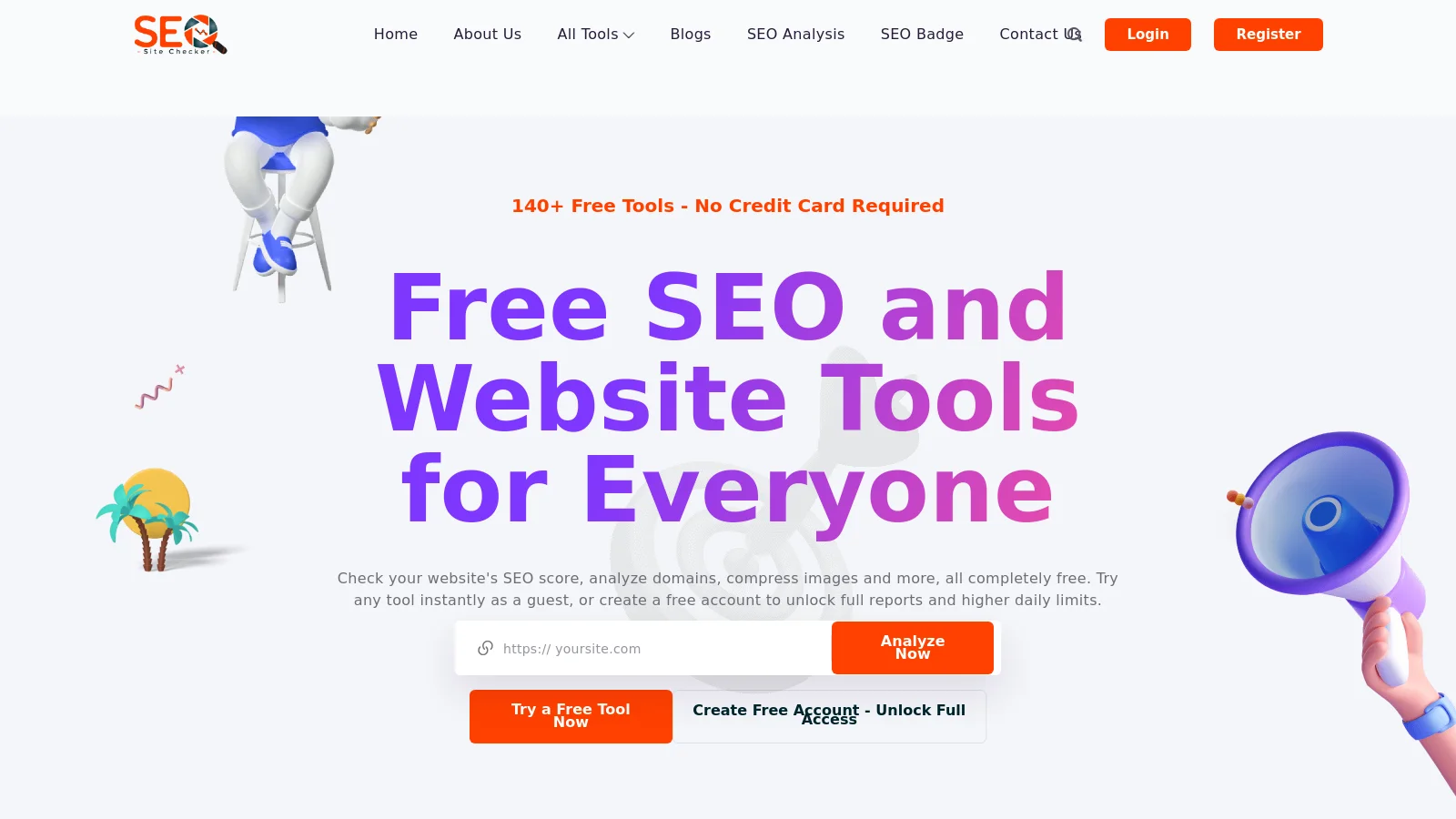
A free platform with 140+ tools across 13 categories, migrated in production from Laravel 9 to 13. It runs Redis queue workers, Docker service containers and self-hosted AI models, with an SSRF guard and a versioned REST API for a companion mobile app.
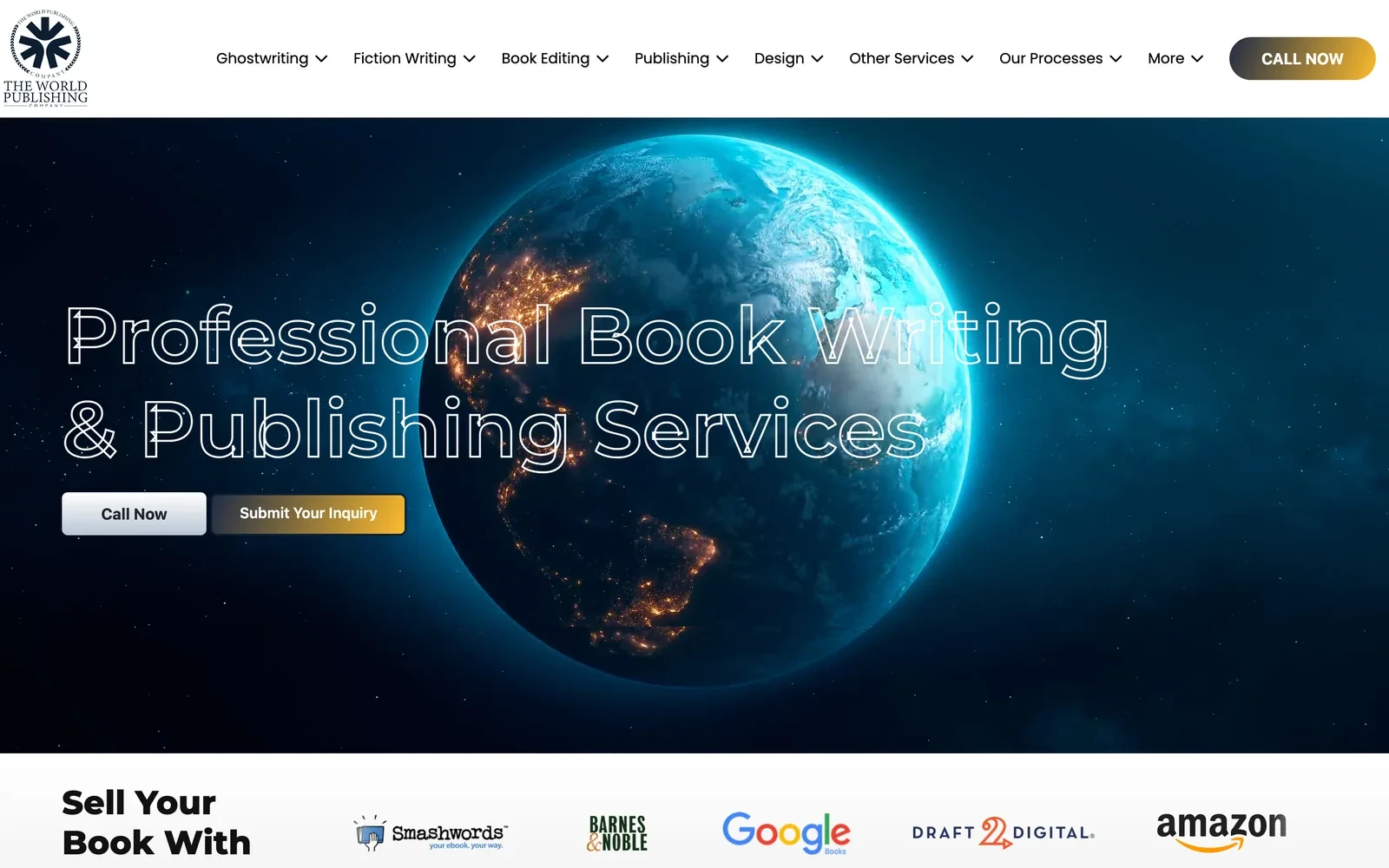
A server-rendered PHP site where state and city pages are generated from data arrays, with dynamic titles, schema and sitemaps, CRM lead capture and consent-gated analytics.
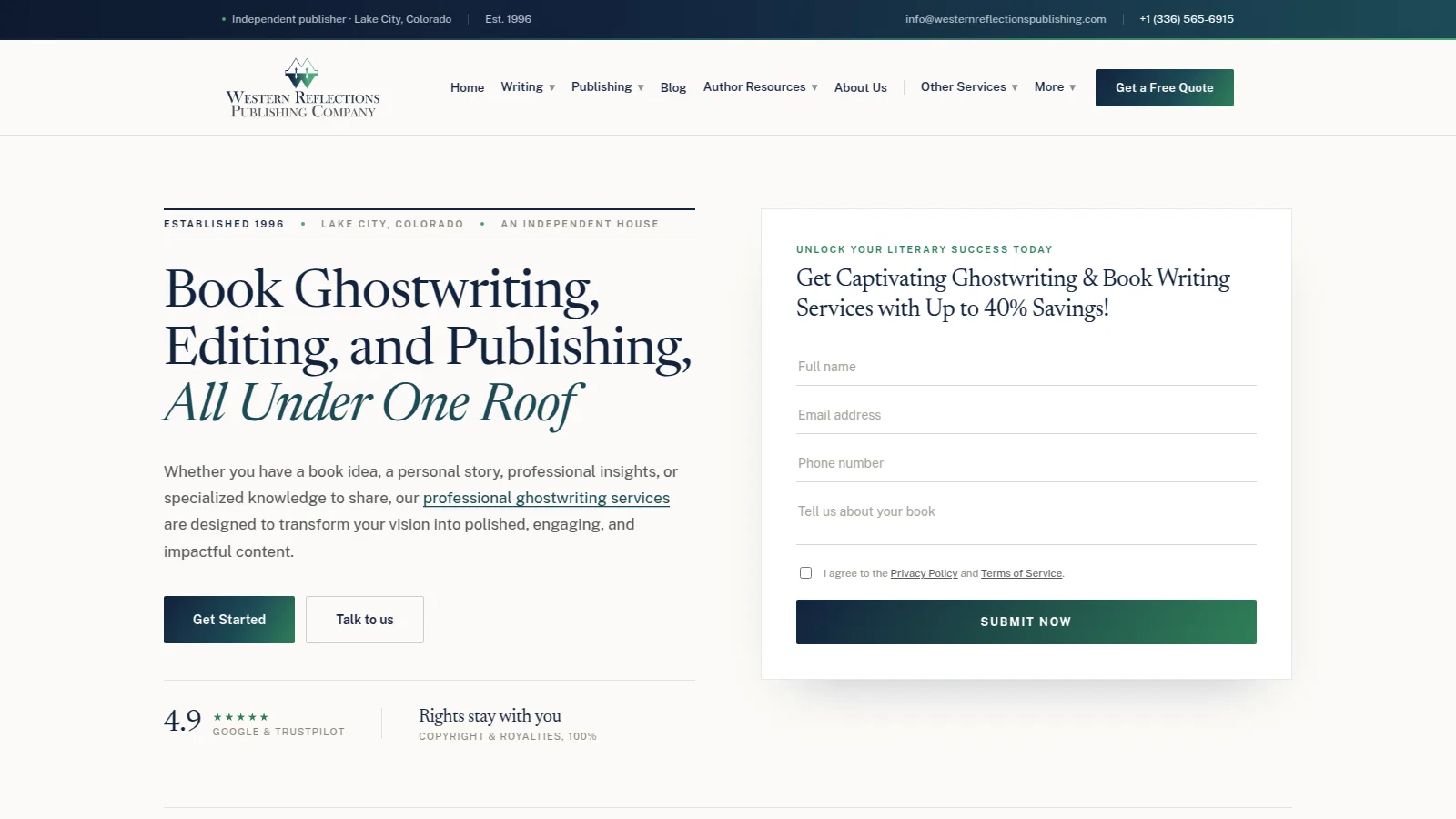
A 30+ page publishing site rebuilt on WordPress with custom plugins for redirects and an FAQ block, 19 free author tools and a markdown-to-page pipeline, relaunched with zero downtime.
I pick tools for the project, not the other way around. These are the ones I use most.
I have shipped 100+ Laravel projects, plus Node.js services where they fit better. I structure code in modules, keep business rules out of controllers and document the API contracts.
REST APIs with versioning, rate limits and clear error responses.
Background work for emails, imports and heavy tasks, supervised and monitored.
Role-based access, single sign-on and OAuth where the project needs them.
Component-based interfaces with attention to performance, accessibility and search visibility, using React, Vue and Next.js, or server-rendered Blade when that is the simpler choice.
Reusable parts that keep the design consistent across screens.
Pages that return real HTML for users, bots and slow connections.
Semantic markup, keyboard support and Core Web Vitals checked before launch.
Relational databases, caching and containerised deployments on VPS and cloud servers, with backups and monitoring set up from the start.
MySQL and PostgreSQL schemas designed for the queries you will actually run.
Docker and Linux deployments on VPS, AWS or DigitalOcean.
Redis and Cloudflare to keep pages quick under load.
Every release goes through code review, automated tests and a security check against common attack patterns, so problems are caught before your users meet them.
Validated input, hashed passwords, CSRF and XSS protection and least-privilege access.
Unit and browser tests that guard the features you depend on.
Frameworks and packages kept current, with upgrades planned, not postponed.
A custom application is a long-term asset, so the work does not end when it goes live.
I design against the OWASP Top 10 from the start: validated input, hashed credentials, role-based access, rate limiting and audit logs wherever the data is sensitive.
Your code lives in a repository you can access, with setup notes and documentation, so your team or another developer can continue the work.
Monitoring, bug fixes, dependency upgrades and new features after launch, on a plan that matches how quickly your product changes.
I work best with teams that have a real product or process to build, not just a brochure site. Bring me in before the build, and the data model, API and hosting get decided once instead of reworked later.
A product that needs a solid foundation: multi-tenant data, an API and a release process.
A WordPress or no-code setup that has hit its limits and now needs custom logic or integrations.
Dashboards, portals and workflows that still live in spreadsheets and email.
A PHP or Laravel app that needs cleanup, an upgrade or a clear handover.
Want to see how I think before we talk? These are the guides I wrote and the official documentation I follow.
Performance, security, SEO and scalability compared, so you can pick the right platform.
How to add AI features to a Laravel application, from setup to security.
Multi-tenancy, JSON, migrations and hosting choices for a Laravel SaaS.
The framework reference I build and review against.
The security risks every web application should be tested against.
The speed and stability thresholds I check before every launch.
Prefer the details in one document? Open the CV I keep for this kind of work, or download it as a PDF.
Roles, results and skills behind custom web application development, in one page you can share with your team.
The same CV as a PDF, ready to attach to a proposal or send to a colleague.
I don't publish a price list, because a one-screen internal tool and a multi-tenant SaaS platform are very different projects. Scope, integrations, security needs and timeline decide the cost far more than the technology does. Tell me what you're building, and I'll reply with a scoped quote and a suggested way to phase the work, so you know what you're paying for before any code is written.
A defined feature set with an agreed scope, built and delivered in phases you can review.
A steady stream of features and improvements for a product that keeps evolving, planned in short cycles.
Monitoring, fixes, security updates and small improvements for software that is already live.
Custom web application development means designing and building a web-based system around your specific workflows, users and data, instead of adapting a generic product. Typical examples are SaaS platforms, customer portals, admin dashboards and systems that connect several tools into one.
It depends on scope, the number of integrations, security and compliance needs, design effort and how fast you need it. A simple internal tool and a multi-tenant SaaS platform sit far apart, so I don't publish one price. Share what you're building and I'll reply with a scoped quote, often split into phases so you can start small.
Many first releases take roughly two to four months, and larger platforms ship in phases over a longer period. A clear scope, fast feedback and a deliberately small first version are the biggest factors in keeping the timeline short.
Choose custom when your process is a competitive advantage, you need deep integrations or the software is your product. Choose off-the-shelf when a mature tool already covers most of your needs. I'll tell you honestly when buying beats building.
It depends on the project, but Laravel with MySQL or PostgreSQL covers most business applications and SaaS products well, with React, Vue or Next.js on the front end when the interface demands it. I choose for maintainability and long-term cost, not for trends.
Security is designed in from the start: validated input, hashed passwords, role-based access, protection against CSRF and XSS, encrypted connections and regular dependency updates, checked against the OWASP Top 10. If your industry has formal compliance rules, we scope those into the plan.
I offer monitoring, bug fixes, security and framework updates and new features after launch. You can pick a retainer for steady work or call on me as needed, and the code stays documented so a handover is always possible.
Yes. I can audit an existing codebase, stabilize it and add features, and I connect new applications to CRMs, ERPs, payment gateways and other tools through APIs.