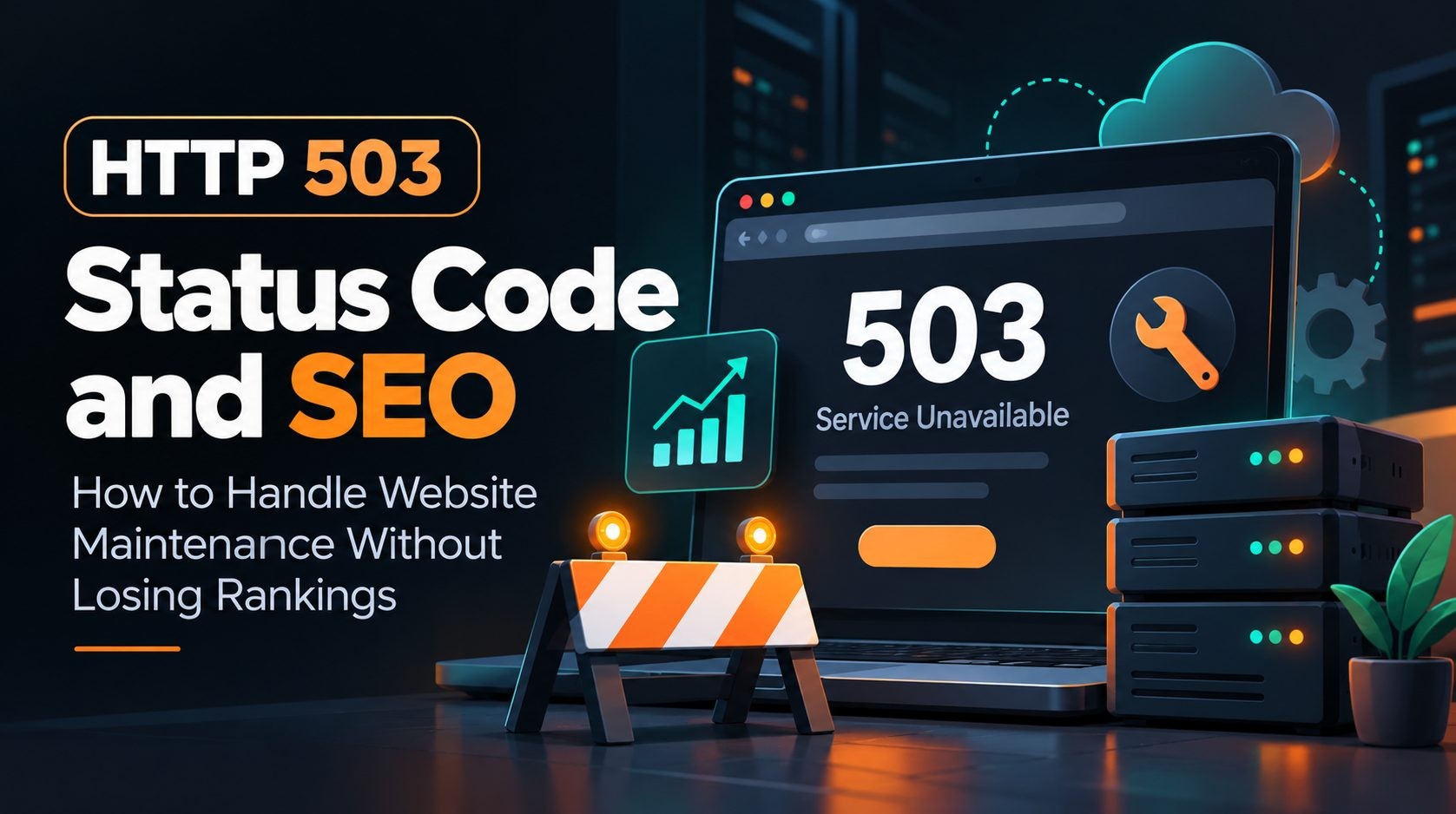
A website sometimes needs to go offline for a server update, an emergency PHP patch, a database migration, or another maintenance task. When that happens, the response your server sends matters. A correctly configured HTTP 503 response tells browsers and search engines that your website is temporarily unavailable, rather than permanently gone.
For SEO, the goal is to keep the outage as short as practical, communicate temporary unavailability clearly, and restore normal responses as soon as the work is complete. This guide explains how HTTP 503 works, how Google may respond to it, how to implement it safely, and how to check your website after maintenance.
What Is an HTTP 503 Status Code?
What does 503 Service Unavailable mean?
HTTP 503 Service Unavailable is a server response that means the service cannot handle a request at that moment. The condition is generally expected to be temporary. Common causes include scheduled maintenance, server overload, exhausted resources, or a temporary problem with an application or upstream service.
A 503 response does not necessarily mean the website has been deleted or that a particular URL no longer exists. It means the server is currently unable to serve the request. The exact cause may be explained on the page shown to visitors, but the HTTP status code is what communicates the response at the protocol level.
How does a 503 response work?
When a browser or search crawler requests a URL, the server returns an HTTP status code along with response headers and, often, a response body. If the server returns 503 Service Unavailable, the client can interpret the response as temporary unavailability and may try again later.
The message visible on the page is not enough on its own. A page that says "We will be back soon" could still return 200 OK, which indicates success. During genuine maintenance, make sure the server sends the correct 503 status code.
What does a 503 error page look like?
A useful maintenance page should explain that the website is temporarily unavailable, provide an estimated return time when that estimate is reliable, and offer a support contact if visitors need help. Keep the page lightweight so it can load even when the main application or database is unavailable.
How Does HTTP 503 Affect SEO and Google Rankings?
What happens when Googlebot encounters a 503?
Google treats HTTP 5xx responses as server errors. When Googlebot encounters them, Google may temporarily reduce crawling to avoid putting additional pressure on an unavailable server. A 503 can therefore be an appropriate response during a short, genuine outage.
That does not mean a 503 guarantees that every URL will retain its position in search results. Google must be able to crawl and process the site again after the outage. The length and frequency of the errors matter, as does how quickly normal service returns.
Does a short 503 error cause ranking loss?
A brief outage does not automatically mean that a website will lose rankings. Using an accurate temporary status code is better than telling search engines that pages have disappeared when they have not. However, no status code can guarantee that rankings will remain unchanged. Search performance can fluctuate for several reasons, and a prolonged outage creates more risk than a short maintenance window.
If you can schedule planned work, choose a time that is likely to have less impact on visitors and business operations. For emergency work, prioritize resolving the problem safely instead of delaying a critical security patch solely for SEO reasons.
What happens if a website returns 503 for several days?
Persistent 5xx responses can cause search engines to reduce crawling further. If URLs continue returning server errors, Google may eventually remove them from its index. A 503 should therefore not be used as a way to keep a website offline for an extended period while assuming that all search visibility will be preserved.
Restore the website as soon as it is stable. If the outage lasts longer than expected, investigate the cause, communicate a realistic status to users, and keep checking the server response until normal service returns.
Does a 503 affect crawling, indexing, or both?
Crawling and indexing are related, but they are not the same thing. Crawling is the process of requesting and fetching a page. Indexing involves processing the content and deciding whether it should be included in search results. Server errors can affect crawling immediately, and prolonged unavailability can also affect whether URLs remain indexed.
When Should You Use HTTP 503 for Website Maintenance?
Planned website maintenance
Use a 503 response when normal service is temporarily unavailable during work such as a database migration, infrastructure upgrade, CMS update, or deployment that requires the application to be taken offline. The response should reflect the actual condition and should be removed when the site is ready to serve normal requests again.
Emergency security and PHP patches
A critical vulnerability may require a quick maintenance window. During the patch, a 503 response can tell visitors and crawlers that the service is temporarily unavailable. Once the patch is applied and the application has been tested, restore normal responses promptly.
Server overload and capacity problems
A server may return 503 when it cannot handle the current load or when a required upstream service is unavailable. If the problem is ongoing, investigate the underlying cause, such as resource limits, application errors, database capacity, or infrastructure configuration. Do not use a maintenance page to conceal an unresolved outage.
HTTP 503 vs. 200, 404, 500, and 429: Which Status Code Is Best?
Choosing the right status code helps avoid sending misleading signals to search engines and users.
Status code Meaning Appropriate use
200 OK The request succeeded. The page is available and its content was served successfully. Do not return 200 for a maintenance or error page that is not actually available as normal content.
404 Not Found The requested resource The URL genuinely does could not be found. not have a resource at that location.
500 Internal Server Error The server encountered A generic or unhandled an unexpected server failure, rather condition. than a deliberately managed temporary outage.
503 Service Unavailable The service is Maintenance, overload, temporarily unable to or another temporary handle the request. service interruption.
429 Too Many Requests The client has sent too Rate limiting or many requests. request throttling.
Do not return 503 for a page that has been permanently removed. Likewise, do not return 404 for every URL simply because the whole website is temporarily offline. The status should describe what actually happened.
How to Implement HTTP 503 Correctly During Website Maintenance
Step 1: Prepare the maintenance window
Before planned maintenance, back up important data, confirm that you have a rollback plan, and identify the URLs and services that need to remain available. Estimate the maintenance duration and communicate it to users when appropriate. Keep the work focused so that normal service can return quickly.
For larger websites, prepare a list of important pages to test afterward, including the homepage, key landing pages, product or service pages, and frequently visited articles.
Step 2: Return a real 503 response
The server must send the 503 status code in its HTTP response. Changing the text of a page is not enough. Check whether your application, web server, reverse proxy, content delivery network, or maintenance plugin is generating the response. Any one of these layers may change what visitors and crawlers receive.
Step 3: Add a Retry-After header when possible
The Retry-After response header can tell a client how long to wait before trying again. It can be expressed as a delay in seconds or as an HTTP date. For example:
HTTP/1.1 503 Service Unavailable
Retry-After: 3600
Content-Type: text/html; charset=UTF-8
In this example, 3600 means 3,600 seconds, or one hour. Choose a value that reflects your best estimate of the maintenance duration. Do not set an arbitrary long delay if the site is likely to return sooner. The header is useful guidance, not a guarantee that every crawler will retry at exactly that time.
Step 4: Keep the maintenance page lightweight
Use a simple page that can load without relying on the database or application components that are being updated. Explain that the site is temporarily unavailable, provide an estimated return time only if you can support it, and offer a contact method if needed. Avoid filling the page with unrelated content or advertising.
Step 5: Keep robots.txt accessible
For a short maintenance window, do not automatically block the entire website in robots.txt. Google needs to be able to request URLs and see the temporary server response. Adding a sitewide noindex directive as a maintenance shortcut can also create indexing complications. Keep crawling rules stable unless there is a separate, well-considered reason to change them.
How to Configure a 503 Response on WordPress, Laravel, Apache, and Nginx
The correct implementation depends on your application and hosting architecture. After enabling maintenance mode, always test the actual response instead of assuming that the feature sends the right status code.
WordPress maintenance mode
WordPress maintenance plugins and deployment processes do not all behave identically. Some may return a proper 503 response, while a custom maintenance page or incorrectly configured setup may return 200 OK. Check the response headers and status code after enabling maintenance mode. Also test the site through its normal public URL, because a CDN or cache may affect the result.
Laravel maintenance mode
Laravel provides a built-in maintenance mode that can be enabled from the command line:
php artisan downReview the documentation for your Laravel version and your application's deployment setup. Custom middleware, reverse proxies, hosting configuration, and cached responses can affect what a request receives. After enabling maintenance mode, request the public site and confirm that it returns 503. After the work is complete, disable maintenance mode using the appropriate command for your deployment and verify that normal pages return successful responses.
Apache and Nginx
With Apache or Nginx, a 503 response may be produced by server configuration, an upstream application, or a load balancer. The correct configuration depends on your routing rules and hosting environment. Avoid copying a generic configuration snippet into production without checking how it interacts with existing rewrite rules, PHP handling, proxy settings, and cached responses.
Verify the response with curl
Use the following command to inspect the response headers:
curl -I https://example.com/Replace the example URL with your own website. Look for the HTTP status line and check for the Retry-After header if you configured one. Test several important URLs, not just the homepage. If your website uses a CDN or reverse proxy, test the public URL that visitors and search engines access.
How Long Can a Website Return HTTP 503 Without SEO Damage?
There is no universal number of hours that guarantees an outage will have no SEO impact. A short, planned maintenance window is generally less risky than leaving a website unavailable for days, but the outcome depends on the circumstances and Google's subsequent crawling.
The safest approach is to keep the outage as short as practical, return an accurate 503 while the service is unavailable, and restore normal responses as soon as the website is stable. Google advises against using 503 or 429 responses for an extended period, particularly beyond a day or two, because prolonged server errors can affect crawling and indexing.
If maintenance takes longer than expected, investigate the issue rather than repeatedly extending the outage without a plan. Keep stakeholders informed, check whether the application and database are healthy, and test important URLs as soon as the site comes back online.
How to Recover SEO After a 503 Outage
Confirm that important pages return 200 where appropriate
After maintenance, test the homepage and key URLs. Pages that are available should return a successful response, typically 200 OK. Redirects should work as intended, and pages that were not meant to be changed should still load correctly. A homepage that works does not prove that every route is healthy.
Test Googlebot access and robots.txt
Check that robots.txt is reachable and that you have not accidentally blocked important sections of the website. Review firewall, CDN, web application firewall, and authentication rules that could prevent search crawlers from accessing public pages.
Review Google Search Console
Review relevant reports for server errors and inspect important URLs where appropriate. URL Inspection can help you understand how Google sees a page, but it is not a substitute for fixing the underlying server issue. Avoid requesting indexing for every URL before confirming that the site is stable and returning the right responses.
Monitor crawl activity and organic performance
Compare crawl activity, indexed pages, impressions, clicks, and organic landing-page performance with your pre-maintenance baseline. Give search engines time to revisit the site, and investigate any persistent errors. Recovery may not be immediate, and rankings can change for reasons unrelated to the outage.
For a broader technical review, use this technical SEO audit checklist alongside your server checks.
Common HTTP 503 SEO Mistakes to Avoid
These are the issues worth checking before and after maintenance:
- Returning 200 with a maintenance message: The page looks unavailable to a person, but the status code says the request succeeded.
- Returning 404 for temporarily unavailable pages: A temporary outage does not mean the URL has been permanently removed.
- Leaving 503 active after maintenance: Restore normal responses as soon as the website is stable.
- Blocking the whole site in robots.txt: This can prevent crawlers from seeing the temporary response.
- Using 503 for days without investigating: Persistent server errors can affect crawling and indexing.
- Testing only the homepage: Important landing pages or application routes may still be broken.
- Ignoring caching layers: A CDN or reverse proxy may continue serving an old error response after the origin server has recovered.
HTTP 503 SEO Maintenance Checklist
Before finishing a maintenance window, make sure you have completed these checks:
- Back up important data and prepare rollback steps.
- Keep planned downtime as short as practical.
- Return a genuine HTTP 503 response while the site is temporarily unavailable.
- Include a suitable
Retry-Afterheader when possible. - Keep the maintenance page lightweight and informative.
- Keep
robots.txtaccessible and avoid unnecessarynoindexdirectives. - Test representative URLs using
curlor another HTTP header checker. - Restore normal responses after the maintenance work is complete.
- Check important pages and review relevant Google Search Console reports.
- Monitor crawl activity and organic performance after recovery.
For a wider review of page-level SEO once the site is back online, use this on-page SEO checklist.
Frequently Asked Questions About HTTP 503 SEO
Conclusion
HTTP 503 is useful when a website is genuinely unavailable for a short period, such as during maintenance or an emergency patch. The important steps are to return the correct status code, provide a reasonable retry estimate when possible, keep the outage short, and verify that normal responses return after the work is complete. A 503 can communicate temporary unavailability, but it cannot guarantee that rankings will never change.
Before your next maintenance window, test the response headers, keep your technical SEO checks ready, and review Google Search Console after recovery. You can also use SEO Site Checker as an additional resource for broader website SEO checks, alongside direct HTTP testing and Google's own tools.
References
- Google Search Central: HTTP status codes and network errors
- Google Search Central: Temporarily pause or disable your website
- MDN Web Docs: 503 Service Unavailable
Editorial note: This article is general technical guidance. Verify server behavior in your own environment and consult the documentation for your web server, framework, and hosting provider before changing production configuration.
No Tags


Comments (0)