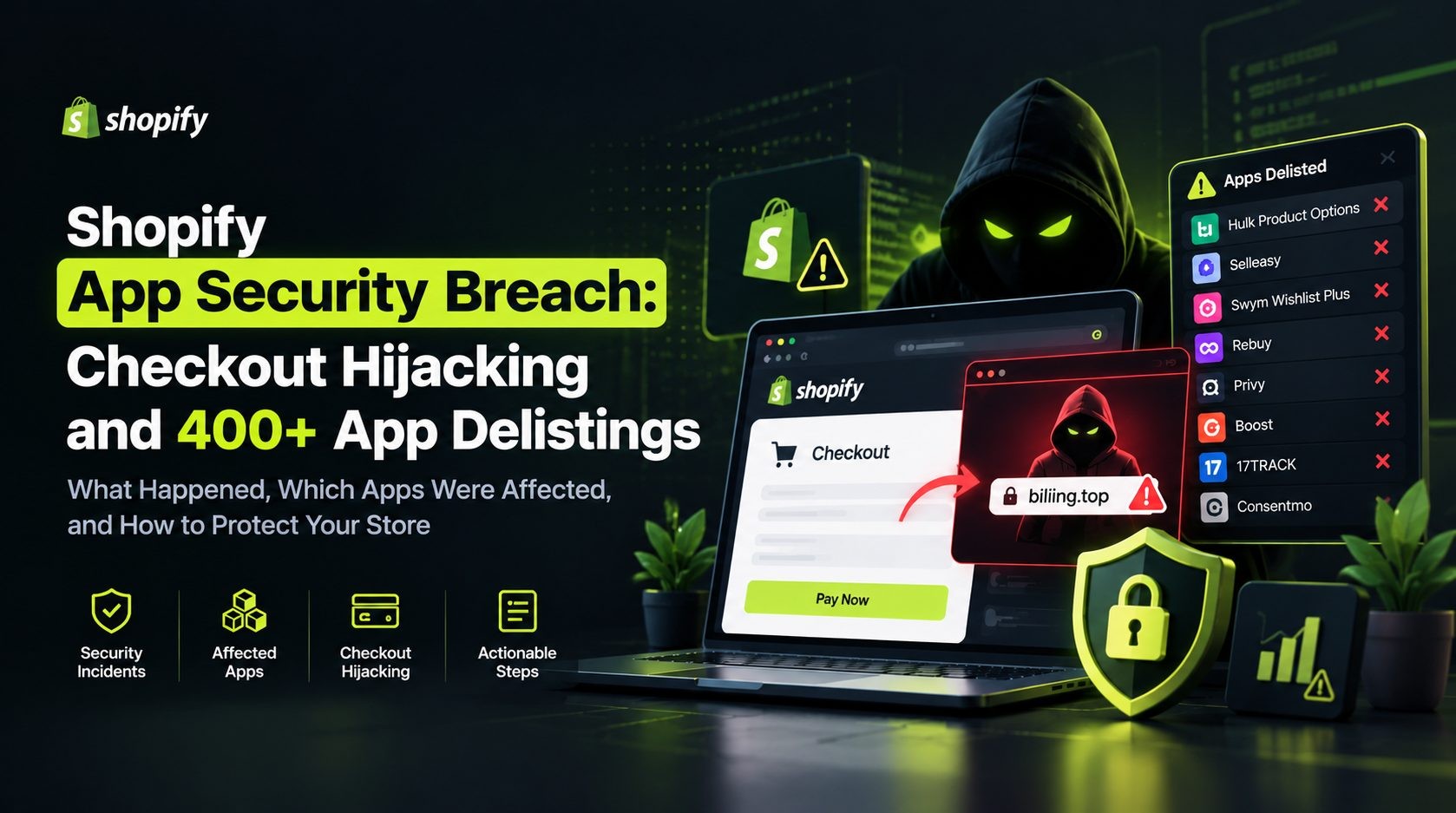
Shopify merchants are paying closer attention to app security after a series of reported incidents involving suspicious scripts, unauthorized configuration changes, and checkout redirects. In some cases, shoppers were reportedly sent away from a store's normal checkout flow to pages designed to look like legitimate payment screens. At the same time, Shopify has urged app developers to strengthen their security practices.
These reports raise an important question: how can a store owner tell whether an app or storefront integration is putting customers at risk?
This guide explains the reported Shopify security breach incidents, what checkout hijacking means, how merchants can investigate suspicious behavior, and which steps can reduce risk. It also separates documented incidents from claims that have not been independently confirmed. The distinction matters because an app being delisted does not, by itself, prove that it was involved in checkout hijacking.
What Is the Shopify Security Breach?
The phrase Shopify security breach has been used to describe reports of security problems involving third-party apps and storefront integrations in the Shopify ecosystem. Some reports describe unauthorized scripts or configuration changes that could interfere with the way shoppers move from a product page or cart to checkout.
That does not automatically mean Shopify's core platform was breached. An ecommerce store can rely on many external components, including apps, theme extensions, custom JavaScript, analytics tools, and integrations maintained by independent developers. A weakness in one of those components can create a risk for the stores that use it, even if the main ecommerce platform continues to operate normally.
What happened in the reported checkout hijacking incidents?
In a checkout hijacking scenario, a shopper attempts to proceed to payment but is redirected to an unexpected external page. That page may imitate the store's checkout and ask for billing or payment information. If the page is fraudulent, information entered there could be collected by an attacker.
Developer disclosures and reporting have described different ways unauthorized code or configuration changes may reach a storefront. These include compromised infrastructure, unauthorized access to settings, and weaknesses in app security. The technical details and confirmed impact differ from incident to incident, so it is important not to assume that every report has the same cause.
Was Shopify itself hacked?
The available reports should be read carefully. A compromise involving a third-party app, developer account, or app configuration is different from a breach of Shopify's core systems. Shopify has publicly discussed steps to improve app security, including security checks for developers, stronger token practices, vulnerability scanning, and monitoring API activity.
Merchants should rely on official Shopify updates and statements from the affected app developers when assessing an incident. Social media posts can help identify concerns, but they are not enough on their own to establish the full scope or cause of a breach.
Why does this matter to store owners?
A suspicious checkout redirect can interrupt sales, undermine customer trust, and expose shoppers to fraud. It may also create support costs and reputational damage for a merchant. Because third-party apps often run behind the scenes, a store can appear normal at first glance while a particular browser session or checkout attempt behaves differently.
The right response is to investigate promptly, preserve evidence, and follow verified security guidance rather than assume that every store or app is affected.
Shopify Security Breach Timeline: July to October 2026
Several reports and developer statements appeared over a period of months. The timeline below summarizes the events described in public reporting and incident disclosures. Dates and details should be checked against the original sources immediately before publication, because investigations and remediation updates can change the picture.
July and August: Earlier reports of malicious app content
Reports associated with Qikify and Hextom described suspicious content or behavior involving app settings or storefront features. The exact technical circumstances and public disclosures differ, so these incidents should not be presented as confirmed parts of one coordinated campaign without evidence.
For each report, confirm the original statement, the date of the incident, the affected app or feature, and the remediation that the developer says it completed. If a claim appears only in a merchant review or a social media post, label it as a report rather than an established finding.
September: A documented malicious-script incident
Orichi published an incident report concerning its OC Quantity Breaks & Limit app. The company said an unauthorized third party gained access to its infrastructure on September 11, 2026, and inserted malicious JavaScript into a campaign's Custom JS field. According to the report, the code could intercept a shopper's checkout action and send the shopper to a fraudulent page outside Shopify.
Orichi stated that the code could have been served for 8 hours and 31 minutes and that it removed the code and secured the affected systems on the same day. The company also said it was working with an independent security firm to assess affected stores and would not publish a store count until that review was complete.
Read the Orichi incident report for the company's account and subsequent updates.
October 10 to 14: More reports of checkout redirection
Security researcher Roman Zipp and news reporting described a checkout redirect associated with Hulk Product Options. Other reports discussed incidents involving Selleasy and Swym Wishlist Plus. The developers' explanations and the details of the affected features vary, so each should be reviewed separately.
A useful article should state what each developer confirmed, how the issue was detected, how long the affected behavior may have been active, and what remediation was reported. Do not infer a shared attacker simply because multiple incidents appeared close together.
October 15 to 20: App removals and stronger security guidance
During October, reports described app delistings and temporary feature shutdowns across parts of the Shopify app ecosystem. However, app removal can happen for different reasons. Some security incidents may involve malicious code, while other removals may relate to unsupported APIs or separate policy and security concerns. The reason for each app's removal must be verified before it is described.
Shopify's October 15 developer announcement introduced a security check in its AI Toolkit. On October 20, Shopify published broader guidance asking app developers to review their security practices, use expiring access tokens, scan for vulnerabilities, inspect API activity, sanitize rendered data, and protect accounts with two-step authentication.
See Shopify's official post, Securing your app, together, for the platform's current recommendations.
How should readers interpret the reported 400+ app delistings?
A large delisting count can sound alarming, but it needs context. The number of apps removed from a marketplace is not necessarily the number of apps confirmed to have malicious code, and it does not prove that every removed app was involved in the same incident. Before publishing a specific number, establish what was counted, over which dates, and from which source.
If a reliable source cannot confirm the 400-plus figure, revise the headline to avoid presenting it as a settled fact. Accuracy is more valuable than a dramatic number.
How Shopify App Checkout Hijacking Works
Third-party apps can extend a storefront with product options, shipping notices, wishlists, upsells, consent controls, and other features. Depending on the app and integration, code or configuration supplied by the app may affect what a shopper sees or how the storefront behaves.
That flexibility is useful, but it also means that unauthorized access to an app's systems or settings can create risk.
How malicious JavaScript can affect a storefront
Some apps use configurable fields for HTML, CSS, or JavaScript. Others load scripts through theme app extensions or external resources. If an attacker gains access to a relevant system or configuration channel, unauthorized code may be delivered to stores that use the affected feature.
The exact path depends on the app's architecture and the incident. It may involve compromised credentials, an exposed administrative tool, an insecure endpoint, or another weakness. Do not assume a single cause without evidence from the developer or investigators.
How a fake checkout redirect can deceive shoppers
A typical checkout hijacking scenario may look like this:
- A shopper adds a product to the cart and selects the normal checkout option.
- Unauthorized code changes the expected navigation or intercepts the checkout action.
- The shopper is sent to an external page that imitates a real checkout.
- The page may request payment or billing details.
- Depending on the attack, the shopper might later be redirected to the legitimate checkout, making the suspicious step harder to notice.
This is a high-level explanation, not a claim that every reported incident followed every step. Attack behavior can differ, and the scope should be based on evidence.
Why a normal order does not rule out a security incident
A successful order in Shopify admin does not prove that every part of the shopper's journey was safe. In some reported scenarios, a fraudulent page may appear before the shopper returns to the legitimate checkout. A merchant might see a completed order even though a customer was exposed to a fake page along the way.
For this reason, store owners should investigate reports of unusual domains, unexpected payment prompts, and inconsistent checkout behavior. They should also preserve browser screenshots, timestamps, and relevant logs where possible.
Which Shopify Apps Were Reported as Affected?
Public reporting has mentioned several app developers and products in connection with different security concerns. The status of each app can change as investigations progress. The table below is a research framework, not a claim that every named app was confirmed to have carried out checkout hijacking.
| App or developer | What to verify before publication | How to describe it responsibly |
|---|---|---|
| Orichi, OC Quantity Breaks & Limit | Read the developer's incident report and updates | The developer publicly documented a malicious-script incident and its response |
| Hulk Product Options | Check the developer statement and credible reporting | Describe only the incident details supported by those sources |
| Selleasy | Verify the reported configuration change, timeframe, and remediation | Attribute the details to the developer or reporting source |
| Swym Wishlist Plus | Verify each reported incident separately, including any later disclosure | Do not merge separate events into one without evidence |
| Qikify | Locate a primary statement or reliable report confirming the event and remediation | Clearly identify what was confirmed and by whom |
| Hextom | Verify the original report and any developer response | Do not treat a merchant report as conclusive proof by itself |
| Other delisted apps | Check the reason for each removal and current listing status | A delisting alone does not establish malicious activity |
How to check whether your app is affected
Start with the Shopify admin and any security notices sent by Shopify or the developer. Check the developer's official status updates and incident report, then compare the details with credible reporting. If an app is no longer listed, do not assume that it was removed for checkout hijacking. Ask the developer or Shopify Support for clarification.
If the app handles checkout, product options, upsells, shipping messages, consent, or storefront scripts, review it carefully because these features can influence the shopper's journey. If you find a suspicious redirect, preserve the URL and timestamp and report it through official support channels. Avoid sharing customer information publicly.
What Information Could Be at Risk?
The information at risk depends on what the unauthorized code could access and what the shopper entered. It would be inaccurate to claim that every incident exposed the same data or that all Shopify customer records were accessed.
Payment and billing details
If a shopper enters card or billing information into a fraudulent checkout page, that information may be captured by the page operator. Merchants should follow advice from their payment provider and the relevant incident responders if customers may have entered details into a suspicious page.
Customer and order information
A storefront script, compromised app, and unauthorized API access present different risks. A script running in a shopper's browser may be able to interact with information visible in that context. A compromised app with broader access may create a different exposure. Claims about customer names, addresses, order records, or other information should be tied to a specific incident report.
What should merchants tell potentially affected customers?
Avoid making promises before the facts are established. Work with Shopify, the app developer, the payment provider, and qualified security professionals to determine the exposure window and affected data. Follow applicable legal and regulatory notification requirements. If a notification is necessary, explain what is known, what customers should do, and where they can get reliable updates.
How to Check If Your Shopify Store Is Affected
You do not need to assume that your store has been compromised, but you should take a report seriously if customers describe unexpected redirects or if an app developer issues a security notice. Use the following steps to investigate methodically.
1. Review installed apps and app notifications
Make a list of installed apps and what each one does. Pay particular attention to apps that add storefront scripts, product options, upsells, shipping bars, wishlist features, consent banners, or checkout-related functionality.
Check your Shopify admin for notices and review the official announcements from each relevant developer. Identify any apps mentioned in a verified incident report, but do not uninstall every app based on an unverified social media list.
2. Test the checkout flow safely
Open your store in a fresh private browser window and follow the normal shopping journey. Check whether the checkout button takes you to the expected domain and whether any unfamiliar page appears before the legitimate checkout.
Do not enter real payment details into a page that looks suspicious. A single successful test does not rule out a problem, because some behavior may depend on browser state, location, timing, or other conditions. If possible, test using a controlled environment and document the exact steps that produced the issue.
3. Inspect storefront code and app embeds
Review active theme app embeds, custom JavaScript fields, recently edited theme files, and unfamiliar external script references. Compare current code with a known-good backup or version history when available.
Do not delete code blindly. Some scripts are legitimate and necessary for the store to work. If you cannot identify a script or determine whether it is safe, ask a qualified Shopify developer or incident-response specialist to review it.
4. Review access and activity logs
Where logs are available, look for unfamiliar staff accounts, unexpected app activity, unusual API requests, and configuration changes that you cannot explain. Review who has access to the store, developer tools, hosting, source code, email, and other accounts that could affect storefront code.
Ask the app developer whether it identified suspicious access, what time period may have been affected, and what steps were taken to contain the incident.
5. Contact Shopify or the app developer
If you find a suspicious redirect or receive a credible incident notice, contact Shopify Support and the app developer. Preserve timestamps, screenshots, affected URLs, browser details, and relevant logs. Share this evidence through appropriate support channels rather than posting sensitive information publicly.
What to Do If Your Shopify Store Has Been Compromised
If you have evidence of active checkout hijacking or unauthorized code, focus first on reducing customer risk. Follow Shopify's instructions and the affected developer's guidance. The exact response depends on the source of the compromise and the store's configuration.
Step 1: Contain the suspicious behavior
If an implicated app or feature is actively causing a dangerous redirect, disable it when appropriate and follow official guidance. You may need to temporarily restrict checkout or take other containment measures if shoppers remain at risk. Consider the impact on legitimate store functionality before changing production settings.
Step 2: Secure accounts and credentials
From a trusted device, change affected passwords, enable two-step authentication, and review active sessions. Revoke suspicious tokens or app access where appropriate. Remove access for former staff, contractors, or collaborators who no longer need it. If the developer's systems were compromised, ask the developer what credentials and integrations were affected.
Step 3: Investigate and clean up
Preserve logs and configuration snapshots before making destructive changes. Review theme files, app embeds, custom HTML and JavaScript fields, redirects, and recent configuration changes. Remove unauthorized code only after identifying it and understanding its purpose. If the entry point is unclear, bring in a qualified developer or security specialist.
Step 4: Protect potentially affected customers
If customers may have entered payment details into a fraudulent page, contact your payment provider promptly and follow its guidance. Determine whether customer notification is necessary under applicable laws and official instructions. Monitor chargebacks, unusual transactions, and support complaints.
Step 5: Verify recovery
Test the checkout flow again after remediation. Confirm that suspicious redirects no longer occur, review key store pages, and monitor the site closely after restoring normal operations. Document what happened, what was changed, and which accounts or integrations were reviewed. A written incident record can help you respond faster if a similar problem appears later.
How to Protect Your Shopify Store From Future App Security Incidents
No checklist can eliminate every risk, but a few consistent habits can make it harder for an app-related problem to affect your store.
Install only apps you need
Evaluate the developer, app permissions, support history, and business purpose before installing an app. Keep a record of each app's function and the person responsible for it. Remove unused apps carefully and check whether they left theme changes, app embeds, or external scripts behind.
Use least-privilege access
Give staff members and integrations only the permissions they need. Review collaborator accounts, API credentials, and app access regularly. Enable two-step authentication for the Shopify account and for related email, hosting, code repository, and developer accounts.
Monitor storefront code and configuration
Keep backups and track theme or configuration changes. Review custom HTML and JavaScript settings, especially when a feature is no longer needed. Test checkout after installing or updating an app and investigate unexpected changes in redirects, scripts, or browser behavior.
Keep apps and integrations updated
Follow security advisories from Shopify and app developers. Ask vendors how they handle vulnerability reports, protect credentials, monitor access, and communicate during an incident. For developers, important practices include validating input, sanitizing and escaping rendered data, enforcing authentication and access controls, and maintaining useful logs.
Shopify's app security documentation provides further guidance for developers building and maintaining integrations.
Prepare an incident response plan
Decide in advance who can disable an app, review access, contact Shopify Support, and communicate with customers. Keep developer contacts and recovery steps accessible. Schedule periodic reviews of installed apps and store permissions instead of waiting for a public incident to prompt an audit.
Can a Shopify Security Breach Affect SEO and Sales?
A security incident does not automatically cause a Google ranking penalty. However, hacked content, malicious redirects, browser warnings, or extended downtime can damage user experience and create search visibility problems. The effect depends on what happened, how long it lasted, and how quickly the issue was resolved.
Customer trust and conversion rates
Shoppers expect checkout to be predictable and secure. Unexpected redirects or unfamiliar payment pages can cause customers to abandon a purchase, contact support, or lose confidence in the brand. Clear communication and a carefully tested checkout help rebuild trust after an incident.
Search visibility and browser warnings
If unauthorized code changes indexed pages, injects spam, or redirects visitors, search engines may encounter content that the site owner did not intend to publish. Check Google Search Console for security issues and indexing changes where relevant. Do not assume that every checkout issue will trigger a search warning or ranking loss.
Technical checks after remediation
Once the security issue has been addressed, review important landing pages, HTTP status codes, redirects, canonical URLs, and indexability. Check that key pages load as expected and that unauthorized content has been removed. Your technical SEO audit checklist can help organize these checks. For on-page quality, revisit your on-page SEO checklist.
You can also use SEO Site Checker to review website SEO factors and identify areas that need further investigation. Automated SEO checks are useful for site quality, but they do not replace malware scanning, incident response, or a developer's security review.
For businesses that need broader website solutions, Sitelyx is another resource to explore. Keep security remediation as the first priority, then work through performance, usability, and SEO improvements once the store is safe.
Frequently Asked Questions
Conclusion: Treat Shopify App Security as an Ongoing Responsibility
The reported Shopify app security incidents are a reminder that an ecommerce store depends on more than its main platform. Third-party apps, developer accounts, storefront scripts, and configuration settings can all influence the customer journey. That makes regular app reviews and checkout testing important parts of store maintenance.
At the same time, it is essential to distinguish a confirmed compromise from a reported concern or an app delisting. Verify incident details before sharing them, and do not treat every app mentioned online as malicious.
If you manage a Shopify store, start by reviewing your installed apps, checking official security notices, and testing your checkout flow safely. If you find a suspicious redirect, preserve evidence and contact Shopify and the relevant developer. Once the store is secure, review technical SEO, performance, and customer experience so that recovery is thorough and measurable.
Sources and Further Reading
- Shopify: Securing your app, together
- Shopify: App security documentation
- Orichi: Malicious code served to storefronts through OC Quantity Breaks & Limit
- iTnews: Shopify tells Australian store to stay shut after hijacked extensions divert shoppers
Publishing note: Recheck the incident timeline, app statuses, and the “400+ app delistings” figure immediately before publishing. Update the headline if the number cannot be supported by a reliable source.
No Tags


Comments (0)