
- Khurram Shahzad
- Web Strategy
- 174
- 0
You're on a call with a promising lead, and they ask for your website. There's a small pause before you send the link. Maybe you add, "It's a bit old, we're working on it."
That pause is often the first of the signs your website needs a redesign. The trouble is that most websites don't fail loudly. There's no error message and no alarm. The phone just rings a little less, the contact form goes quiet, and a competitor with a cleaner site starts winning the jobs you used to get.
But here's the part most redesign articles skip: not every problem needs a new website. Some sites genuinely need a full rebuild. Plenty of others need a two-day fix, and spending three months on a redesign would be a waste of money.
I review, fix and rebuild business websites as part of my technical work, and the same patterns come up again and again. Below are the 12 signs I look for, how to check each one yourself, and an honest verdict on whether it calls for a fix or a redesign.
Key takeaways
- Your site looks dated next to competitors
- It's frustrating to use on a phone
- Pages load slowly or fail Core Web Vitals
- Organic traffic keeps sliding
- Visitors arrive but don't convert
- Navigation confuses people
- Your business has outgrown the site
- You can't update it without a developer
- The tech underneath is outdated or insecure
- It isn't accessible to everyone
- It isn't built for AI search
- You can't measure what's working
Three or more signs across design, performance and conversions usually point to a redesign. One or two often mean a targeted fix.
How to Use This List: A Quick 3 Point Test
Go through each sign below and give it a score:
- 0: not an issue
- 1: partly true
- 2: clearly true
Then add up the total. A score of 0 to 6 means fix what's broken and move on. A score of 7 to 14 usually means a refresh. A score of 15 or more is a strong case for a redesign or a rebuild.
Treat this as a rule of thumb rather than a precise scale. One serious problem, like a hacked site on a platform nobody supports, can outweigh a low total.
Before you start scoring, run a free audit so you're working from data instead of gut feeling. SEO Site Checker flags speed, mobile and on-page issues in a couple of minutes.
12 Signs Your Website Needs a Redesign
Each sign follows the same pattern: what you'll notice, how to check it in under ten minutes, and whether it calls for a fix or a redesign.
1. Your Site Looks Dated Next to Your Competitors
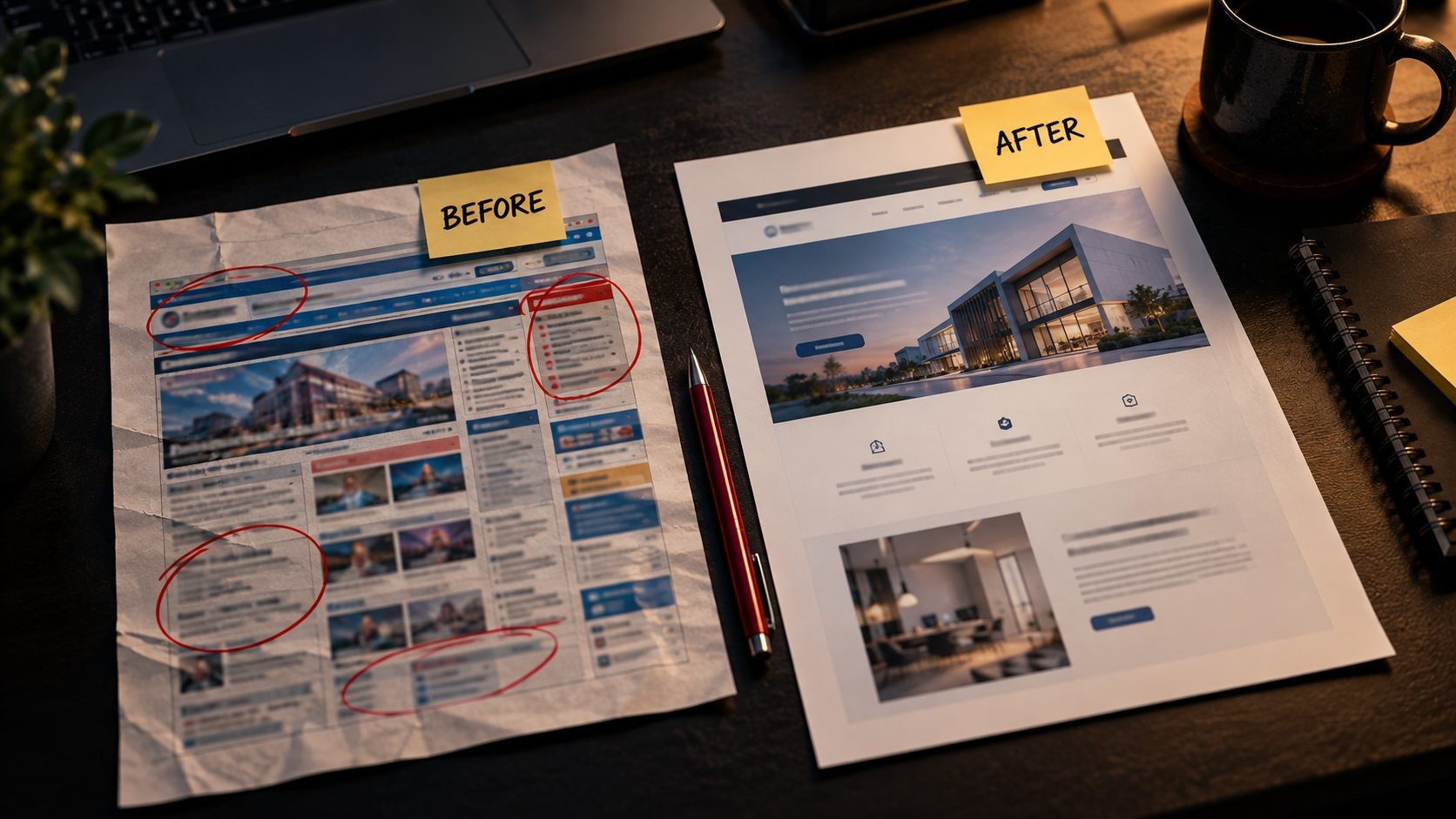
What you'll notice: The photos are stock images you picked years ago. The layout feels cramped, the fonts look like they came with an old template, and you'd rather describe your business than send the link. Visitors decide quickly whether a business looks credible, and a tired design makes a good company look smaller than it is.
How to check it: Open your site on your phone, then open the top three competitors that show up when you search for your service. Look at them one after another. Better still, show all four to a customer or a friend and ask which company they'd call first. If yours isn't the answer, you have your result.
Fix or redesign? If the structure works and only the look is tired, a visual refresh with new images, typography, colors and spacing is enough. If the layout itself is the problem, it's a redesign. For direction, here are the design trends worth adopting this year.
2. It's Frustrating to Use on a Phone
What you'll notice: People have to pinch and zoom to read. Buttons sit so close together that thumbs hit the wrong one. The menu opens off screen, or the quote form is painful to fill in on a small keyboard. For many local businesses, a large share of visitors arrive on a phone, so this is where your site gets judged first.
How to check it: Pick up your phone and complete the one action that matters most: call, request a quote, book or buy. Note every moment of friction. Then open Chrome DevTools device mode on a desktop and check a few screen sizes. Keep in mind that Google uses mobile-first indexing, which means it mainly looks at the mobile version of your pages when deciding how to rank them.
Fix or redesign? Small layout bugs on an otherwise responsive site can be fixed. A site that was never built to be responsive almost always needs a redesign, because patching a desktop-only layout for phones rarely ends well.
3. Pages Load Slowly or Fail Core Web Vitals
What you'll notice: A white screen before anything appears. Text that jumps down just as you go to tap a button. Menus and forms that respond a beat too late. Visitors rarely complain about any of this. They just leave.
How to check it: Run your key pages through PageSpeed Insights and open the Core Web Vitals report in Google Search Console. Google's Core Web Vitals thresholds for a good experience are:
- Largest Contentful Paint (LCP): 2.5 seconds or less
- Interaction to Next Paint (INP): 200 milliseconds or less
- Cumulative Layout Shift (CLS): 0.1 or less
Fix or redesign? Speed is usually fixable. Compressing images, adding caching, removing unused plugins and moving to better hosting solve most cases. It becomes a redesign when the root cause is a bloated theme or page builder that loads far more code than each page needs.
4. Organic Traffic and Rankings Keep Sliding
What you'll notice: Fewer clicks from Google, month after month. Not one bad week, which can happen for all sorts of reasons, but a slow and steady decline.
How to check it: In Google Search Console, compare the last six months with the same six months a year earlier. Look at which pages lost clicks and which queries dropped. Then check the Pages report for indexing errors and crawl problems. It also helps to run a full SEO audit so you can separate technical issues from content issues.
Fix or redesign? Most traffic drops are SEO or content problems, and a redesign won't solve them on its own. Update thin pages, fix technical errors and strengthen internal links first. A redesign makes sense only when the structure itself is holding you back, such as messy URLs, a flat site architecture or templates that can't support proper headings.
5. Visitors Arrive but Don't Convert
What you'll notice: Traffic looks fine, but calls, form submissions and sales don't match it. People visit, look around and leave without doing anything.
How to check it: In GA4, look at conversions by landing page instead of site-wide totals. Then read your top pages as if you'd never heard of your business. Is it obvious what you do, who it's for and what to do next? Fill in your own contact form. Count the fields, and check that the confirmation email actually arrives.
Fix or redesign? Conversion problems are often fixable with clearer headlines, stronger calls to action, shorter forms and trust signals like reviews placed near the point of decision. These landing page optimization tips cover the quick wins, and this post explains how good UI/UX lifts conversion rates. If the whole journey from homepage to contact is broken, that's a redesign.
6. Navigation Confuses People
What you'll notice: The menu has grown one item at a time with no plan. Important pages are buried three clicks deep. Customers call to ask questions your website already answers somewhere.
How to check it: Ask five people to find something specific, like your pricing or your service area, and watch without helping. In GA4, use path exploration to see where visitors go after the homepage, and review your site search terms if you have search enabled.
Fix or redesign? Trimming and regrouping menu items is a quick fix. If your content needs a completely new structure, with new categories, a new page hierarchy and new URLs, you're really talking about a redesign.
7. Your Business Has Outgrown the Website
What you'll notice: You've added services that aren't on the site, and it still lists ones you stopped offering. Your ideal customer has changed. Maybe you've rebranded, but the website still shows the old logo, colors or message.
How to check it: Write down how you'd pitch your business to a new client today. Now read your homepage. If the two sound like different companies, your website is still selling the business you used to be.
Fix or redesign? Adding service pages and updating copy is a fix if the design still fits your brand. A new positioning, a new audience or a full rebrand usually calls for a redesign, because the message and the design need to change together.
8. You Can't Update It Without a Developer
What you'll notice: Changing a phone number means sending an email and waiting. The developer who built the site has moved on. Nobody is quite sure where the login is or how the site was put together.
How to check it: Try to publish a simple new page yourself and time it. If it takes more than an afternoon, or you can't do it at all, your website is slowing your marketing down.
Fix or redesign? If the site runs on a standard CMS, some training and a cleaner editing setup may be all you need. If it's built on a proprietary system or a platform nobody supports anymore, plan a rebuild. The platform choice matters a lot at that stage, and my guide to choosing between Laravel and WordPress covers when each one makes sense.
9. The Tech Underneath Is Outdated or Insecure
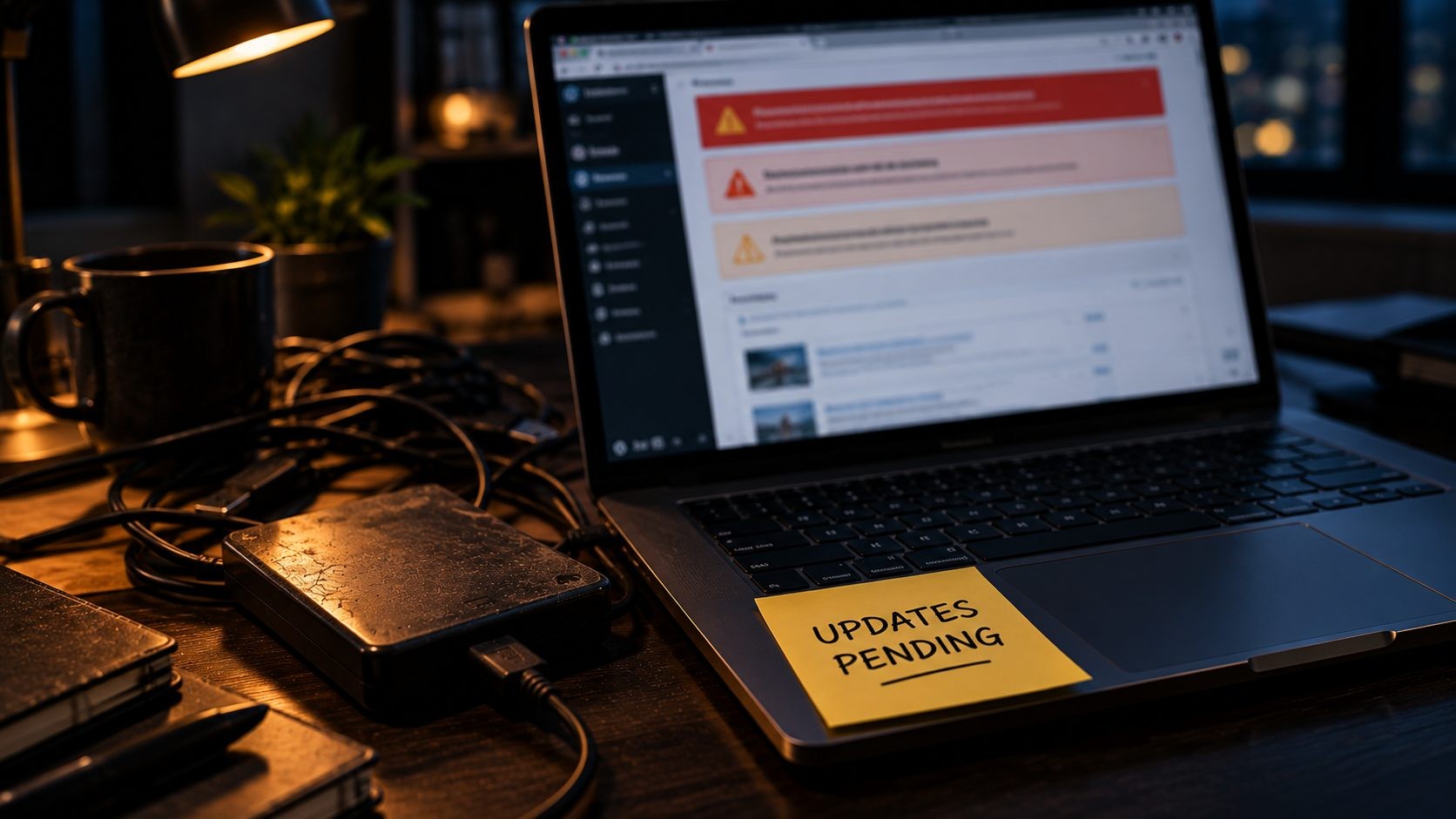
What you'll notice: Update warnings in the dashboard that nobody acts on. Plugins or a theme that their authors haven't updated in years. A browser warning that the connection isn't secure, or a site that has already been hacked once.
How to check it: Find the PHP version in your hosting panel and compare it with the versions that still receive security support. Look at the last updated dates on your plugins and theme. Open the Security Issues report in Google Search Console, and make sure every page loads over HTTPS without mixed content warnings.
Fix or redesign? Running updates is a fix, as long as the site survives them. In my experience, this is where the clearest rebuild signal shows up. When updating PHP or a core plugin breaks the site, and the only way to keep it running is to never update it again, you're running your business on borrowed time. If you do rebuild, the tech stack I use for rebuilds shows the tools I rely on.
10. It Isn't Accessible to Everyone
What you'll notice: Light gray text on a white background. Images without alt text. Forms that can't be completed with a keyboard, and buttons labeled "click here" with no context.
How to check it: Put your mouse aside and try to use your site with only the Tab and Enter keys. Then run a free check with WAVE or the accessibility audit in Lighthouse. The current standard to measure against is the W3C's WCAG 2.2 guidelines. Accessible sites also tend to be easier for search engines to understand, because they rely on clear headings, labels and descriptive text.
Fix or redesign? Most accessibility problems are small fixes: add alt text, label form fields and increase contrast. It becomes a redesign when the design system itself fails, for example when your brand colors can't meet contrast requirements or the page templates don't use proper headings.
11. It Isn't Built for AI Search
What you'll notice: More people now ask ChatGPT, Gemini or Google AI Overviews for recommendations, and your business never appears, even when the question describes exactly what you do.
How to check it: Ask a few AI tools about your service and city, such as "who does commercial roof repair in Dallas." Then look at your own pages. Do they answer common questions directly? Do they use clear headings, and schema markup that describes your business, services and location?
Fix or redesign? This is usually a content and schema fix. Add direct answers, useful FAQ sections and structured data to the pages you already have. It needs a redesign only when your templates can't support structured content, such as a site built largely from images or a page builder that strips out real headings.
12. You Can't Measure What's Working
What you'll notice: There's no GA4, or it's installed but nobody checks it. Conversions aren't tracked, so no one knows which pages or channels bring in leads.
How to check it: Can you name last month's top lead source in under a minute? If not, your tracking needs work.
Fix or redesign? This is always a fix and never a reason to redesign on its own. But fix it first. If you redesign without a baseline, you'll never know whether the new site performs better than the old one.
When a Fix Is Enough (and When It Isn't)
Once you've scored the signs, the decision usually falls into one of three buckets. This is the practical answer to when to redesign a website.
A fix is enough when the platform is sound, the structure makes sense and the problems are limited to one or two areas. A slow site on good foundations, a weak contact form or a few outdated pages don't justify a new website. Fix them, measure the result and move on.
A redesign is the better call when three or more signs show up together across design, mobile and conversions. At that point, the fixes start to overlap. You'd be changing the layout to improve mobile, rewriting pages for the new brand and reworking forms for conversions, which is a redesign in all but name. Handling it as one planned project is usually cheaper and faster than doing it piece by piece over a year.
A full rebuild is needed when the foundation is the problem. The platform is outdated or insecure, nobody can update the site, or the business now needs custom features the current system can't handle. Putting a new design on top of old tech only hides the problem for a while.
One more honest point. A redesign because a competitor launched a new site, or because it has simply been a few years, isn't a good reason on its own. The signs above should drive the decision, not the calendar and not someone else's website.
Website Refresh vs Redesign vs Rebuild
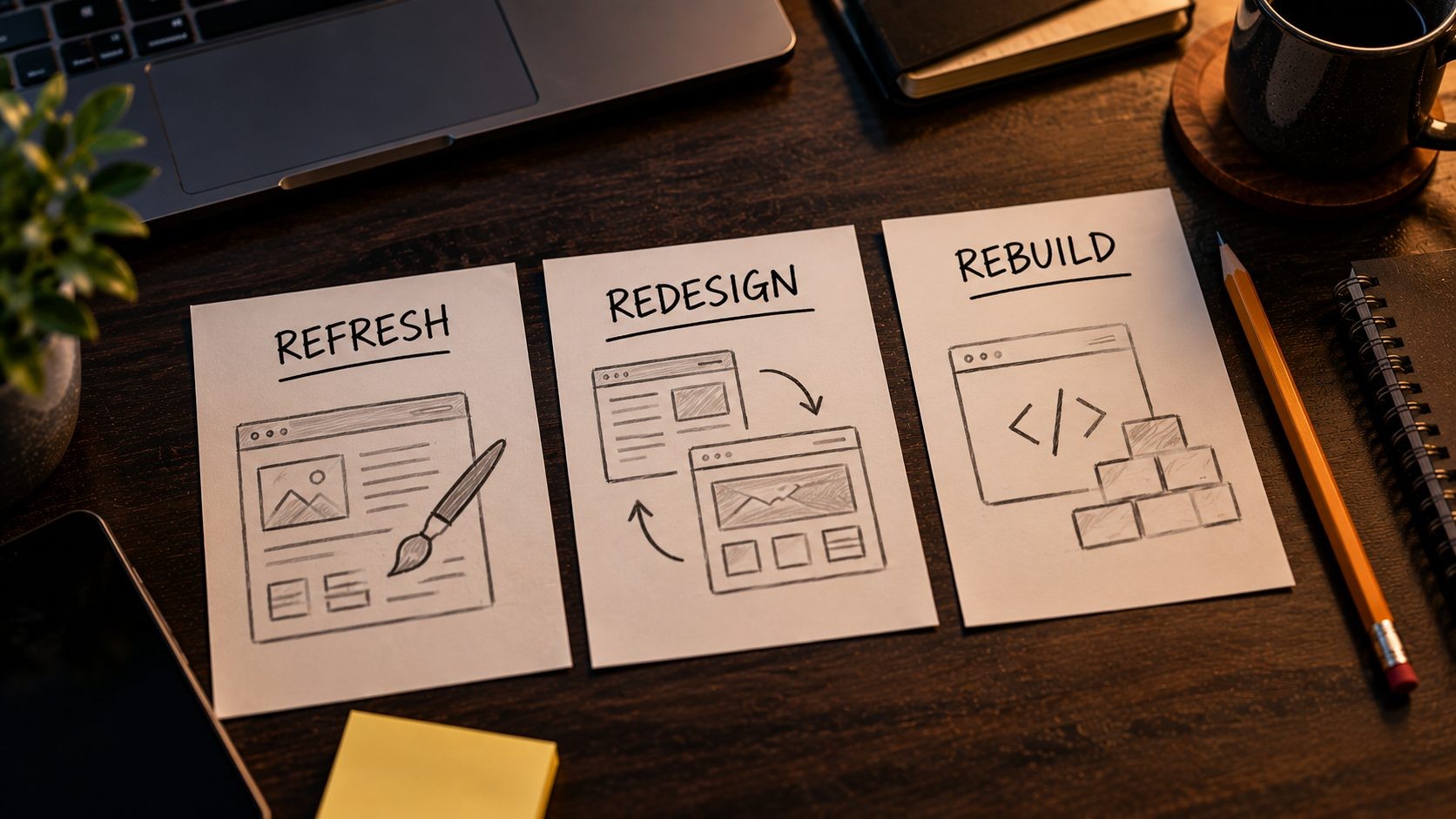
These three words get used as if they mean the same thing, but they describe very different projects.
| Refresh | Redesign | Rebuild | |
|---|---|---|---|
| What changes | Images, colors, fonts, copy and small layout tweaks | Layout, navigation, user journey and often content | Platform, code, hosting and usually the design too |
| When to choose it | The site works but looks tired | Several design, mobile or conversion signs at once | Outdated tech, security problems or custom features needed |
| SEO risk | Low | Medium, if URLs or content change | Higher, because URLs, templates and code all change |
| Typical effort | Days to a few weeks | Several weeks to a few months | Often a few months, depending on scope |
A refresh keeps what's working and polishes it. A redesign rethinks how visitors move through the site. A rebuild replaces what sits underneath. Cost depends heavily on scope, so ask for quotes on the specific option you need instead of a generic "new website" price.
Website Redesign Checklist: Protect Your Rankings Before You Start
Most of the damage from a redesign happens after launch, when traffic drops because old pages quietly disappeared. This website redesign checklist helps you avoid that.
- Record your baseline. Save traffic, conversions, Core Web Vitals and your top landing pages from before the project starts.
- Crawl every current URL. Export a full list with a crawler or from your sitemap, so no page gets forgotten.
- Map old URLs to new ones. Set up permanent 301 redirects for every URL that changes. Google recommends keeping redirects in place for at least one year, and its guidance on site moves with URL changes explains the details.
- Keep content that ranks. Improve the pages that bring in traffic instead of deleting or merging them without a plan.
- Carry over your SEO basics. Titles, meta descriptions, schema markup and internal links should move to the new site intact.
- Build on a staging site. Block it from indexing while you work, and remove that block at launch. It's an easy step to forget, and it can keep your new site out of Google.
- Monitor after launch. Submit the new sitemap in Search Console, then check for 404 errors, indexing issues and traffic changes every week for the first few weeks.
Follow these steps and a redesign should build on the rankings you've earned instead of resetting them.
Frequently Asked Questions (FAQs)
Conclusion: Start With the Signs, Not the Budget
A redesign is a big decision, so make it with evidence. Score your site against the 12 signs, look at where the problems cluster, and let that tell you whether you need a quick fix, a refresh or a full redesign. Often the honest answer is smaller than you expected.
Start with a free audit to see where your site stands today. If the results point to a rebuild, take a look at some recent website rebuilds to get a sense of what the work involves.
Need a website rebuilt for US customers? Nexi Bloom's website development service builds websites for US businesses, from planning and design through to launch.
No Tags


Comments (0)