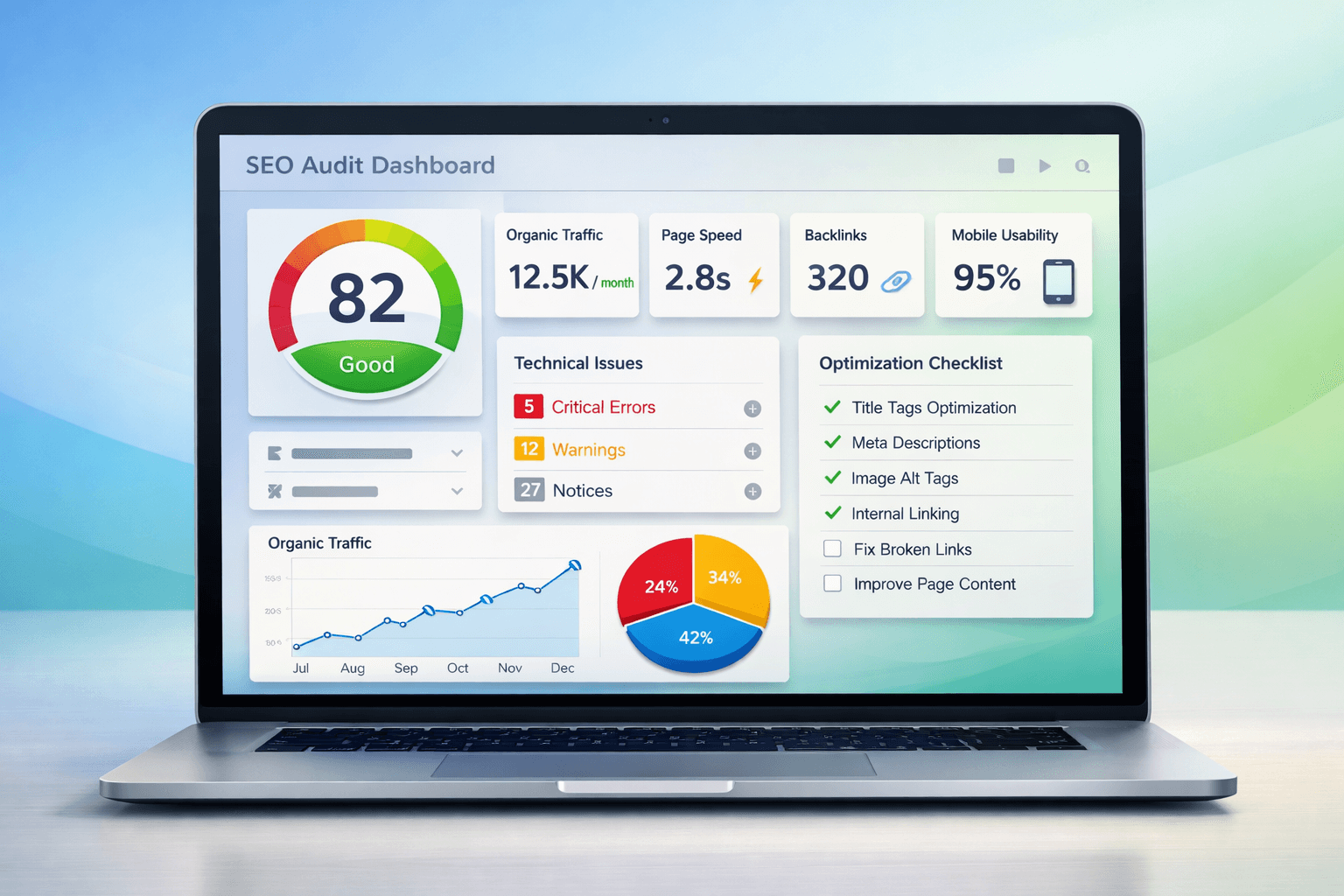
If your website isn't ranking, converting or growing traffic, the first step is simple: run a full SEO audit.
Search engine optimization in 2026 is more competitive than ever. Google's algorithm evaluates:
- Page experience
- Core Web Vitals
- Mobile usability
- Technical structure
- Content quality
- Internal linking
- Backlink authority
Manually checking all of these factors is time-consuming and technical. That's where an SEO site checker becomes essential.
In this complete guide, you'll learn:
- What an SEO site checker is
- How it works
- Step-by-step instructions for running a full audit
- How to fix issues found in reports
- How to improve rankings using audit data
We'll also walk through how to use SEO Site Checker to run a full website audit quickly and effectively.
Why Every Website Needs an SEO Audit
Even well-designed websites can suffer from hidden SEO problems.
Common issues include:
- Missing meta descriptions
- Duplicate title tags
- Slow loading speed
- Broken internal links
- Crawl errors
- Non-mobile-friendly layouts
- Weak internal linking structure
Google constantly updates its algorithm. What worked 2 years ago may now hurt your rankings.
Running a full SEO audit regularly ensures:
- Your site remains optimized
- Technical errors are fixed
- Content gaps are identified
- Ranking opportunities are uncovered
Instead of guessing, use a structured SEO audit tool like:
What Is an SEO Site Checker?
An SEO Site Checker is a tool that analyzes your website's SEO performance and provides a detailed report covering:
- On-page SEO
- Technical SEO
- Site speed
- Mobile optimization
- Backlinks
- Domain authority
- Crawlability
It automatically scans your website and generates a score based on SEO best practices.
Difference Between SEO Tools:
| Tool Type | Purpose |
|---|---|
| SEO Site Checker | Full website audit |
| SEO Crawler | Deep technical crawl |
| Keyword Tool | Keyword research |
| Backlink Tool | Analyze backlinks |
A comprehensive SEO Site Checker combines multiple analyses into one report.
seositechecker.pro simplifies this process into an easy-to-understand dashboard.
Key Features of a Good SEO Site Checker
Not all SEO audit tools are equal. A high-quality SEO site checker should analyze:
1️⃣ On-Page SEO Analysis
Includes:
- Title tags
- Meta descriptions
- H1, H2 structure
- Keyword usage
- Image alt attributes
- Internal links
- Content length
- URL structure
These directly affect search rankings.
2️⃣ Technical SEO Analysis
Covers:
- Page speed
- Core Web Vitals
- HTTPS security
- Mobile responsiveness
- XML sitemap
- Robots.txt
- Crawl errors
- Broken links
For speed testing, you can also verify results using:
3️⃣ Off-Page SEO Insights
Includes:
- Backlink profile
- Domain authority
- Spam score
- Referring domains
Backlinks remain one of Google's strongest ranking factors.
seositechecker.pro combines all three categories into a structured audit report.
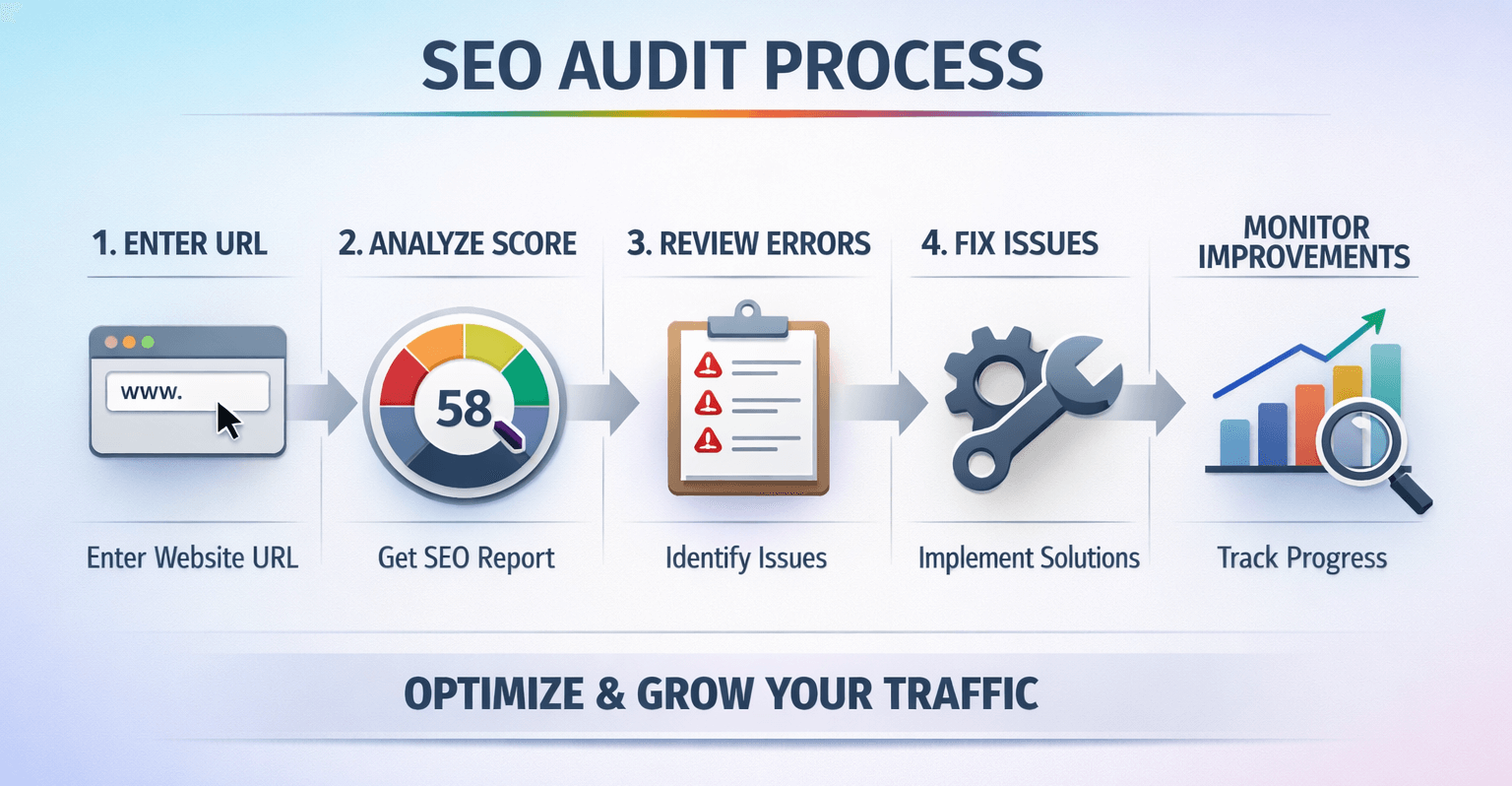
How to Use SEO Site Checker for Full Audit (Step-by-Step)
Now let's walk through the full process.
Step 1: Enter Your Website URL
Go to:
Enter your domain name and start the scan.
The tool will automatically analyze your site within seconds.
Step 2: Review Overall SEO Score
After scanning, you'll see:
- Overall SEO health score
- Performance rating
- On-page score
- Technical score
What Is a Good SEO Score?
- 80+ → Excellent
- 60–79 → Needs optimization
- Below 60 → Major improvements required
Don't panic if your score is low. The report shows exactly what to fix.
Step 3: Analyze On-Page SEO Issues
Common issues found:
- Missing title tag
- Duplicate meta description
- Missing H1
- Over-optimized keywords
- Thin content
Fix these first. On-page SEO improvements are quick wins.
Step 4: Check Technical SEO Errors
Technical SEO often hides ranking problems.
Look for:
- Slow load time
- Large images
- Broken links
- Redirect chains
- Missing sitemap
- No SSL certificate
You can double-check mobile responsiveness with:
Step 5: Review Mobile Optimization
Google uses mobile-first indexing.
If your mobile usability score is poor, it directly impacts rankings.
Fix:
- Responsive layout
- Font size
- Button spacing
- Mobile page speed
Step 6: Analyze Backlinks & Domain Authority
Backlinks indicate trust.
Check:
- Number of referring domains
- Spam links
- Authority score
If backlink profile is weak, start link-building campaigns.
Step 7: Export Your SEO Audit Report
Download the report and prioritize issues:
- Critical errors
- Technical blockers
- On-page improvements
- Content gaps
Running regular audits with seositechecker.pro helps track improvements over time.

Understanding SEO Audit Reports
Not all errors are equally important.
Critical Issues
- No HTTPS
- Crawl errors
- Broken internal links
- No meta tags
Warnings
- Long titles
- Slight keyword overuse
- Minor speed issues
Opportunities
- Add schema markup
- Improve internal linking
- Enhance content depth
Remember: An SEO score is helpful, but fixing issues strategically matters more than chasing 100%.
Common SEO Issues Found by Site Checkers
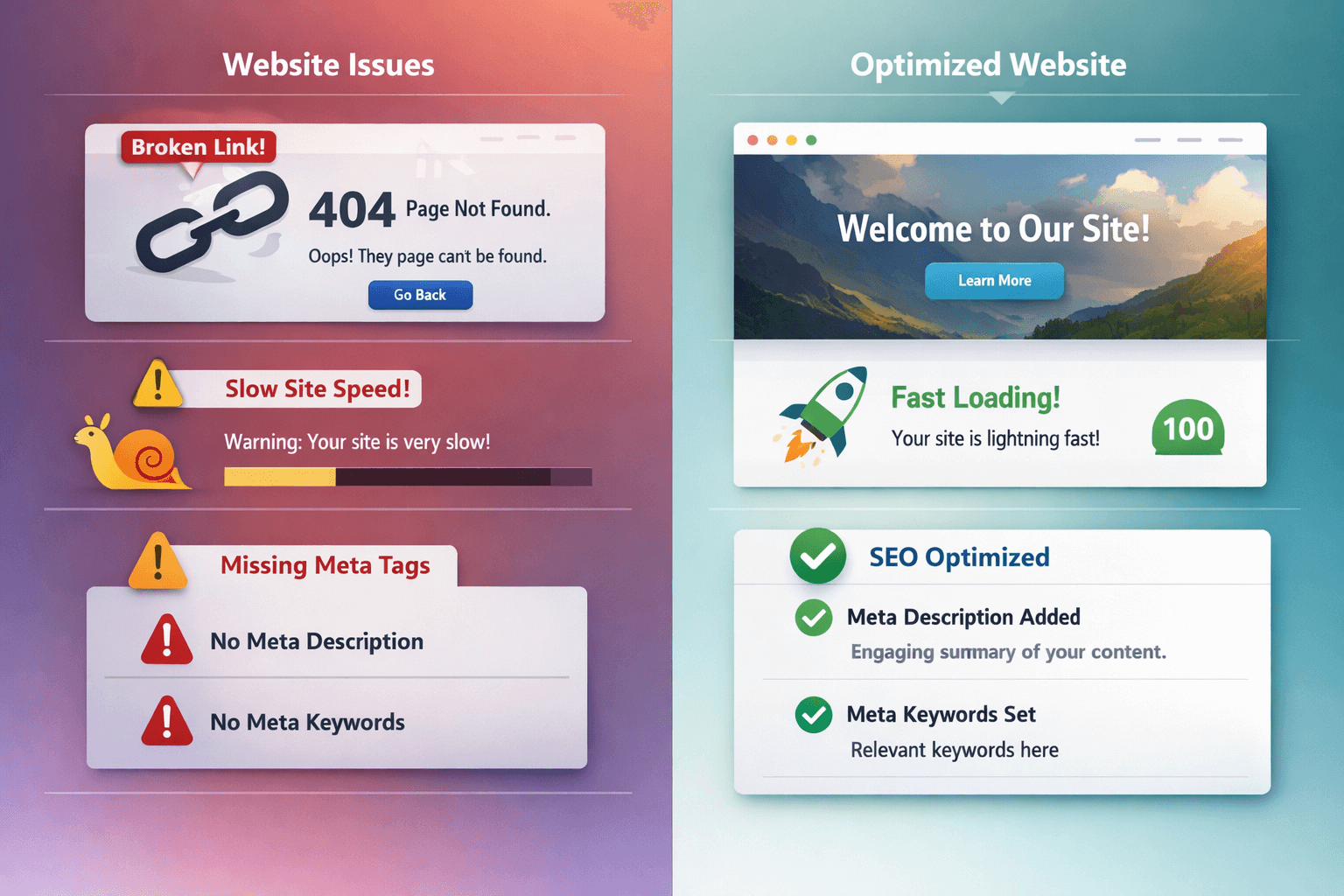
Here are the most frequent issues:
- Missing meta descriptions
- Duplicate title tags
- Slow page speed
- Thin content pages
- Broken links
- Large image sizes
- No schema markup
- Weak internal linking
- Missing alt text
- Non-secure HTTP site
- Orphan pages
- Improper heading hierarchy
These problems are surprisingly common even on established websites.
How to Fix SEO Issues After Running a Site Checker
Once you have your audit, take action.
Fix On-Page SEO
- Optimize titles (60 characters max)
- Improve meta descriptions
- Use clear H1/H2 structure
- Add keyword naturally
- Add internal links
Improve Content Quality
- Add 1,000+ word content where needed
- Include FAQs
- Improve readability
- Add structured data
- Update outdated articles
Optimize Technical Structure
- Compress images
- Enable caching
- Minify CSS/JS
- Fix broken links
- Implement HTTPS
- Improve Core Web Vitals
For official SEO best practices, refer to:
👉 Google Search Central SEO Starter Guide
Strengthen Internal Linking
Link related blog posts to each other.
Internal linking improves:
- Crawlability
- Page authority
- User experience
- Ranking power

Build Backlinks
Focus on:
- Guest posting
- Directory listings
- Digital PR
- Niche backlinks
- Resource link outreach
How Often Should You Run an SEO Site Audit?
Recommended frequency:
- Monthly (for active websites)
- After website redesign
- After Google algorithm updates
- After major traffic drop
- Before launching new campaigns
SEO is not one-time work. Continuous monitoring is essential.
SEO Site Checker vs Manual Audit
| Feature | SEO Site Checker | Manual Audit |
|---|---|---|
| Speed | Fast | Time-consuming |
| Accuracy | Automated | Expert-dependent |
| Scalability | High | Limited |
| Cost | Affordable | Expensive |
| Depth | Structured | Custom insights |
Manual audits are useful for deep strategy.
SEO Site Checkers are ideal for regular monitoring.
Why Use seositechecker.pro?
There are many tools available, but seositechecker.pro offers:
- Simple user interface
- Instant results
- Clear SEO score
- Structured audit breakdown
- Actionable recommendations
- Beginner-friendly explanations
- Downloadable reports
- Fast processing
Whether you're a freelancer, agency, bloggeror business owner, it simplifies the full audit process.
Full SEO Audit Checklist for 2026
Use this quick summary:
✅ Meta tags optimized
✅ H1/H2 structure correct
✅ Page speed under 3 seconds
✅ Mobile-friendly design
✅ Internal linking optimized
✅ No broken links
✅ HTTPS enabled
✅ Updated sitemap
✅ No duplicate content
✅ Schema markup added
Final Thoughts
Running a full SEO audit is the foundation of strong search rankings.
Instead of guessing what's wrong with your site, use a structured, automated approach.
Start your complete SEO health check today
Fix errors. Improve rankings. Grow traffic.
Frequently Asked Questions
No Tags


Comments (0)