- Khurram Shahzad
- Tech Stacks
- 440
- 0
Introduction: Why Laravel + AI Is the Future of Web Applications
Artificial Intelligence is no longer experimental, it's becoming a core feature of modern SaaS platforms, automation tools, CRMs, ecommerce systems, and content platforms. Businesses now expect AI-driven search, chat assistants, recommendation engines, content generation, and predictive automation.
For PHP developers, the natural question is:
How do you integrate AI properly inside a Laravel application?
That's where a Laravel AI SDK comes in.
Laravel provides a clean, structured backend architecture with queues, jobs, caching, middleware, and security layers, making it an ideal framework to orchestrate AI services at scale.
If you've already explored my complete WordPress Laravel tech stack guide, you know I focus on scalable architecture: complete WordPress Laravel tech stack
In this guide, you'll learn:
- What a Laravel AI SDK is
- How to install and configure it
- How to integrate OpenAI and other providers
- How to build real AI features
- How to optimize performance
- How to secure and scale AI apps
Let's dive in.
What Is a Laravel AI SDK?
An SDK (Software Development Kit) is a package that simplifies interaction with an external service.
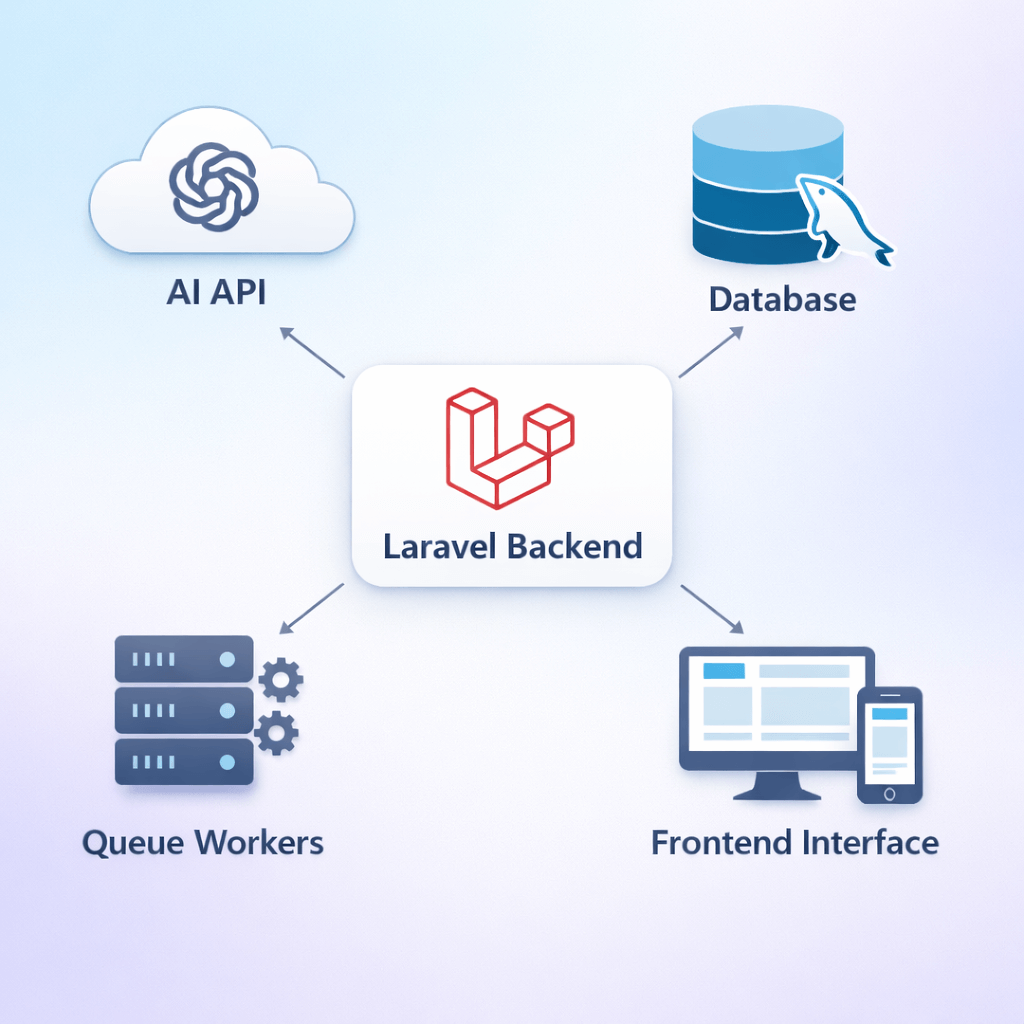
Instead of manually writing HTTP requests, authentication headers, and error handling logic, an SDK provides:
- Pre-built methods
- Authentication helpers
- Structured responses
- Clean integration patterns
In the context of Laravel, a Laravel AI SDK is typically:
- A Composer package
- A wrapper around AI APIs
- A service provider that integrates into Laravel's container
It acts as a bridge between your Laravel app and AI providers like:
- OpenAI
- Anthropic
- Google Gemini
- Self-hosted LLM models
The SDK reduces complexity and keeps your codebase clean.
AI Providers You Can Use With Laravel
OpenAI Integration
OpenAI is the most widely used provider for Laravel AI applications. It offers:
- GPT chat models
- Embeddings API
- Image generation
- Speech-to-text
- Fine-tuning capabilities
You can reference the official documentation here:
👉 OpenAI API documentation
With Laravel, OpenAI is typically integrated via:
- REST API calls
- Community SDK packages
- Custom service classes
Anthropic (Claude)
Anthropic provides large language models focused on safety and structured outputs.
Integration is similar to OpenAI, using REST APIs wrapped in a Laravel service class.
Google Gemini
Google's AI ecosystem offers text and multimodal APIs. For enterprise systems already using Google Cloud, this can be a strategic choice.
You can review:
👉 Google AI development guidelines
Self-Hosted Models
For privacy-sensitive applications, developers may:
- Host open-source LLMs
- Use Hugging Face endpoints
- Deploy models via Docker
Laravel can easily communicate with these via internal API calls.
Setting Up Laravel for AI Integration
Step 1: Install Laravel
Install Laravel using Composer:
composer create-project laravel/laravel ai-app
Always follow the latest structure from:
👉 Laravel official documentation
Step 2: Install AI SDK Package
Example:
composer require openai-php/laravel
This installs a service provider and facade automatically.
Step 3: Configure Environment Variables
Add to your .env:
OPENAI_API_KEY=your_api_key_here
Never hardcode API keys in source files.
Run:
php artisan config:cache
Step 4: Secure API Keys
Best practices:
- Store in environment variables
- Restrict server access
- Avoid exposing in frontend
- Use backend proxy requests
Security becomes critical as AI usage scales.
Making Your First AI Request in Laravel
After installation, you can call the API like this:
use OpenAI\Laravel\Facades\OpenAI;
$response = OpenAI::chat()->create([
'model' => 'gpt-4o-mini',
'messages' => [
['role' => 'user', 'content' => 'Write a product description']
],
]);
$output = $response->choices[0]->message->content;
Handling Responses
Always validate:
- Empty responses
- API errors
- Token limits
Return structured JSON responses for frontend use.
Error Handling & Rate Limits
Wrap calls inside:
- Try/catch blocks
- Retry logic
- Laravel rate limiting middleware
Example:
Route::middleware('throttle:60,1')->group(function () {
// AI routes
});
Streaming Responses
For real-time chat applications:
- Use streaming endpoints
- Broadcast via Laravel events
- Push via WebSockets
This improves user experience significantly.
Storing AI Data in Database
AI usage must be logged for:
- Analytics
- Cost tracking
- User history
- Debugging
Create tables like:
- ai_prompts
- ai_responses
- token_usage
Track:
- User ID
- Model used
- Tokens consumed
- Timestamp
This allows cost monitoring and optimization.
Building AI-Powered Features With Laravel
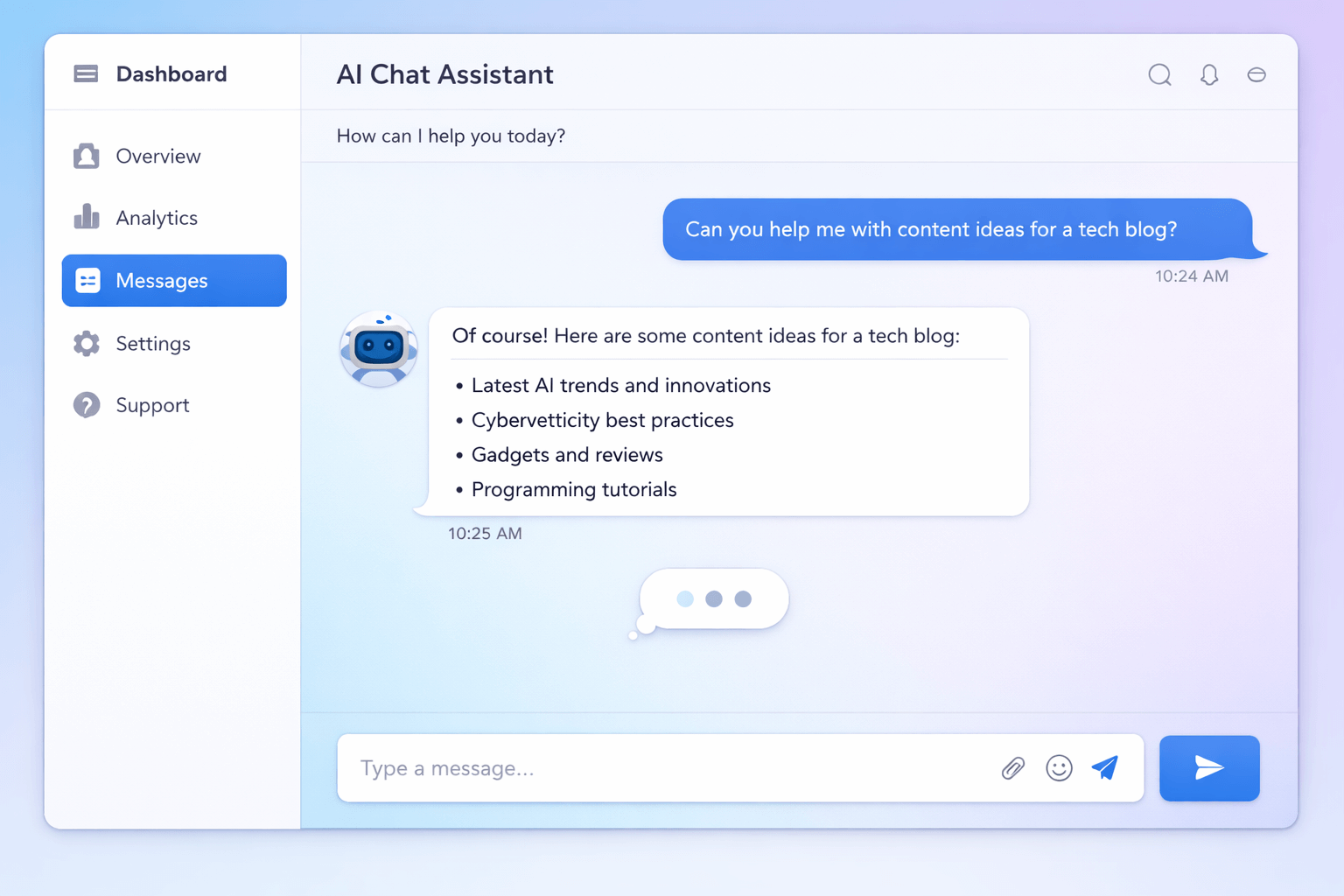
1️⃣ AI Chatbot System
Structure:
- Controller for requests
- Queue job for API call
- Database logging
- WebSocket streaming
For UX optimization, you can apply strategies from: UI/UX conversion optimization strategies
👉
Good UX increases retention dramatically.
2️⃣ AI Content Generator
Use cases:
- Blog outline generation
- Product descriptions
- Meta descriptions
- Email drafts
AI can speed up marketing workflows significantly.
3️⃣ AI Search With Embeddings
Process:
- Convert content into embeddings
- Store vectors in database
- Compare user query vectors
- Return closest match
This creates semantic search far superior to keyword search.
4️⃣ AI SaaS Platform
Laravel excels at:
- Multi-tenant architecture
- Subscription billing
- API token management
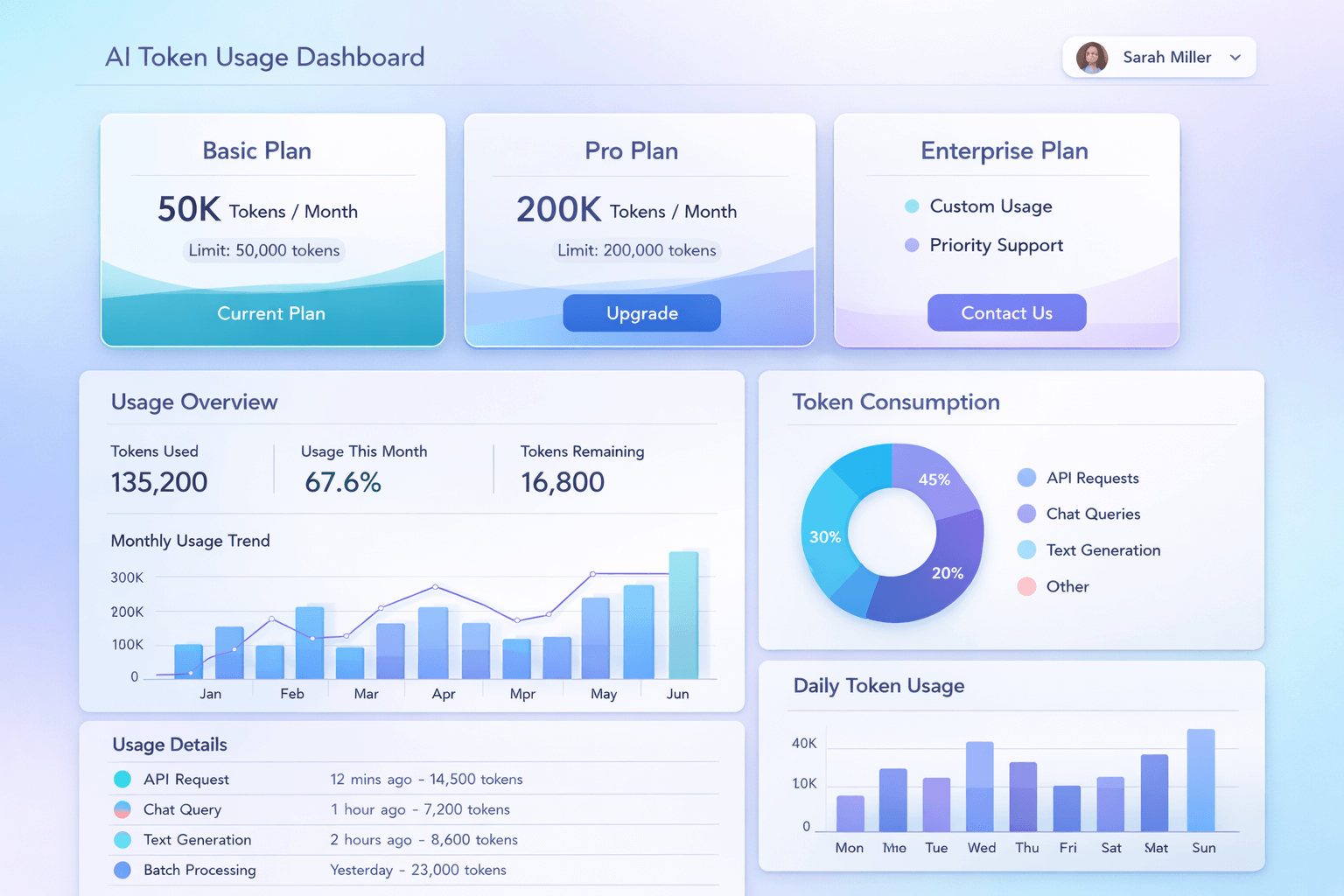
- Usage dashboards
You can build full AI SaaS tools with:
- Subscription plans
- Token usage tracking
- Admin analytics panel
Performance Optimization for AI Applications
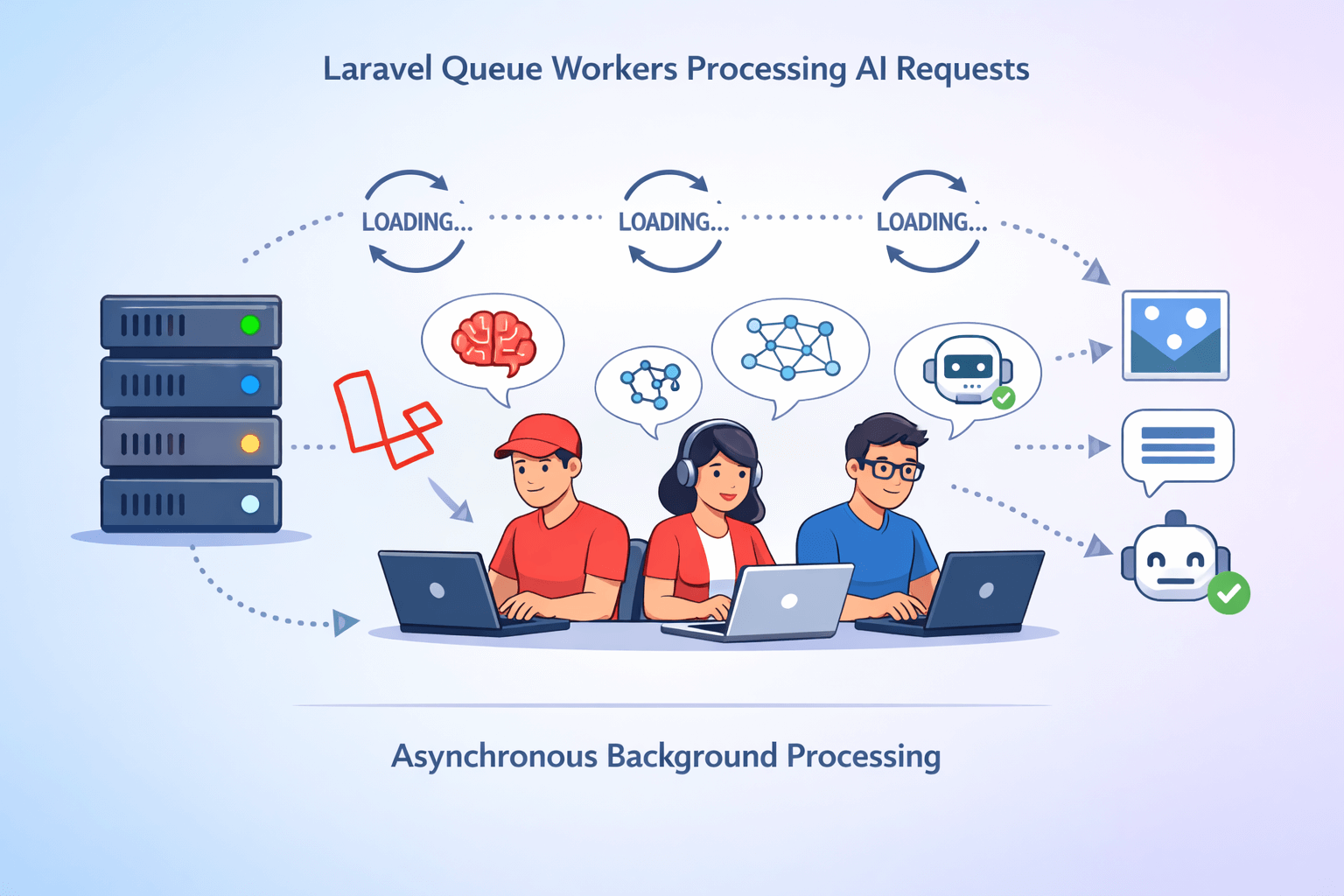
AI calls are slower than database queries.
To prevent blocking:
Use Queues
Dispatch AI jobs:
ProcessAIRequest::dispatch($data);
Run workers:
>php artisan queue:work
Cache Responses
If prompt repetition is common:
- Cache results
- Set TTL expiration
Token Optimization
Reduce:
- Unnecessary system prompts
- Long conversation history
- Overly verbose responses
Shorter prompts = lower cost.
Securing Your Laravel AI Application
AI applications introduce new risks.
Protect Against Prompt Injection
- Sanitize user inputs
- Strip HTML
- Validate length
Rate Limiting
Prevent abuse using Laravel throttle middleware.
Authentication
Use Sanctum or Passport for API-based apps.
Scaling AI Applications in Production
When traffic grows:
- Separate queue workers
- Use load balancers
- Deploy horizontally
- Use CDN for frontend
Laravel's structured architecture makes scaling predictable.
If you're deciding between CMS and framework for AI projects, see: Laravel vs WordPress decision guide
AI UX Best Practices
AI UX directly affects retention.
Implement:
- Loading indicators
- Typing animation
- Progress feedback
- Clear usage limits
Also consider:
- Error transparency
- Clear output formatting
- Editable responses
For real-world examples, you can explore: real development projects
Common Mistakes When Using Laravel AI SDK
- Exposing API keys
- Making synchronous AI calls in controllers
- Ignoring cost tracking
- No caching strategy
- No queue workers
- Not limiting user requests
- Poor error handling
Avoiding these ensures production stability.
Conclusion: Is Laravel AI SDK Worth Using?
If you're building:
- AI chatbots
- AI SaaS platforms
- AI search engines
- AI content systems
- Automation tools
Then a Laravel AI SDK approach is not just viable, it's powerful.
Laravel provides:
- Clean architecture
- Secure environment handling
- Built-in queue system
- Rate limiting
- Structured scalability
Combined with modern AI APIs, it allows you to build production-grade AI-powered web applications.
If you're planning an AI project and need architecture guidance:👉 Start your AI-powered project consultation
Frequently Asked Questions
No Tags

Comments (0)