Added an MCP server with OAuth 2.1 so Claude and ChatGPT can read content, run SEO checks and write drafts, without permission to publish or delete.
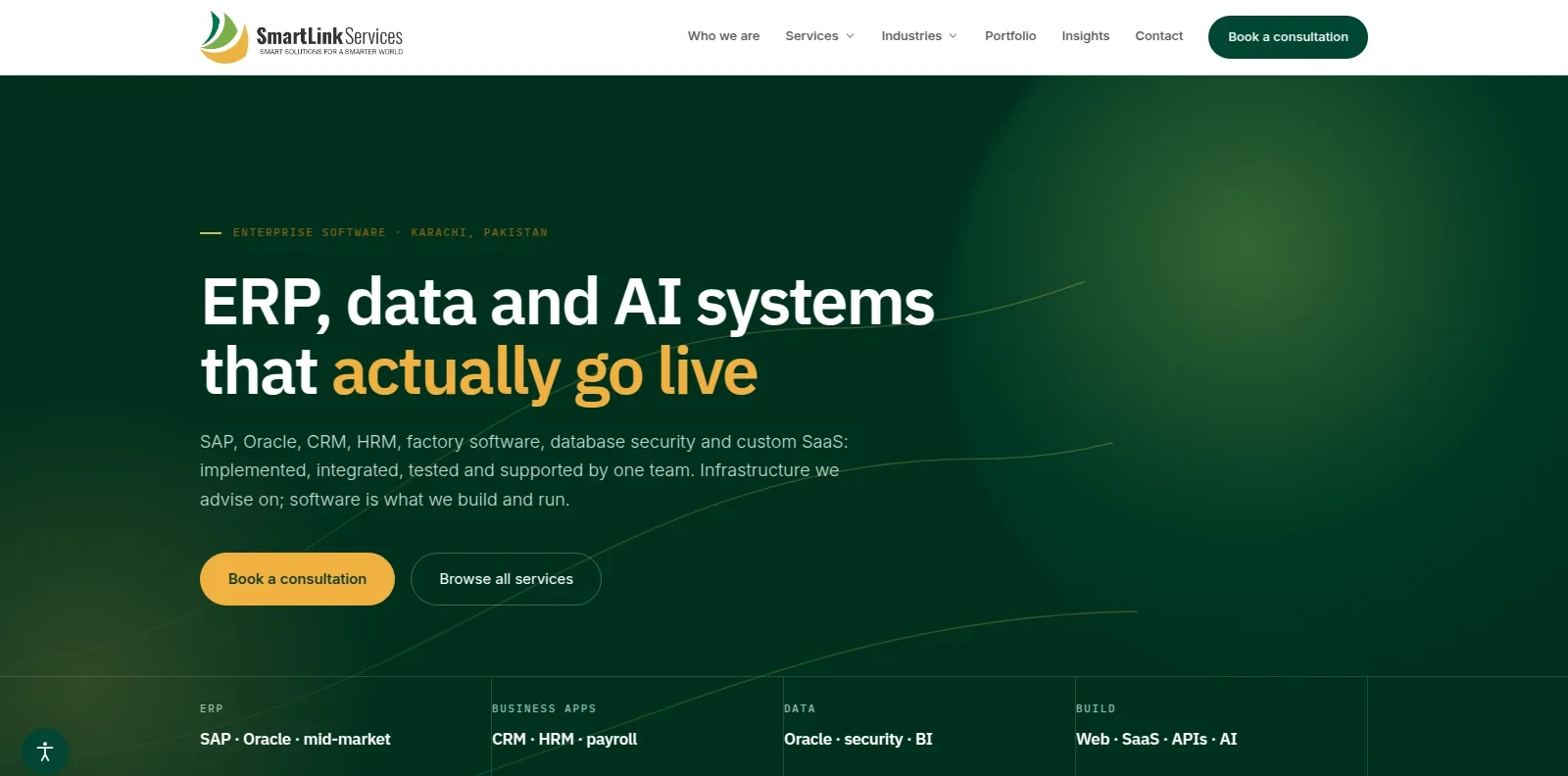
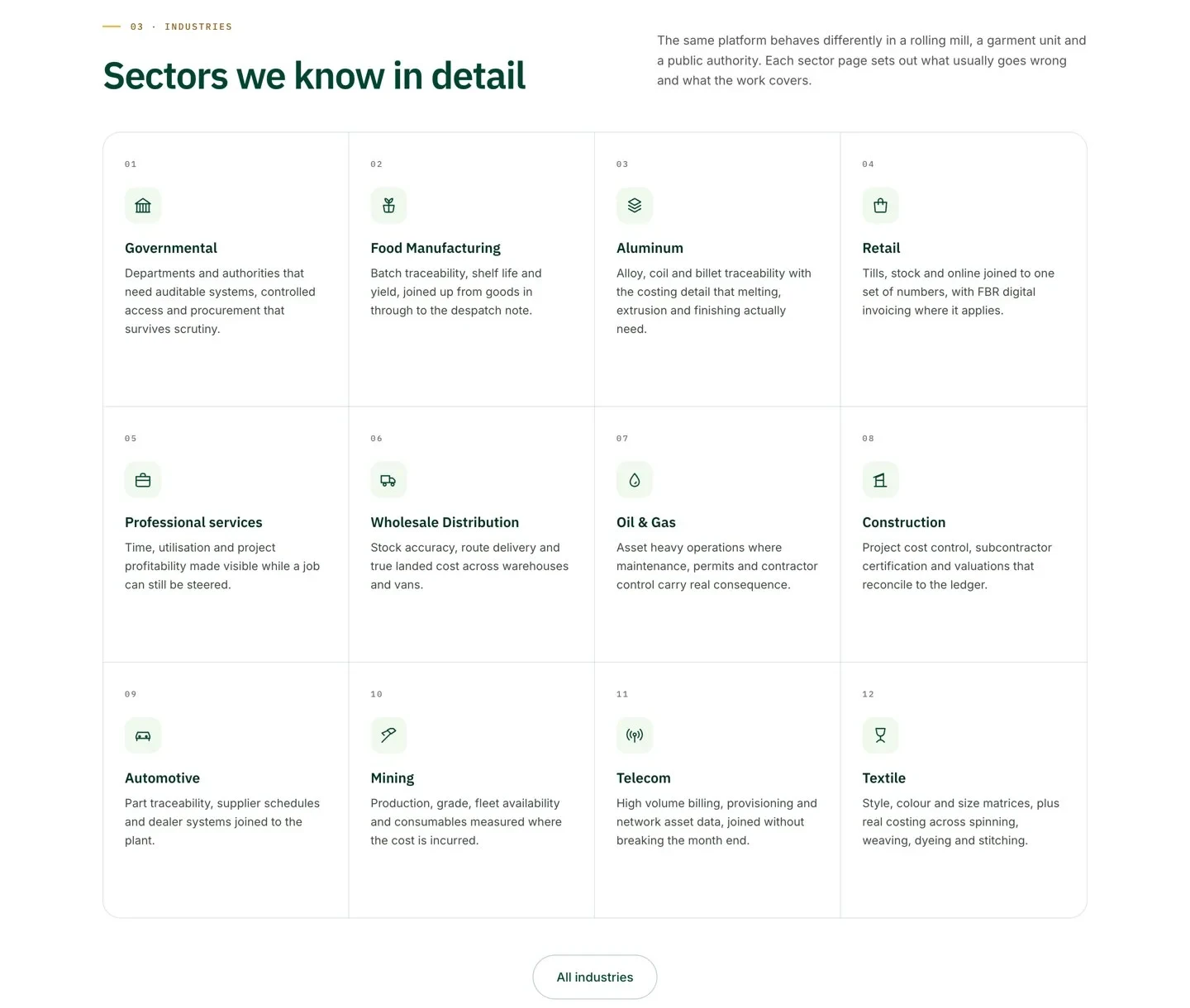
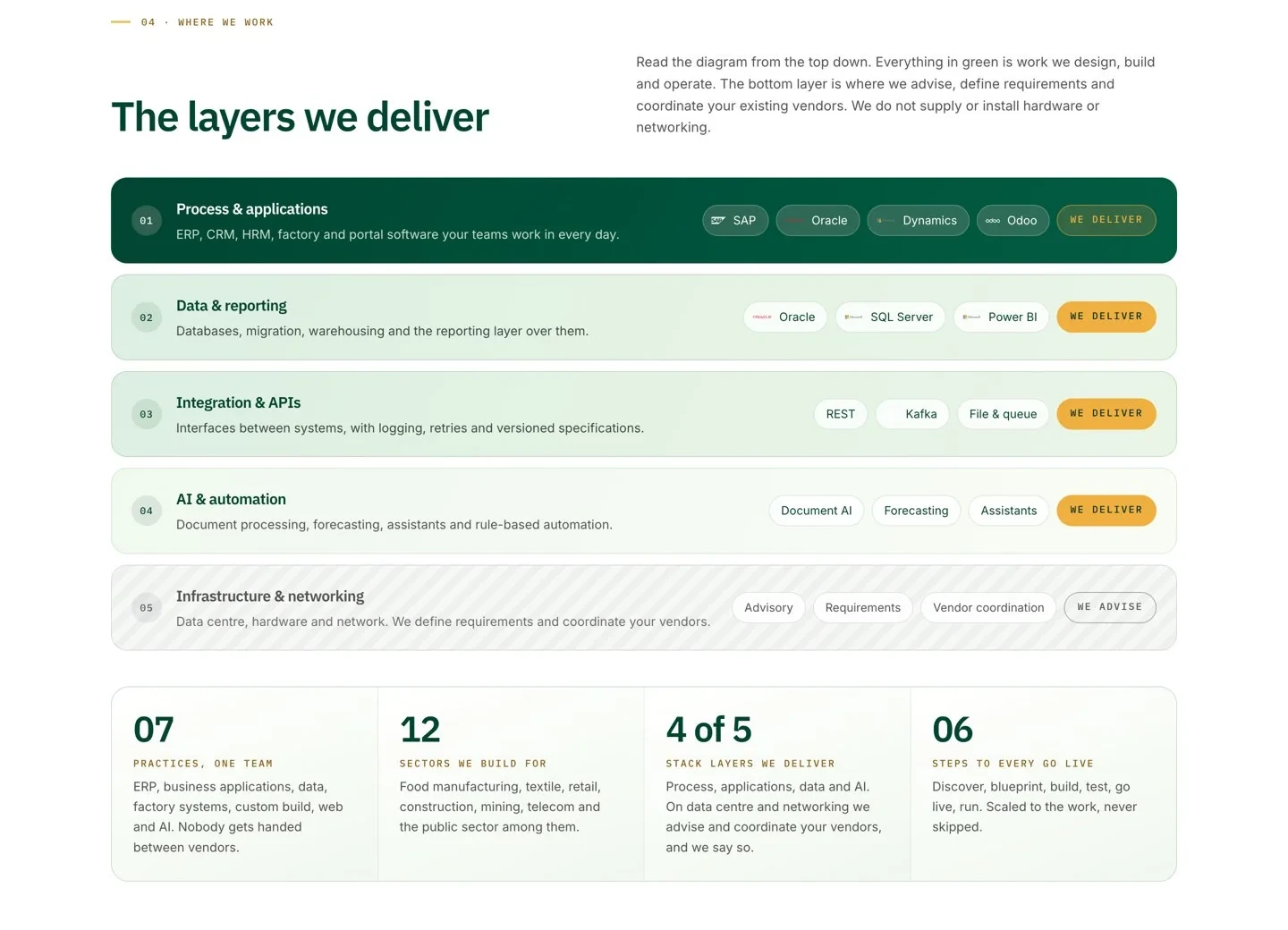
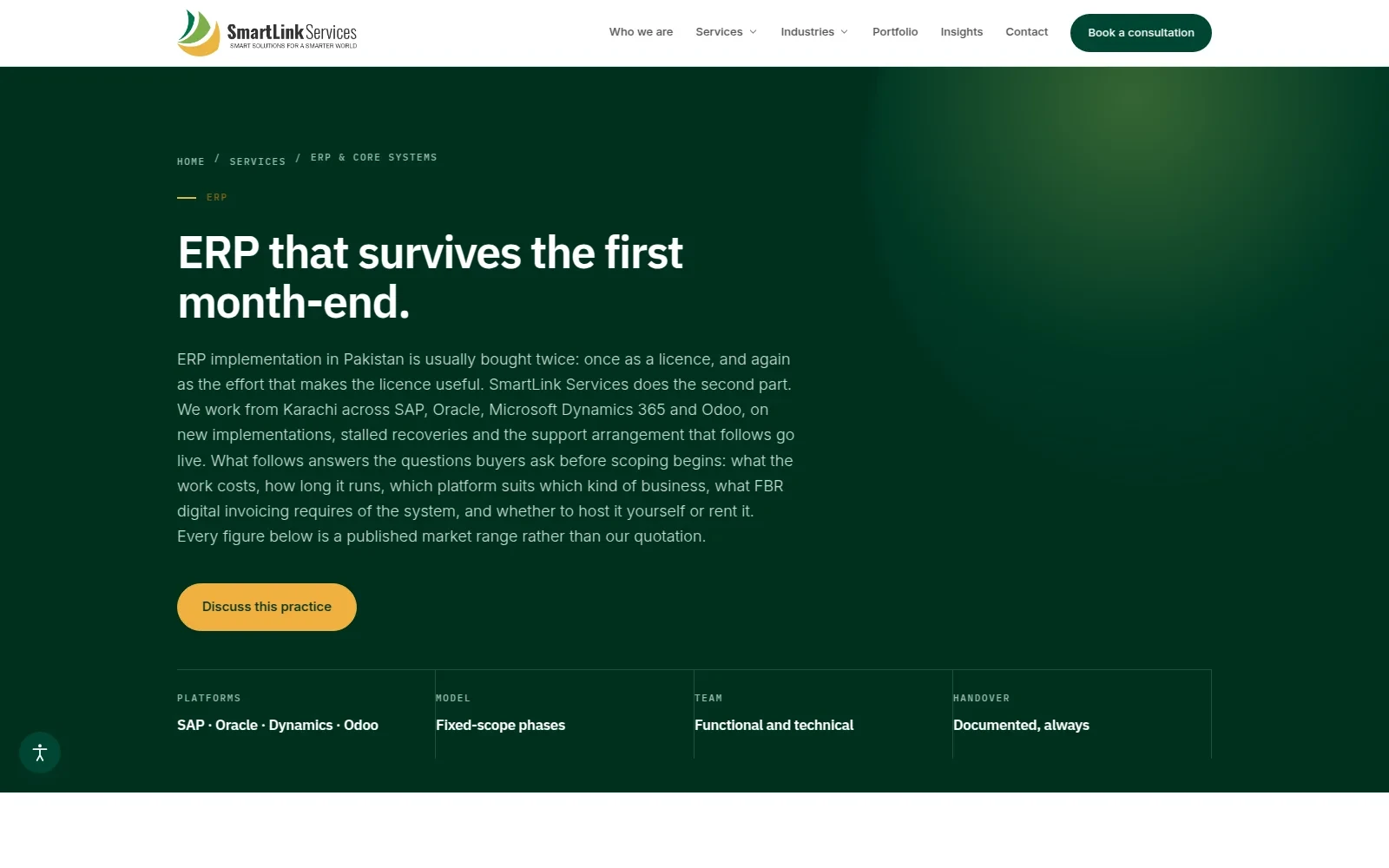
Built a Laravel 12 CMS and the company website for an enterprise systems firm in Karachi: 7 service practices, 12 industry pages and a modular, multi-theme architecture. smartlink.services
The client
An enterprise systems firm in Karachi delivering ERP, CRM, Oracle, factory systems, SaaS and AI across 12 industries.
The brief
A company website that presents 7 service practices clearly, on a CMS the team can run without a developer.
What I built
Three things in one project: a reusable Laravel CMS, the company website on top of it, and an AI connector that lets assistants work with the CMS safely.
- The CMS: a modular Laravel 12 platform with custom post types, custom fields, theme options and an installer as separate modules, plus multiple themes (one admin theme, separate frontend themes). Pages, posts, categories and tags, menus, widgets, a media manager, comments, revision history, an activity log, notifications, a contact form inbox and a drag-and-drop page builder ("Magic Editor").
- The website: 7 service practices (ERP and core systems, CRM and HRM, Oracle and databases, factory and operations, development and SaaS, web and digital, AI solutions) with about 35 service pages, 12 industry pages, a portfolio and an Insights blog.
- The AI connector: an MCP server with 11 tools, so Claude, ChatGPT, Cursor and VS Code can see a site overview, list and read content, run an SEO health report, create and update drafts, set SEO on drafts, browse media, read revision history and check contact submissions.
- SEO built in: XML sitemaps, robots.txt, canonicals, Open Graph, JSON-LD, a 301 redirect manager, RSS feeds per category and automatic WebP generation.
How the AI connector works
Assistants sign in with OAuth 2.1, get a token limited to reading and drafting, and work through 11 MCP tools that can never touch live pages.
- AI assistant: Claude, ChatGPT, Cursor or VS Code.
- OAuth 2.1 sign-in: Laravel Passport with dynamic client registration.
- Scoped token:
cms:readandcms:draftonly, issued and revoked from an admin screen or the CLI. - MCP server: 11 CMS tools over streamable HTTP.
- Can: read content, run SEO checks, create and update drafts.
- Cannot: publish, delete or change live pages.
A person reviews and publishes every draft, and every change lands in revision history.
The result
I built SmartLink's website on a Laravel 12 CMS I designed to be modular, multi-theme and SEO-ready from day one. I then added an MCP server with OAuth 2.1, so the team can connect Claude or ChatGPT to the CMS and ask it to review content, run SEO checks and prepare drafts. The AI can read and draft, but it cannot publish, delete or change live pages, so a person stays in control of what goes live.
Stack
| Layer | What it runs on |
|---|---|
| Backend | PHP 8.1+, Laravel 12 (MVC, Eloquent, Blade, Artisan), MySQL with migrations and seeders |
| Architecture | Modules with nwidart/laravel-modules (custom post types, custom fields, theme options, installer), multiple themes with hexadog/laravel-themes-manager |
| AI connector | MCP server on laravel/mcp over streamable HTTP, 11 tools, OAuth 2.1 with dynamic client registration through Laravel Passport, token scopes cms:read and cms:draft |
| Auth and security | Laravel Fortify and Sanctum, Spatie Permission (roles and ACL), custom middleware for XSS, CSRF, rate limiting and connector access, HTMLPurifier sanitising, consent handling on contact submissions |
| SEO and performance | Custom SEO module (sitemaps, robots.txt, canonicals, Open Graph, JSON-LD, 301 manager), RSS per category, automatic WebP generation, cached and rate-limited public pages |
| Frontend | Blade, Bootstrap, jQuery, Vite, Axios; admin with CKEditor, Chart.js, ApexCharts, Dropzone, SweetAlert2 |
| Integrations | Google Cloud Translation API (translation-ready), DomPDF, Maatwebsite Excel, Guzzle |
| Quality and hosting | PHPUnit, Laravel Pint, Linux with LiteSpeed/Apache |
What's next
Case studies from real ERP projects in the Insights section, directory listings, and a language switcher.