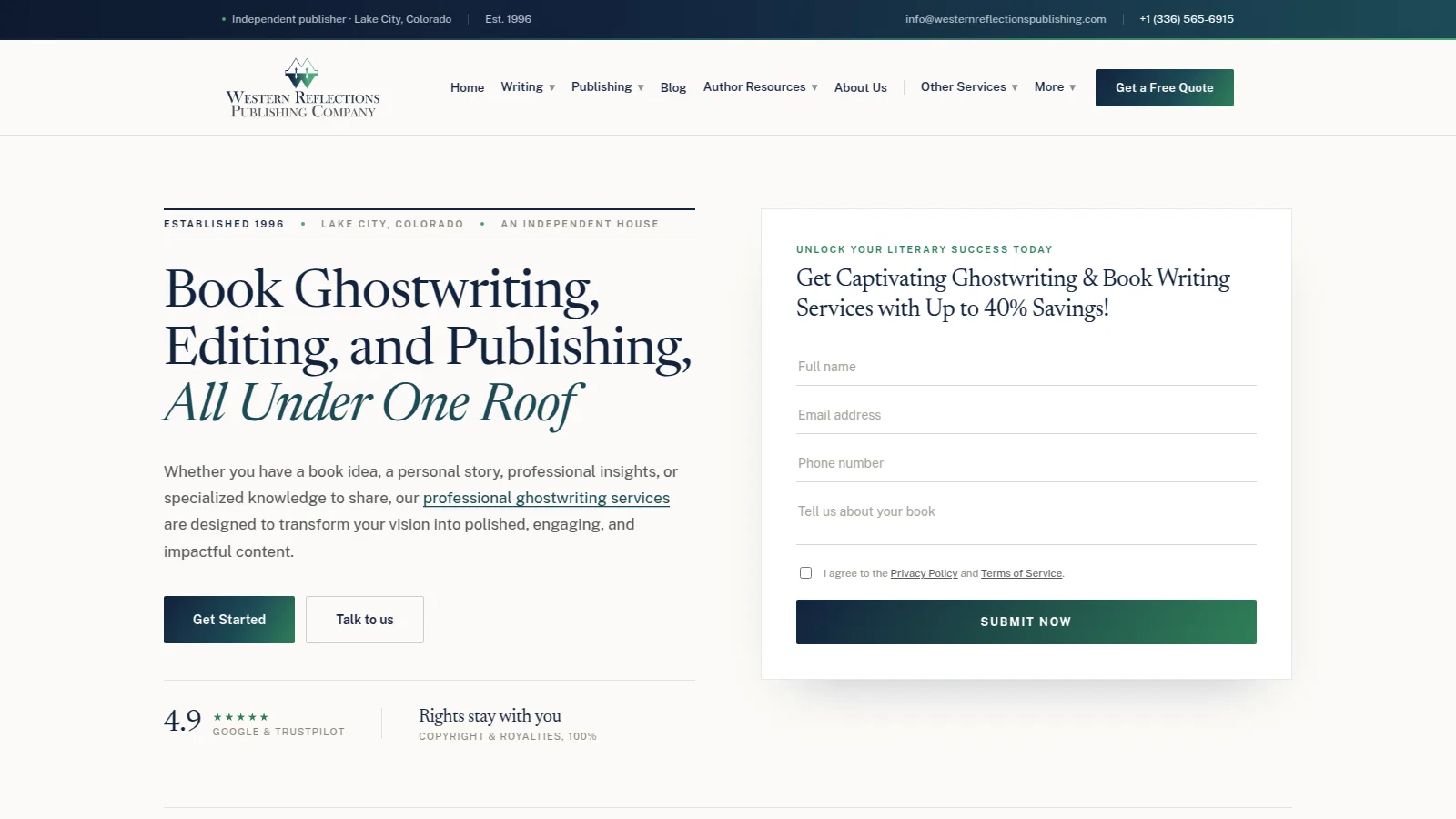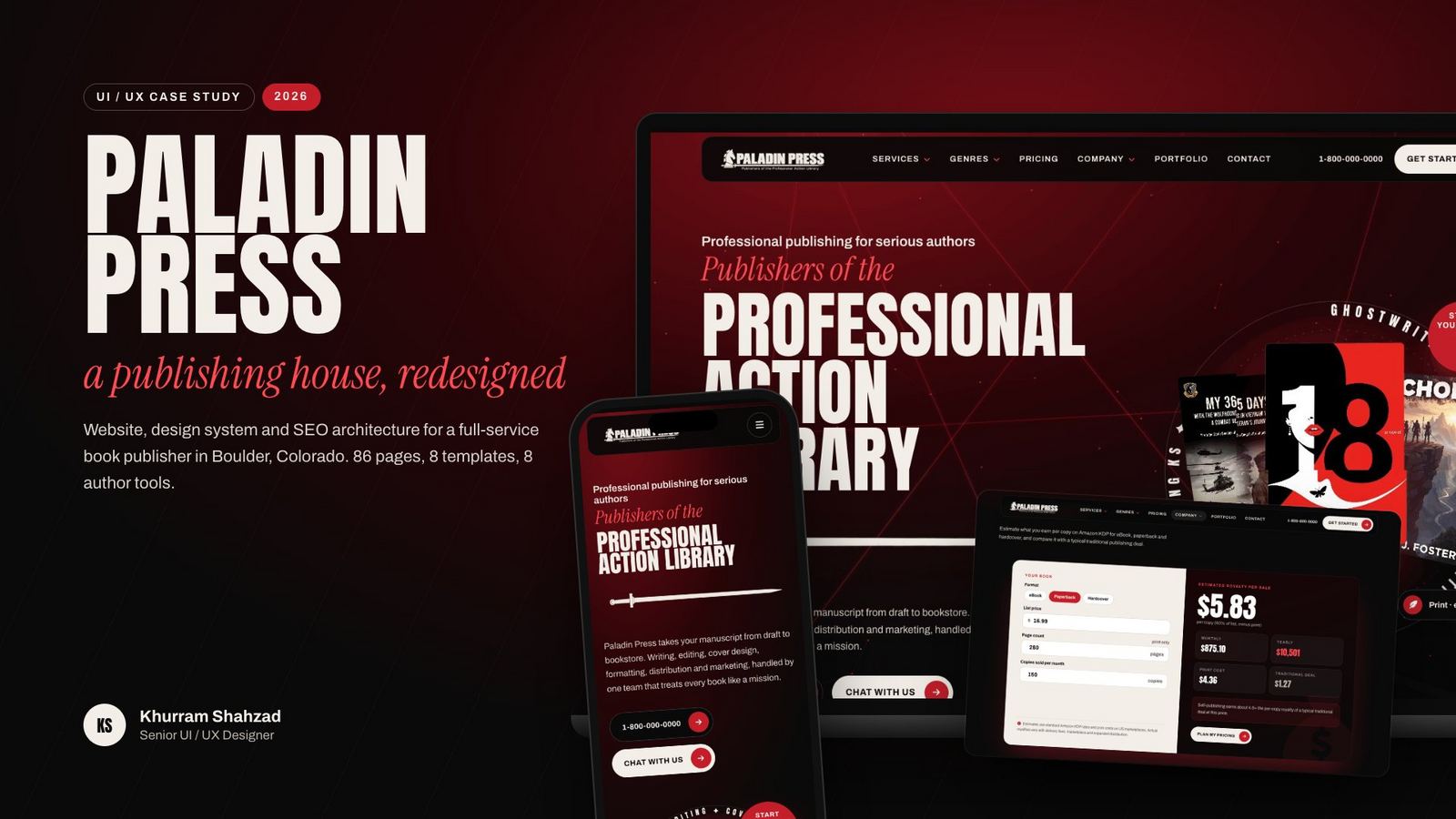
Designed the interface, information architecture and design system for a full-service book publisher: 86 pages on 8 templates, with 8 author tools and a five-tap quote flow.
I led the UI/UX redesign of the Paladin Press website, from first wireframes to a responsive build on a Laravel CMS. paladinpress.co
The client
Paladin Press is a full-service book publisher in Boulder, Colorado. One team handles writing, editing, cover design, formatting, distribution and marketing, across 16 services and 18 genres.
The problem
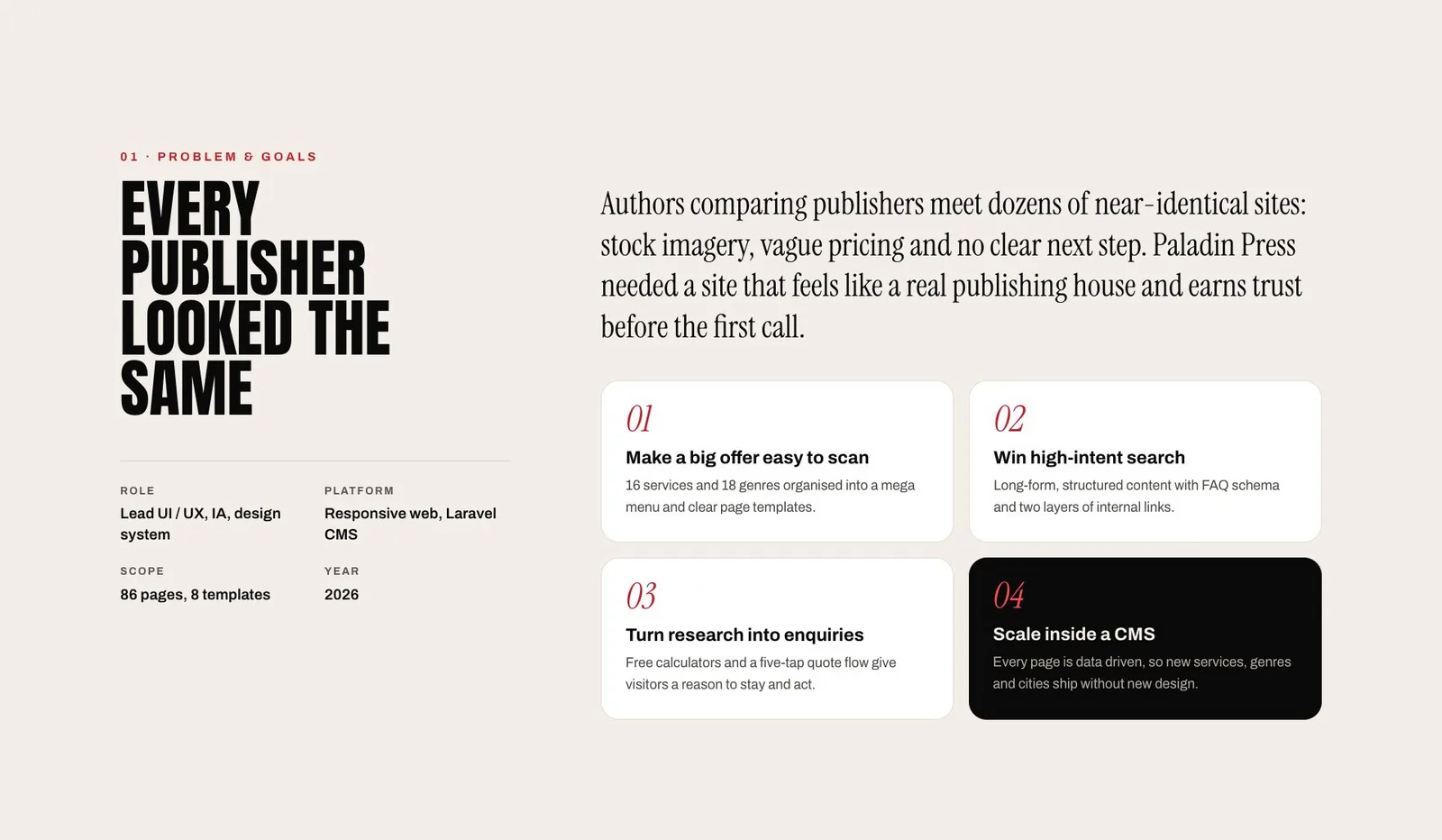
Authors comparing publishers meet dozens of near-identical sites: stock imagery, vague pricing and no clear next step. Paladin Press needed a site that feels like a real publishing house and earns trust before the first call.
Four goals
- Make a big offer easy to scan. Sixteen services and 18 genres organised into a mega menu and clear page templates.
- Win high-intent search. Long-form, structured content with FAQ schema and two layers of internal links.
- Turn research into enquiries. Free calculators and a five-tap quote flow give visitors a reason to stay and act.
- Scale inside a CMS. Every page is data driven, so new services, genres and cities ship without new design.
What I designed
My role was lead UI/UX, information architecture and design system. I sorted the offer into 8 reusable page templates, so all 86 pages share one structure and a visitor always knows where they are.
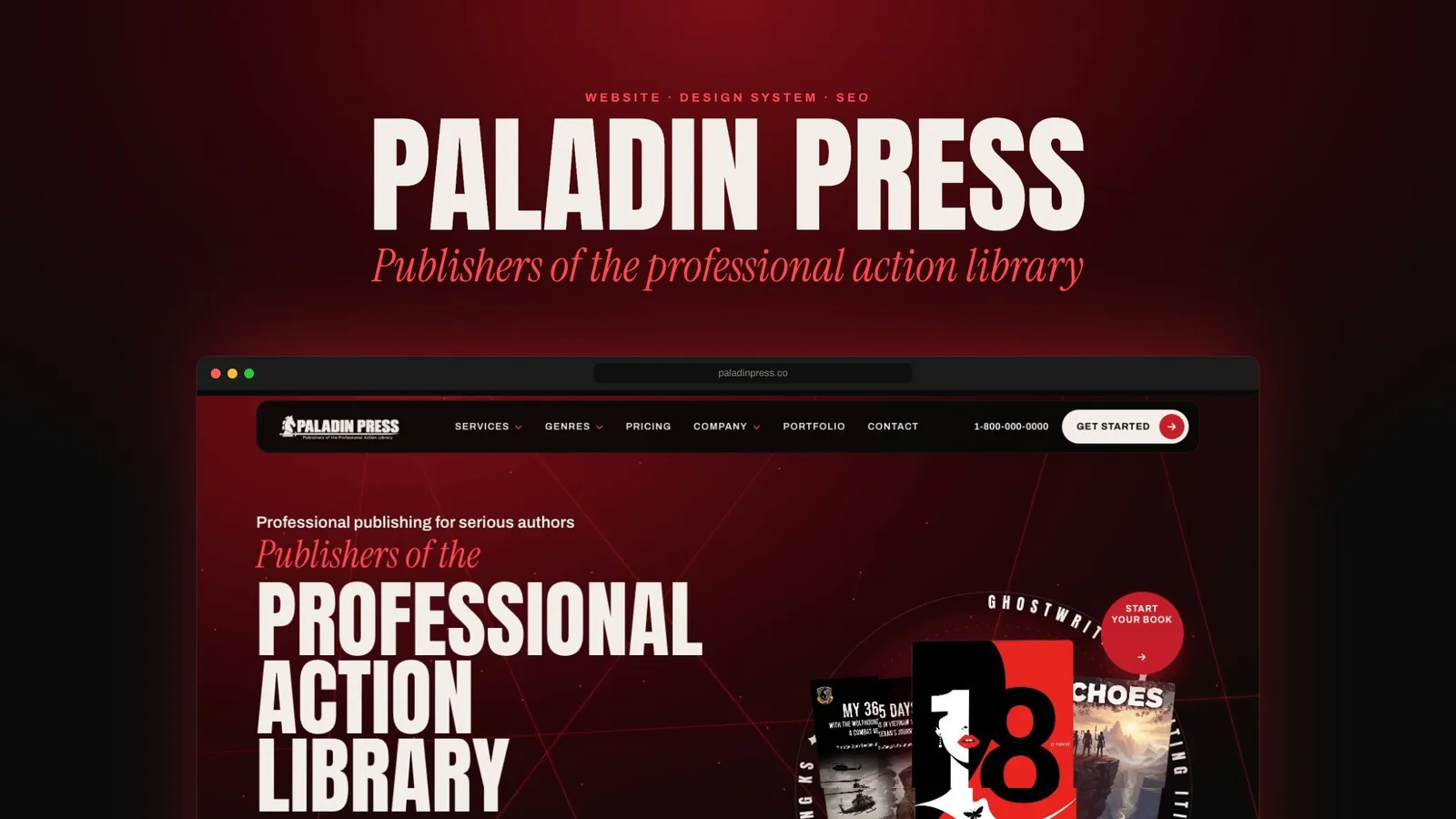
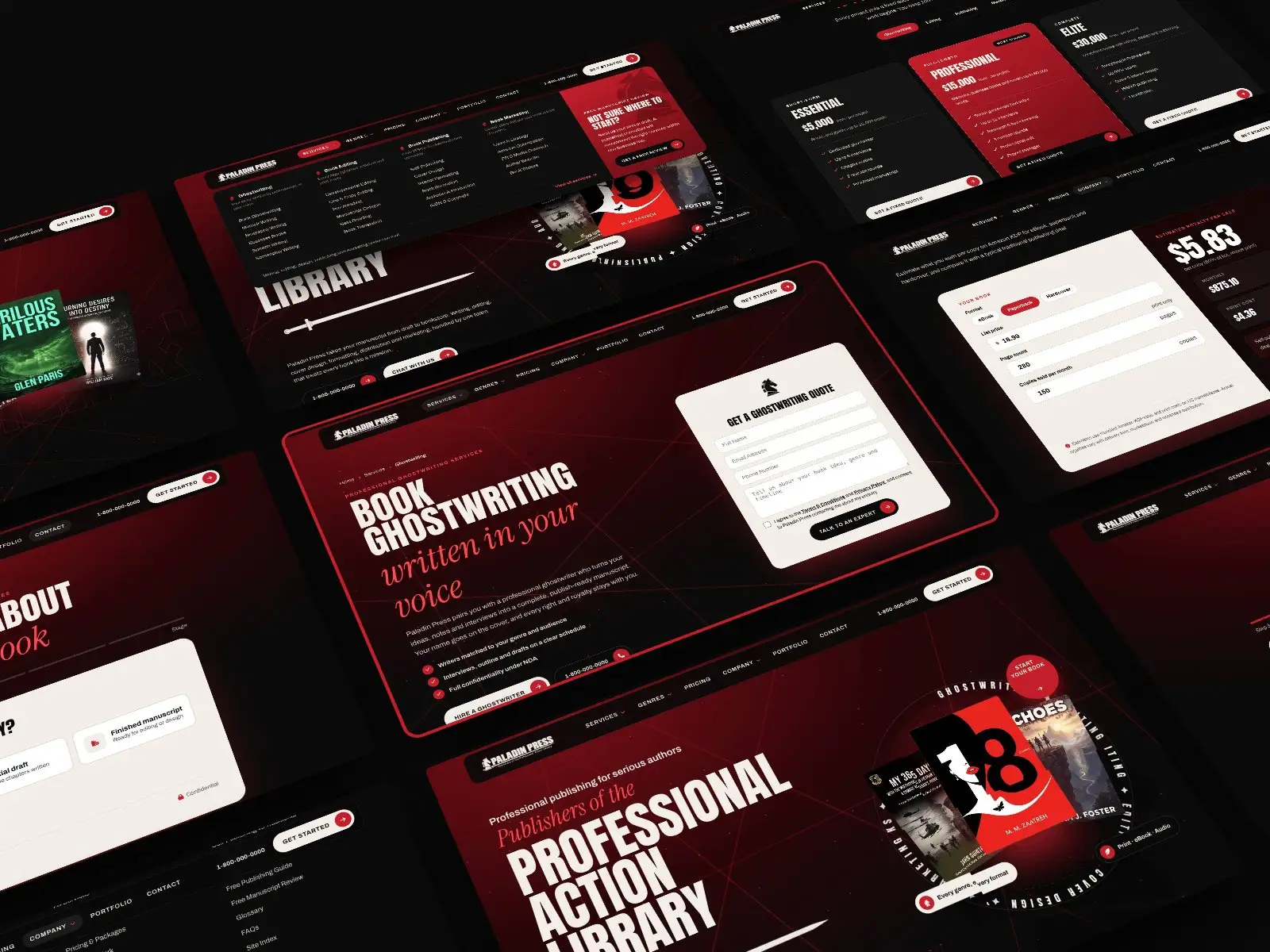
The homepage opens with an animated canvas and a rotating ring of services around real author covers, so a first-time visitor sees what Paladin Press does, and who it has published, within seconds.
One scroll answers the questions an author is likely to ask: the hero, distribution partners, why authors choose Paladin Press, a services bento, the process, a genre shelf, reviews, author tools and an FAQ, followed by a footer with four link columns, a contact row and the legal links.
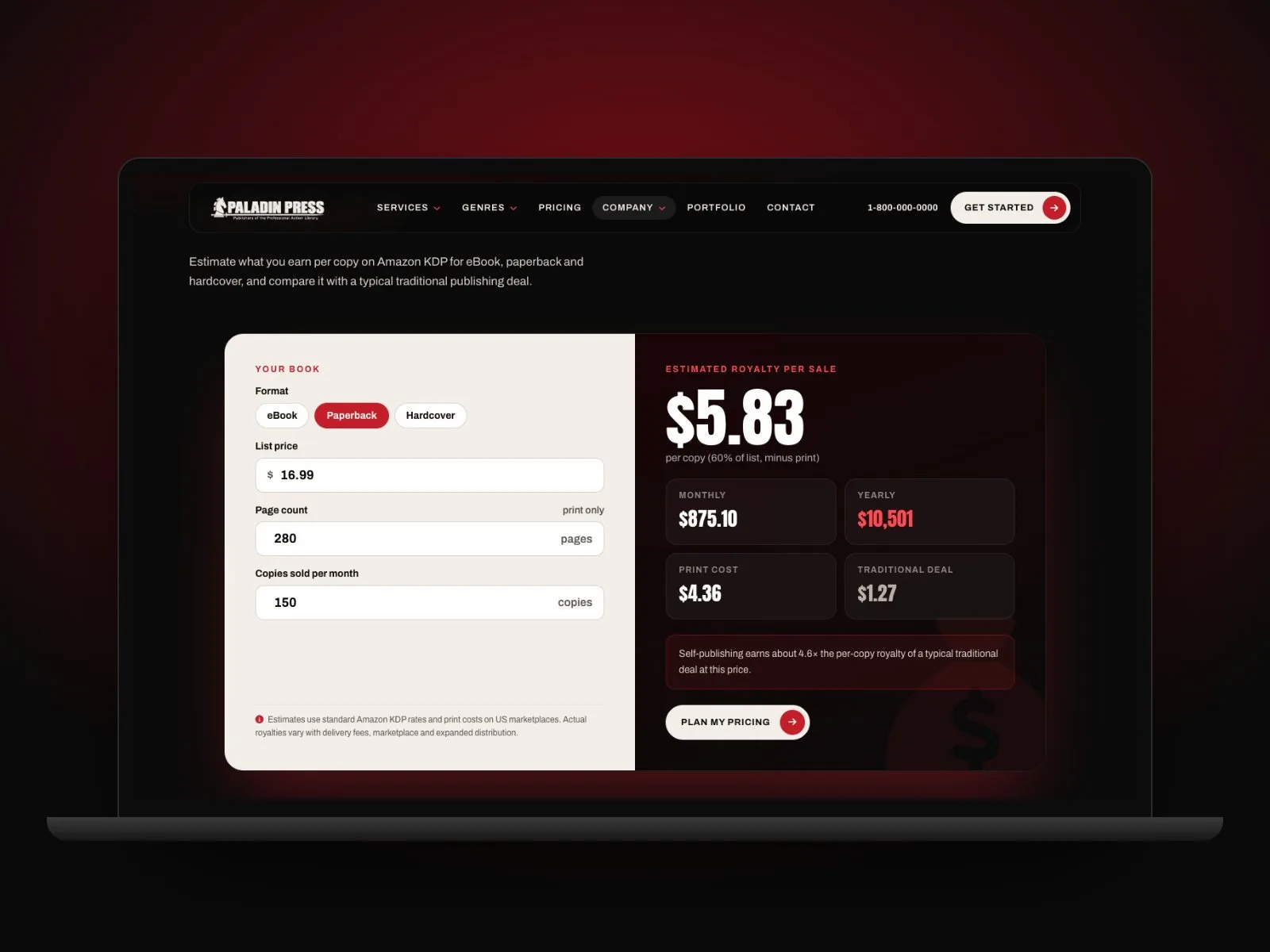
Research tools sit beside the sales pages. A royalty calculator takes the format, list price, page count and copies sold per month, then shows the estimated royalty per sale, monthly and yearly totals, the print cost and a side-by-side comparison with a typical traditional deal. A short note explains that estimates use standard Amazon KDP rates, so the visitor can do the maths before they pick up the phone without being misled.
Each service and genre has its own page on a shared template: a breadcrumb trail, a clear promise, three key benefits and a primary action, with a quote form on the page. Pricing is a separate template that compares packages side by side, marks the most chosen one and ends each card in a fixed-quote button.
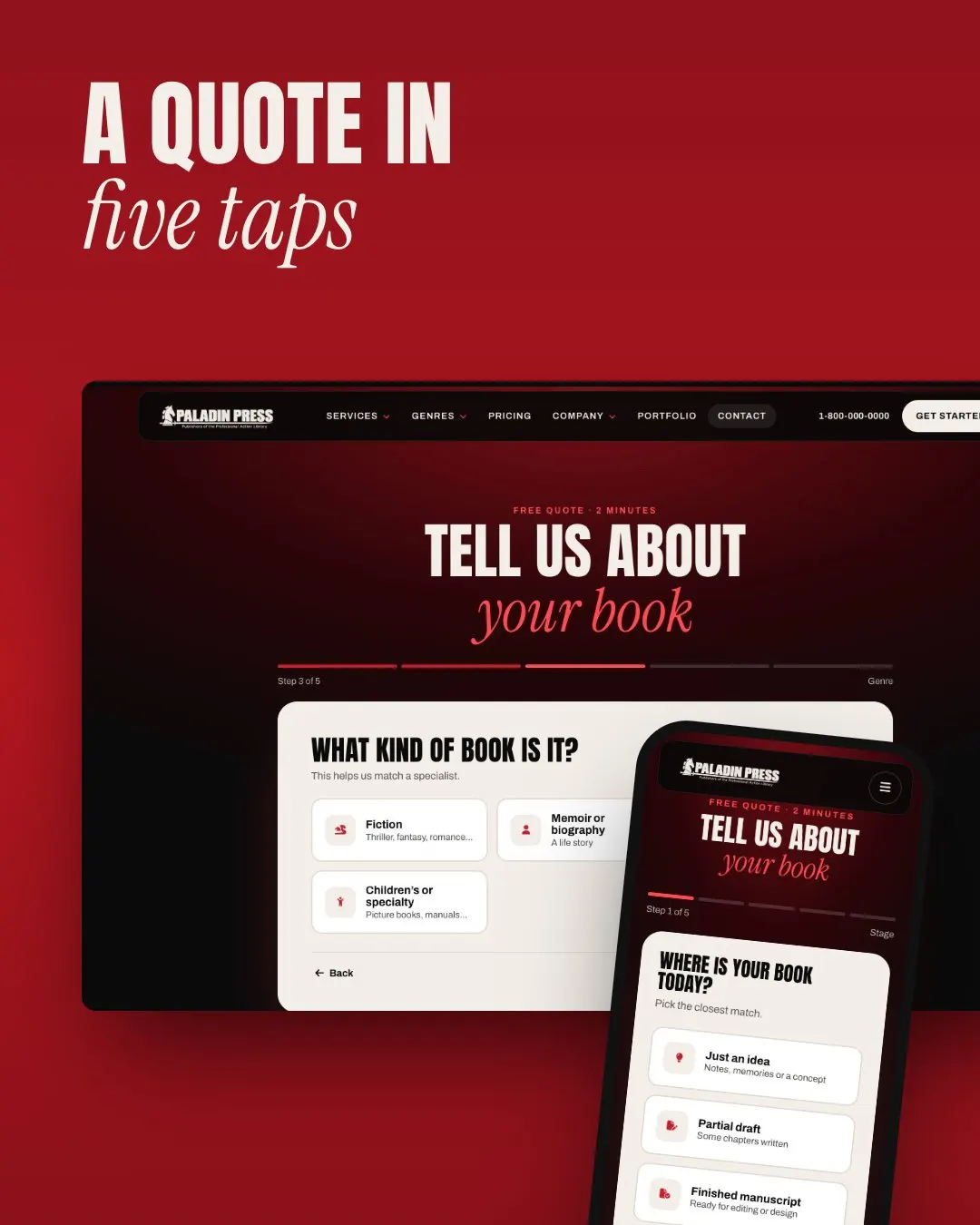
The quote itself is a guided flow of five steps that takes about two minutes. It starts with where the book is today: just an idea, a partial draft or a finished manuscript. By step three it asks for the genre, so the enquiry can be matched to a specialist. A progress bar shows how far along the visitor is, and a Back button keeps them in control.
The design system
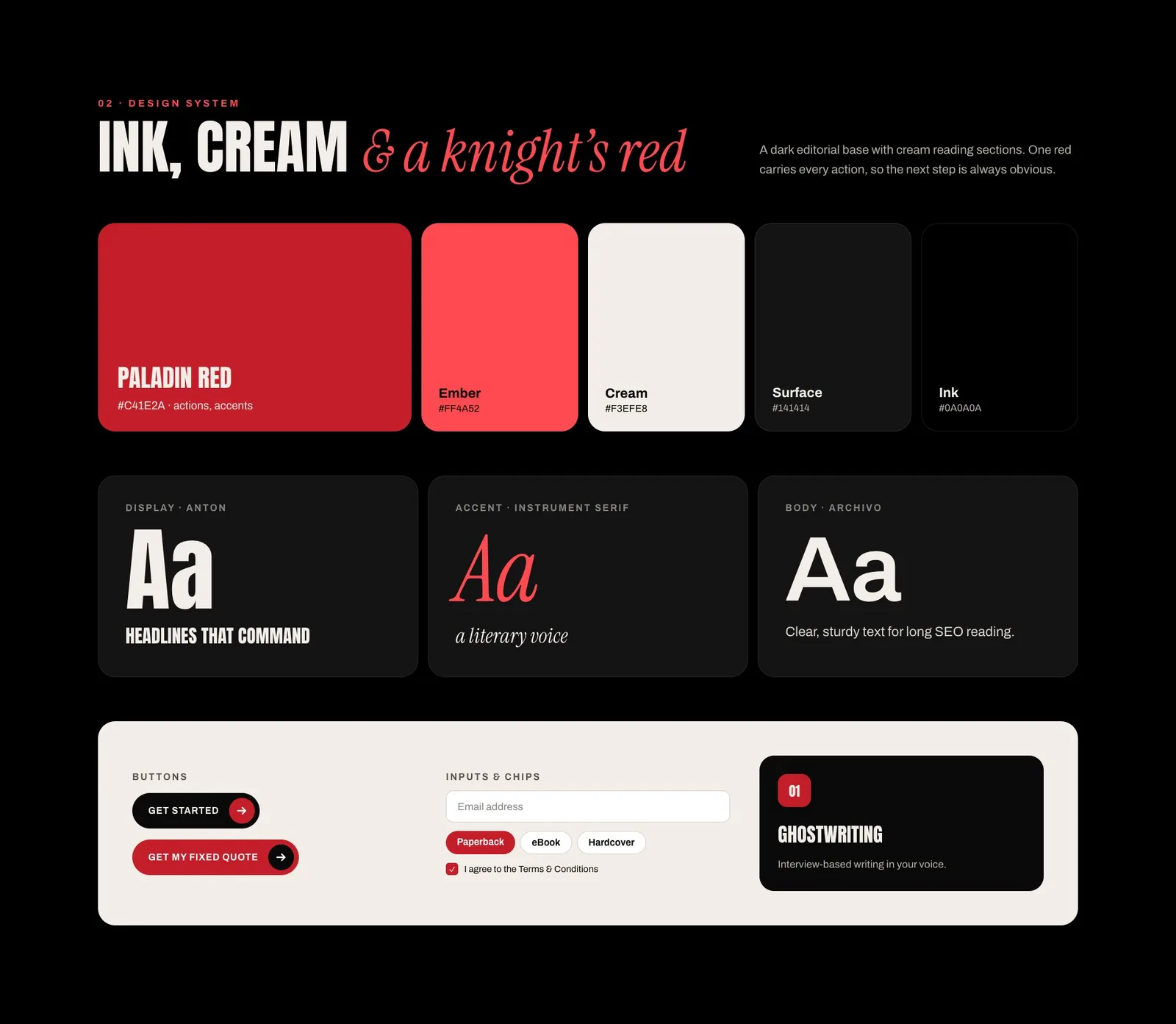
A dark editorial base with cream reading sections, and one red that carries every action, so the next step is always obvious. Three typefaces share the work: Anton for headlines that command, Instrument Serif for a literary accent and Archivo for clear, sturdy text on long SEO pages.
| Token | Value |
|---|---|
| Paladin Red | #C41E2A, used for actions and accents |
| Ember | #FF4A52 |
| Cream | #F3EFE8 |
| Surface | #141414 |
| Ink | #0A0A0A |
| Display type | Anton |
| Accent type | Instrument Serif |
| Body type | Archivo |
Buttons, inputs, chips and service cards were designed once and reused across every template.
From wireframe to final
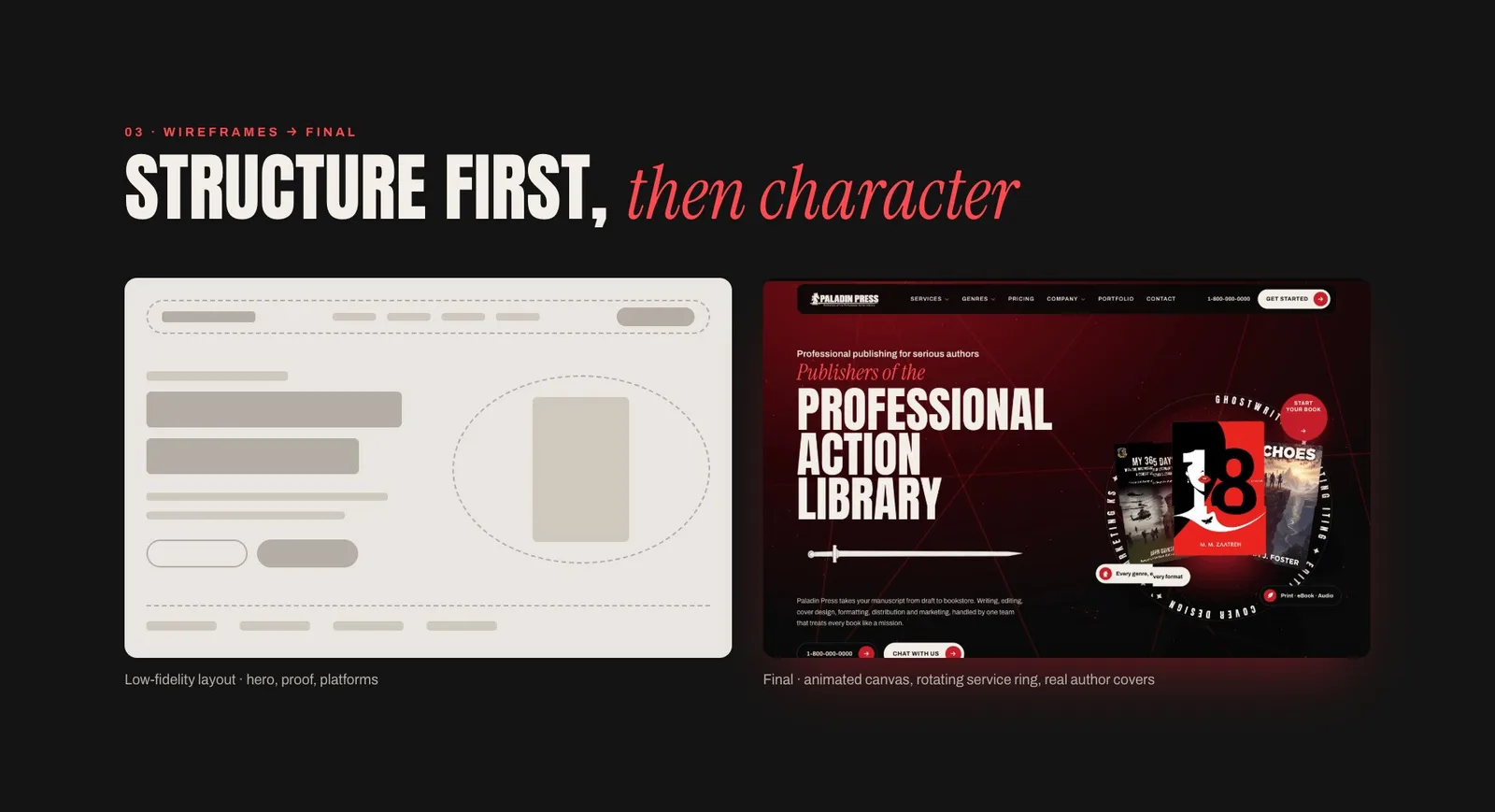
Structure first, then character. The layout for the hero, proof and platforms was agreed in low fidelity before the animated canvas, the service ring and the author covers were added.
Motion with a job to do
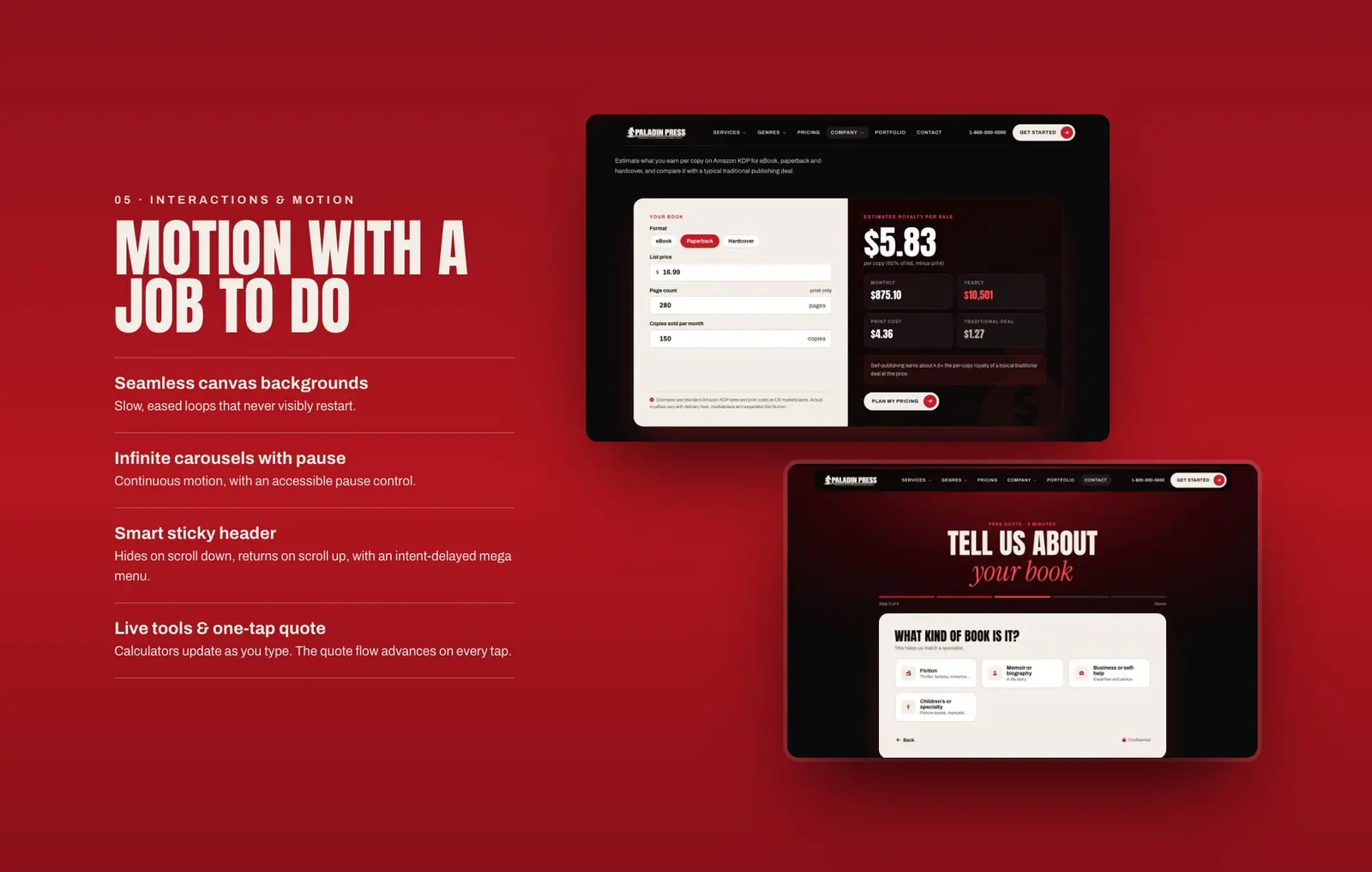
Every animation has a purpose. Canvas backgrounds use slow, eased loops that never visibly restart. Carousels keep moving but include an accessible pause control. The sticky header hides on scroll down and returns on scroll up, and the mega menu has an intent delay so it opens when the visitor means it to. Calculators update as the visitor types, and the quote flow advances on every tap.
Mobile first
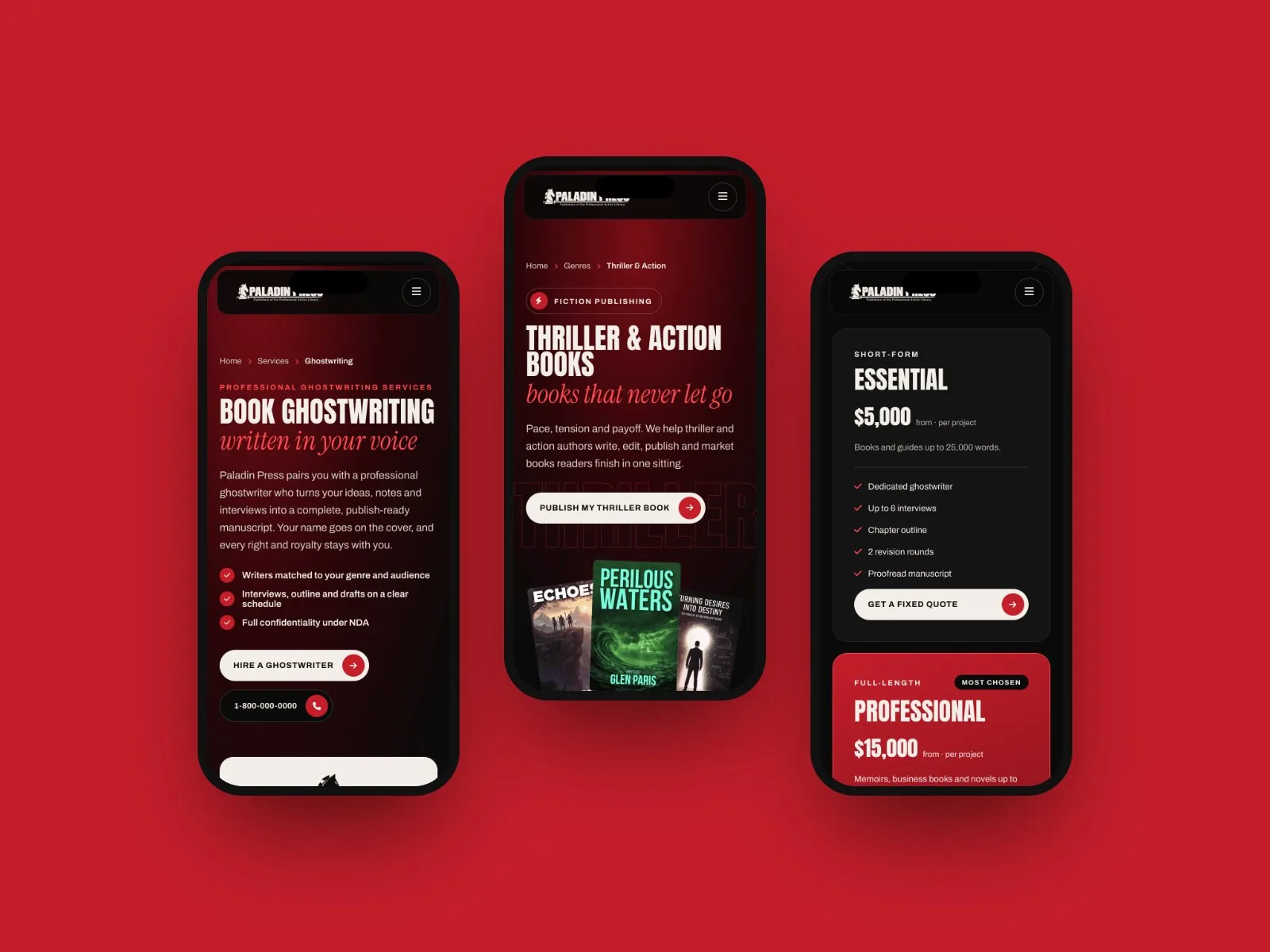
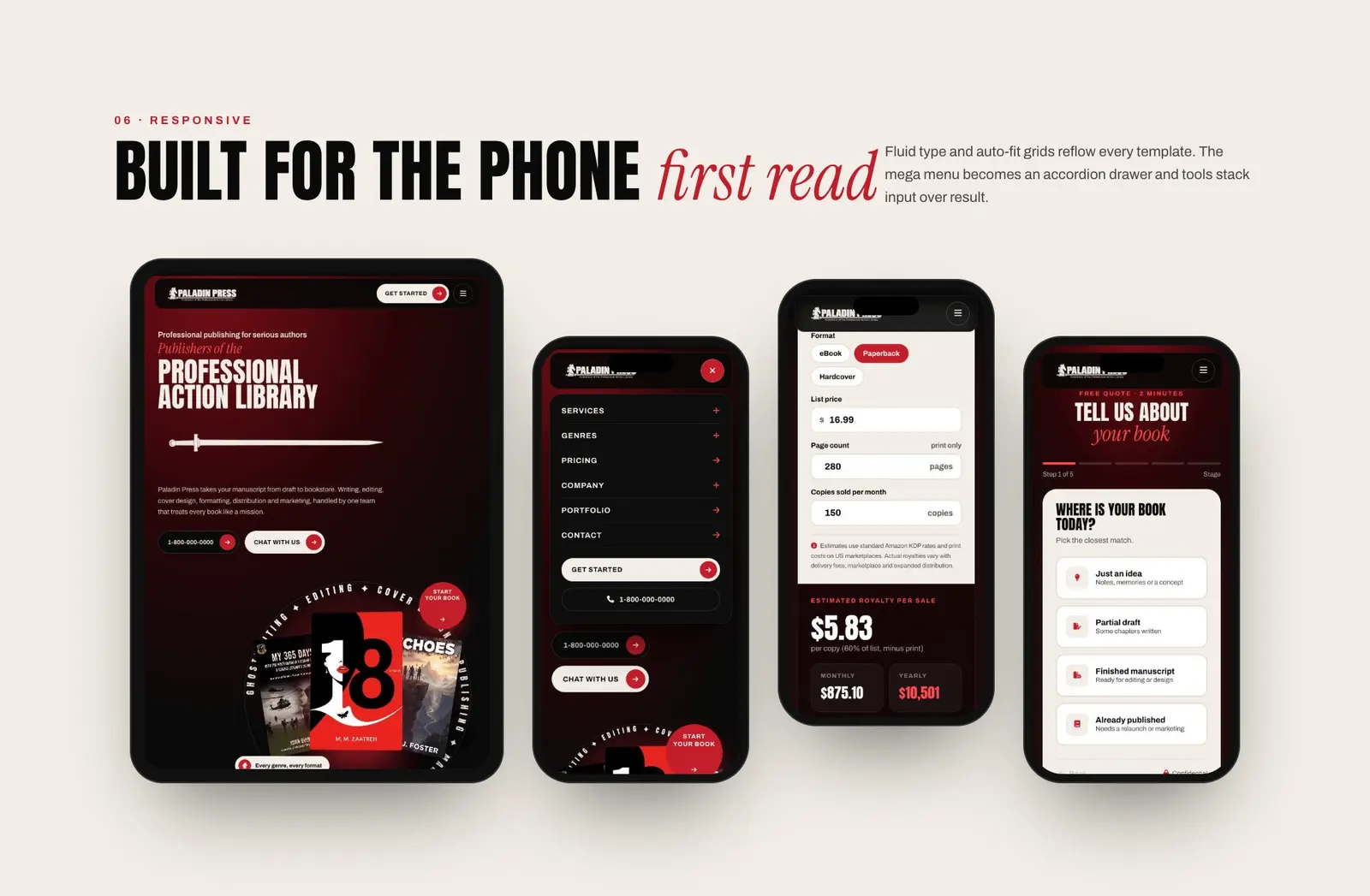
The phone layout keeps the same hierarchy as the desktop one: a tap-to-call button and a primary action near the top, and a menu that opens group by group, with Services, Genres and Company expanding and the other links going straight to their pages. Fluid type and auto-fit grids reflow every template, and in the calculator the input stacks above the result.
The result
A live, responsive website of 86 pages on 8 templates, with 16 services, 18 genres and 8 author tools, running on a Laravel CMS. Visit paladinpress.co.
Planning a redesign of your own? See my UI/UX design services or ask for a quote.